
20250417 - 本机部署Deepseek R1:8b模型
安装4个软件:
1_VSCodeSetup-x64-1.84.1.exe /silent /norestart
2_Git-2.42.0.2-64-bit.exe /silent /norestart
3_pycharm-community-2023.2.4.exe /S
4_Docker Desktop - 注册需VPN
Python
安装WSL 命令:
dism.exe /online /enable-feature /featurename:VirtualMachinePlatform /all /norestart
0 or 3010
dism.exe /online /enable-feature /featurename:Microsoft-Windows-Subsystem-Linux /all /norestart
0 or 3010
可能需要安装
wsl_update_x64.msi /q /norestart
20250320 - 获取更新
wsl --update
20250320 - 通过运行以下命令启用“虚拟机平台”:
wsl.exe --install --no-distribution
设置版本及查看状态
wsl --set-default-version 2
WSL --status
打开代理
WSL --list --online查看可用版本
WSL --install Ubuntu 安装版本
安装Ollama
进入WSL
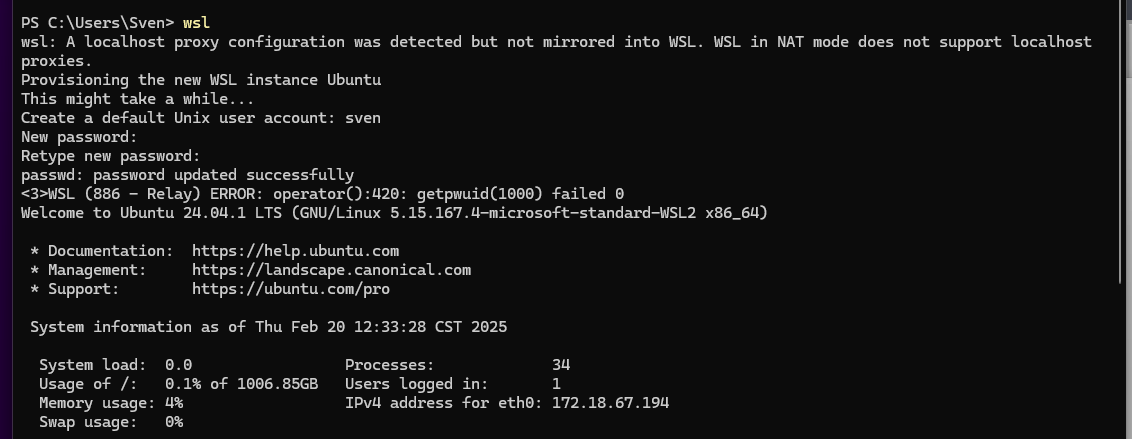
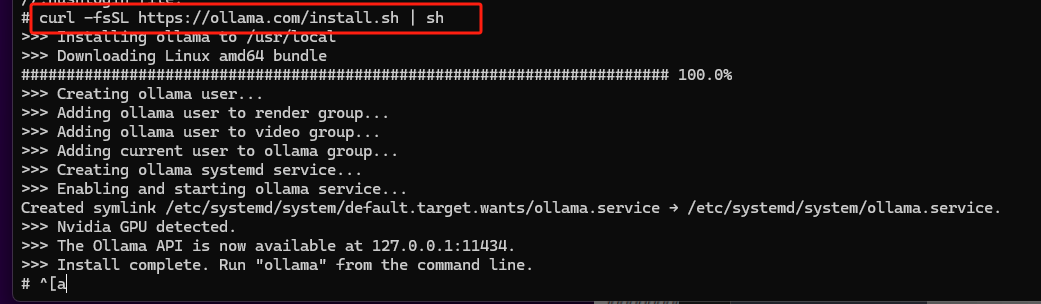
运行
curl -fsSL https://ollama.com/install.sh | sh
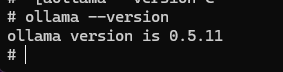
查看版本
Ollama --version
下载大模型数据
ollama pull deepseek-r1
ollama pull deepseek-r1:7b
Note: DeepSeek-R1 7B version is significantly more powerful but requires more RAM and CPU resources.

开启服务
ollama run deepseek-r1
ollama run deepseek-r1:7b
ollama run deepseek-r1:8b


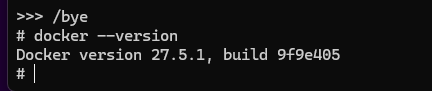
检查docker版本 WSL
The following Docker command will map the container port 8080 to host port 3000 and ensure the container can communicate with the Ollama server running on your host machine.
Run the following Docker command:
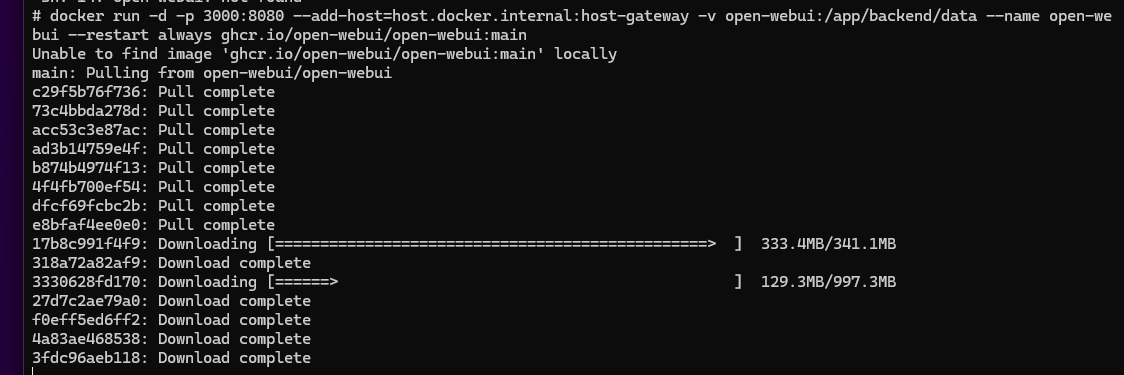
docker run -d -p 3000:8080 --add-host=host.docker.internal:host-gateway -v open-webui:/app/backend/data --name open-webui --restart always ghcr.io/open-webui/open-webui:main
会自动下载open-WebUI WSL
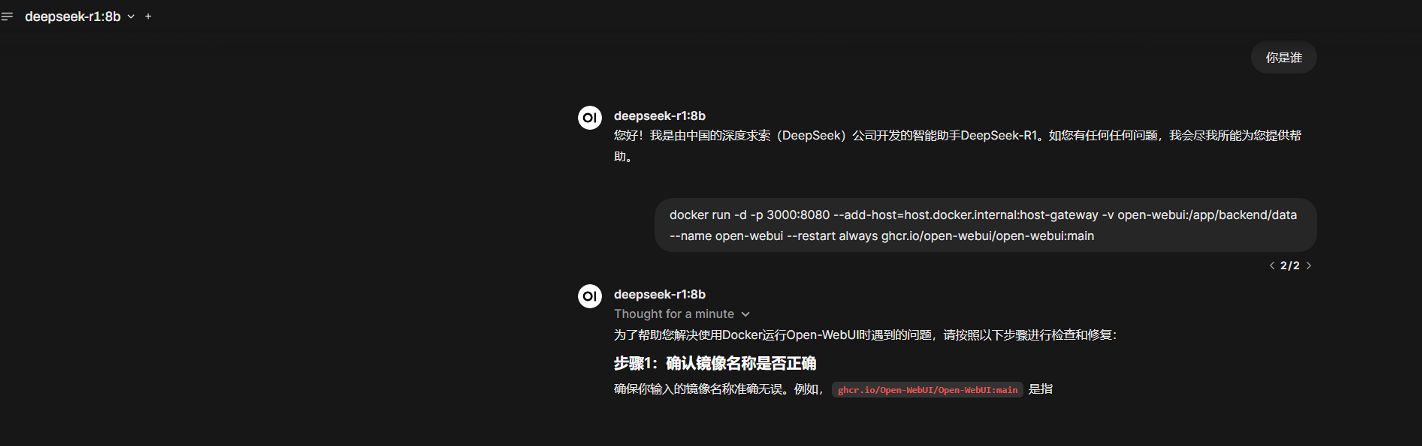
Now, the WebUI has been successfully deployed, which can be accessed at http://localhost:3000.

 浙公网安备 33010602011771号