
centos6.8 安装 mysql5.7
配置系统yum源
这一步可选,如果yum源使用正常可跳过,由于centos6支持已于2020年停止,安全维护也只支持到2024年11月30日,所以很多原来可用的yum源也失效了,试了几个后找到以下可用的。
- 备份旧配置
mv /etc/yum.repos.d/CentOS-Base.repo /etc/yum.repos.d/CentOS-Base.repo.backup
- 下载仓库配置文件
wget -O /etc/yum.repos.d/CentOS-Base.repo http://mirrors.cloud.tencent.com/repo/centos6_base.repo

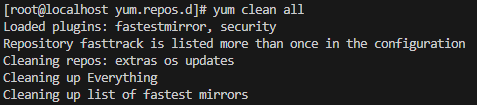
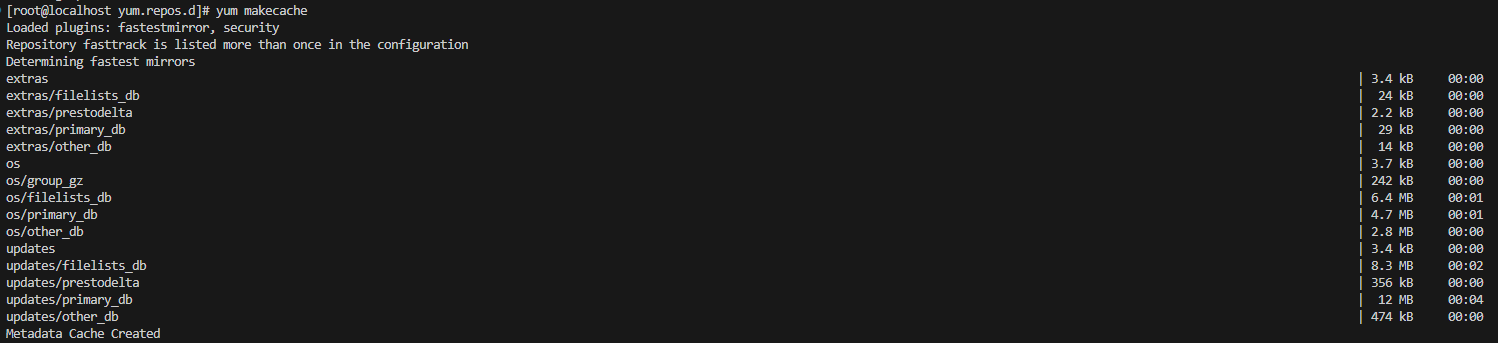
- 更新本地缓存
yum clean all
yum makecache
下载mysql安装包
wget https://dev.mysql.com/get/mysql57-community-release-el6-9.noarch.rpm

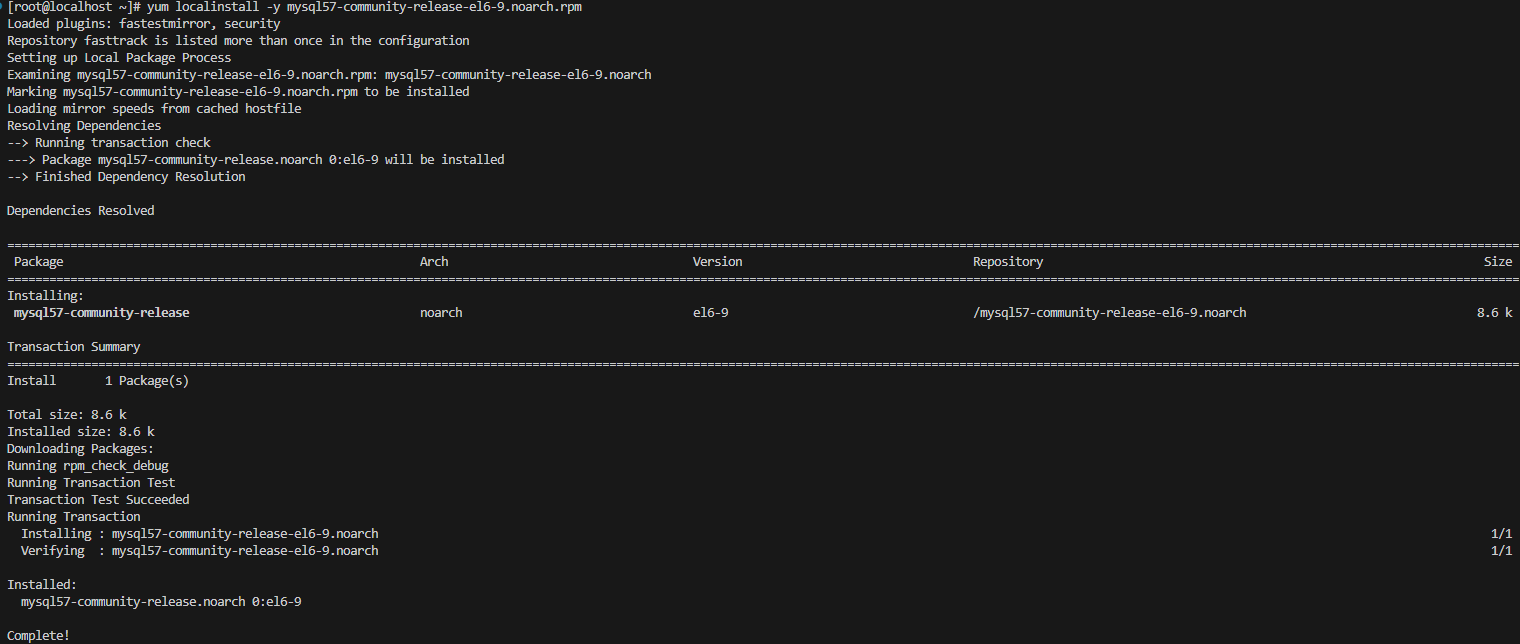
安装yum源配置包
安装用来配置mysql的yum源的rpm包。
- 使用rpm方式
rpm -Uvh mysql57-community-release-el6-9.noarch.rpm
- 使用yum方式
yum localinstall -y mysql57-community-release-el6-9.noarch.rpm
验证yum源的rpm包是否安装成功。
ls /etc/yum.repos.d/

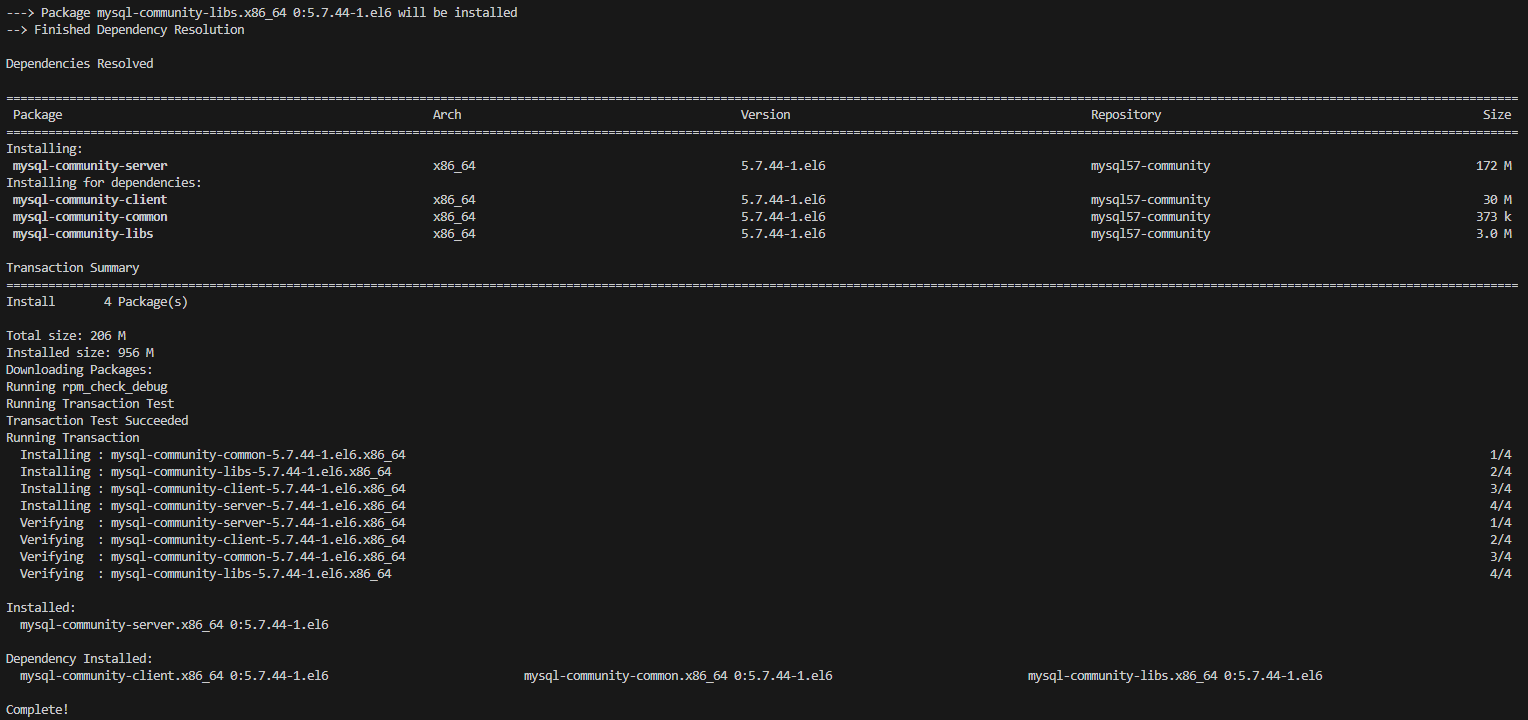
安装mysql
yum -y install mysql-community-server
开启mysql服务
service mysqld start

查看默认生成密码
grep 'temporary password' /var/log/mysqld.log

登录mysql
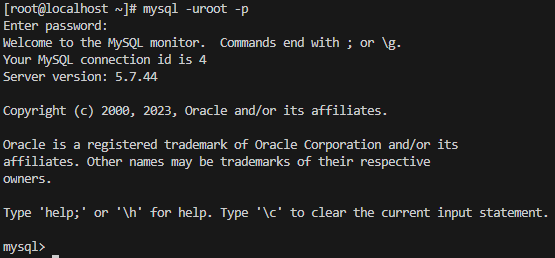
获取上一步拿到的初始登录密码,输入后完成登录。
mysql -uroot -p
修改初始密码
ALTER USER 'root'@'localhost' IDENTIFIED BY '你的新密码';

【注意】新密码需要满足 字母大小写+数字+特殊符号 的密码策略,否则会提示 "ERROR 1819 (HY000): Your password does not satisfy the current policy requirements" 错误。
常见问题
- 提示 Public key for mysql-community-server-5.7.44-1.el6.x86_64.rpm is not installed 错误

分析: 表示安装的 MySQL 社区服务器软件包(mysql-community-server-5.7.44-1.el6.x86_64.rpm)的 GPG 密钥尚未安装,因为使用 yum 或 rpm 安装软件包时,系统会验证软件包的完整性和真实性,以防止在传输过程中被篡改。
解决: 下载并导入最新的 MySQL GPG 密钥。
rpm --import https://repo.mysql.com/RPM-GPG-KEY-mysql-2022
【说明】原来的 GPG密钥 是RPM-GPG-KEY-mysql,但现在升级了,所以要换成 RPM-GPG-KEY-mysql-2022,否则会报 "The GPG keys listed for the "MySQL 5.7 Community Server" repository are already installed but they are not correct for this package." 错误。

 浙公网安备 33010602011771号