
使用ADB来控制Android Studio中的AVD
系统环境:Manjaro LInux
Android Studio中的模拟器位置:~/Android/Sdk/emulator/
切换到模拟器的目录 :cd ~/Android/Sdk/emulator/
列出已有的Android设备(从Android Studio中的Tools中的AVD中下载的设备):emulator -list-avds

使用emulator -avd device -[ {-option [value]} … ] 来运行
运行:./emulator -avd Pixel_2_API_29 -no-boot-anim -port 5556
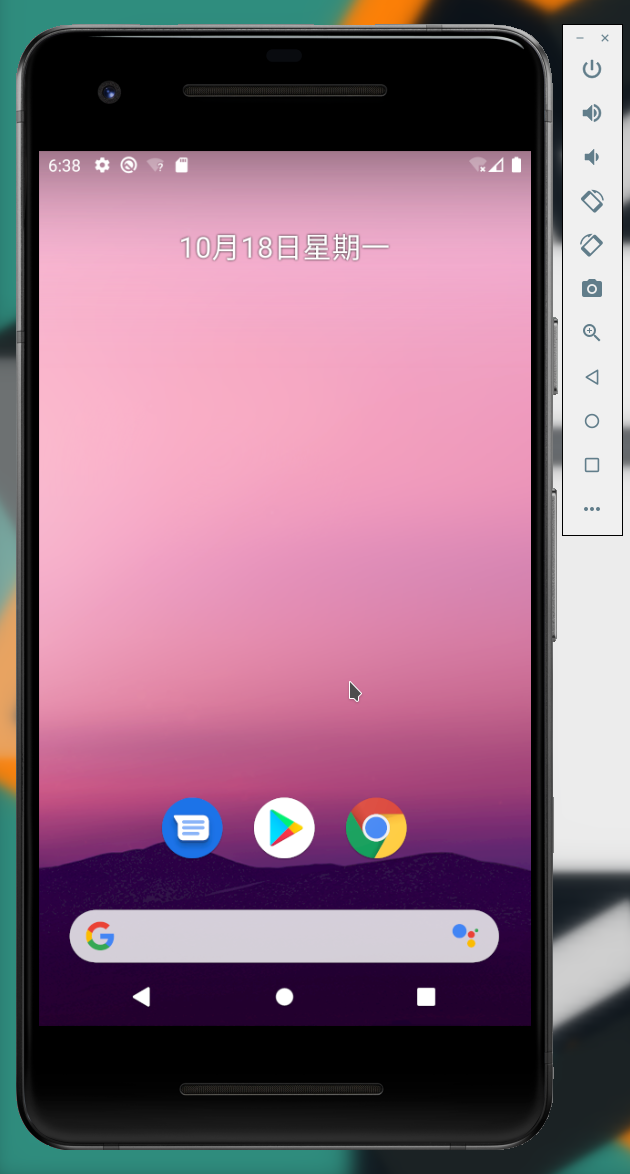
adb连接该运行设备:adb -e shell

接下来就可以使用input tag x y 来点点点了
参考:
https://developer.android.com/studio/run/emulator-commandline?hl=zh-cn
https://stackoverflow.com/questions/4784341/how-do-you-connect-your-terminal-with-the-android-emulator/4788928#4788928
https://developer.android.com/studio/run/emulator-networking
https://stackoverflow.com/questions/26483370/android-emulator-error-message-panic-missing-emulator-engine-program-for-x86
https://blog.csdn.net/xgh1951/article/details/85338200
https://developer.android.com/studio/command-line/adb?hl=zh-cn

 浙公网安备 33010602011771号