
k01创建第一个springboot程序
创建springboot程序的方式有两种
1、在spring官网创建,https://start.spring.io/
2、使用idea程序创建。

    一般情况下我们都是使用idea软件创建的,因为这样会更方便
1、使用spring官网创建(Spring Initializr)(初学使用)(一般不用)
我们只需要在网站上输入( https://start.spring.io/ )这个网址进入spring官网即可
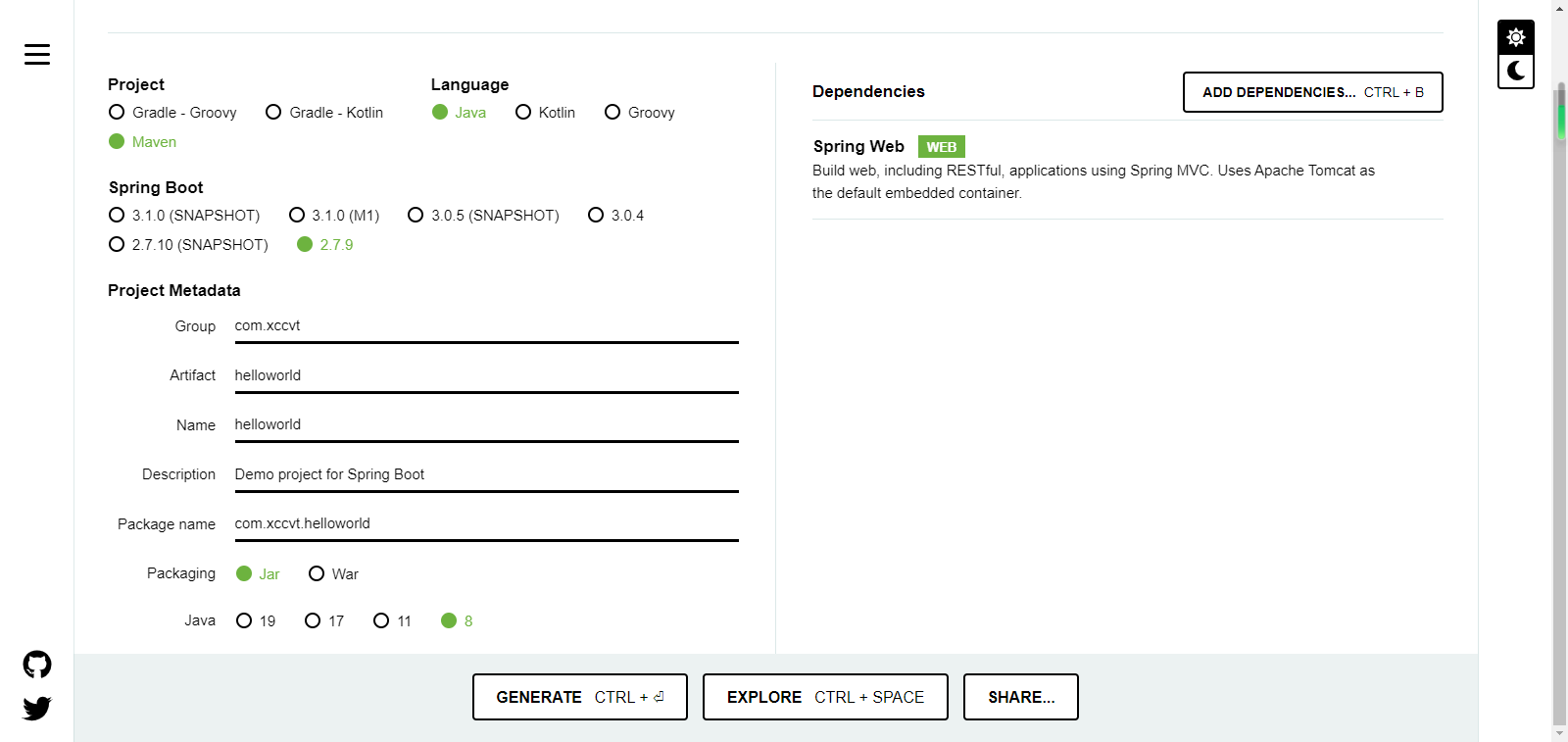
spring官网如图所示:
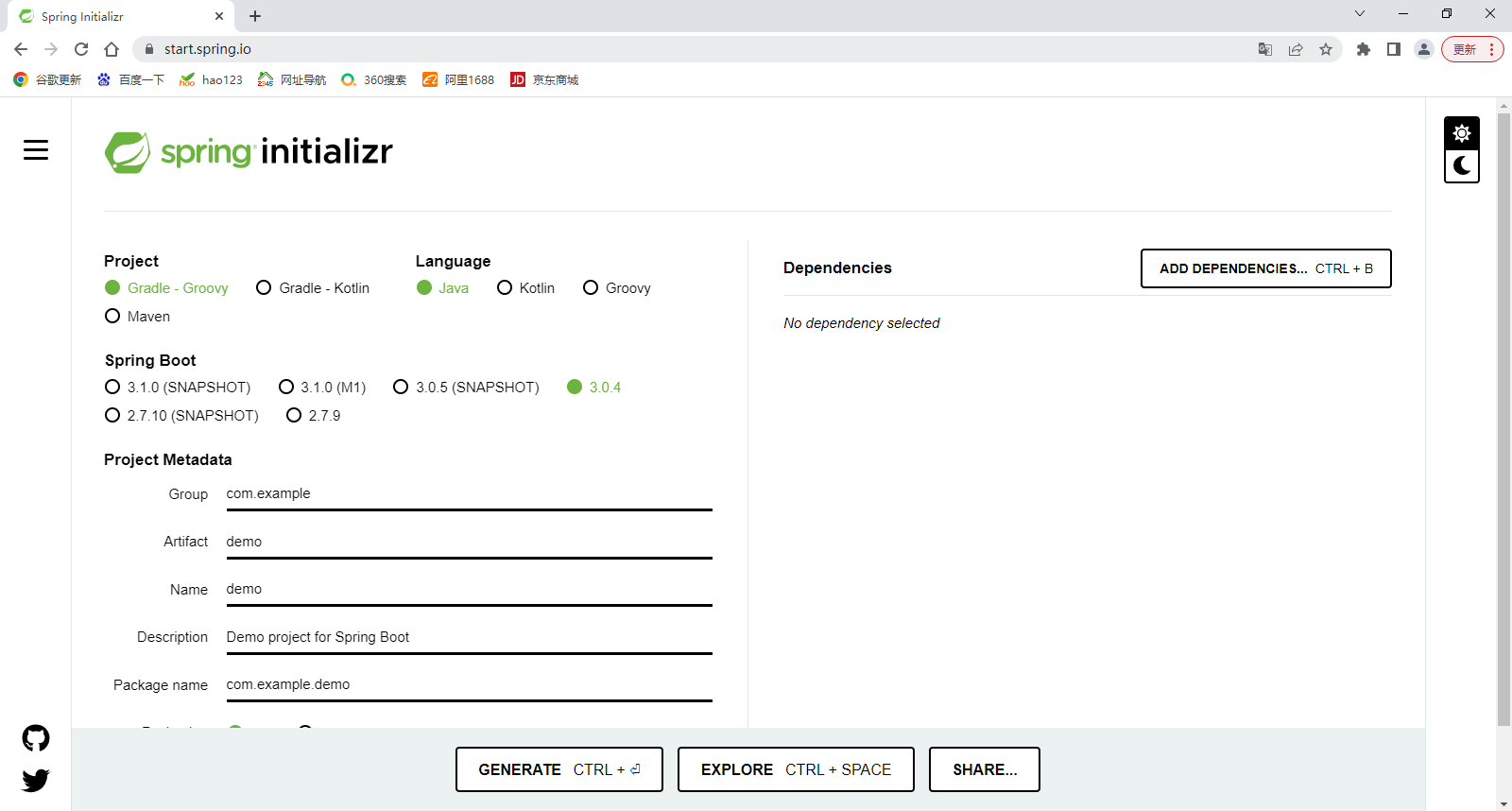
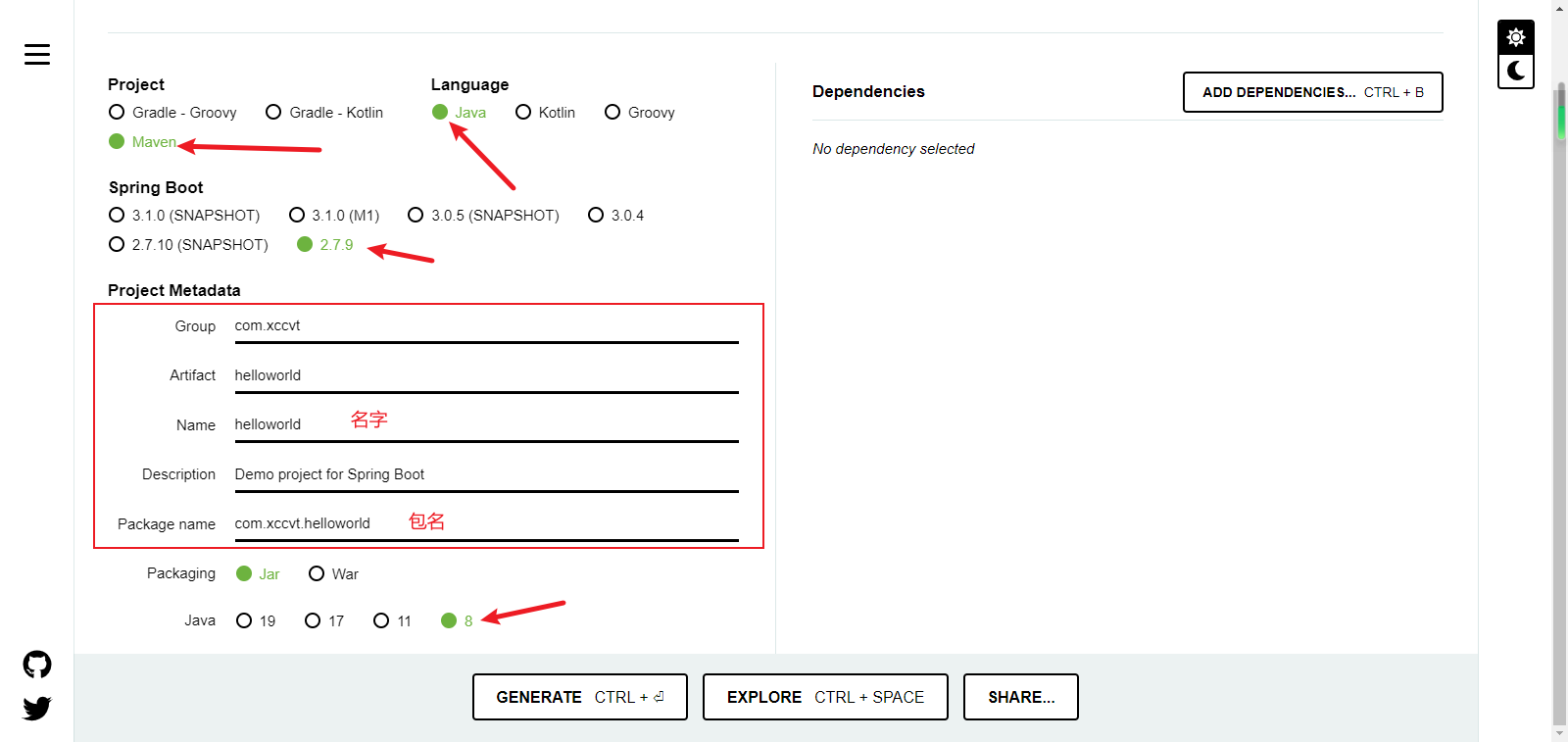
我们需要对其进行选择才可以正常使用创建一个springboot程序
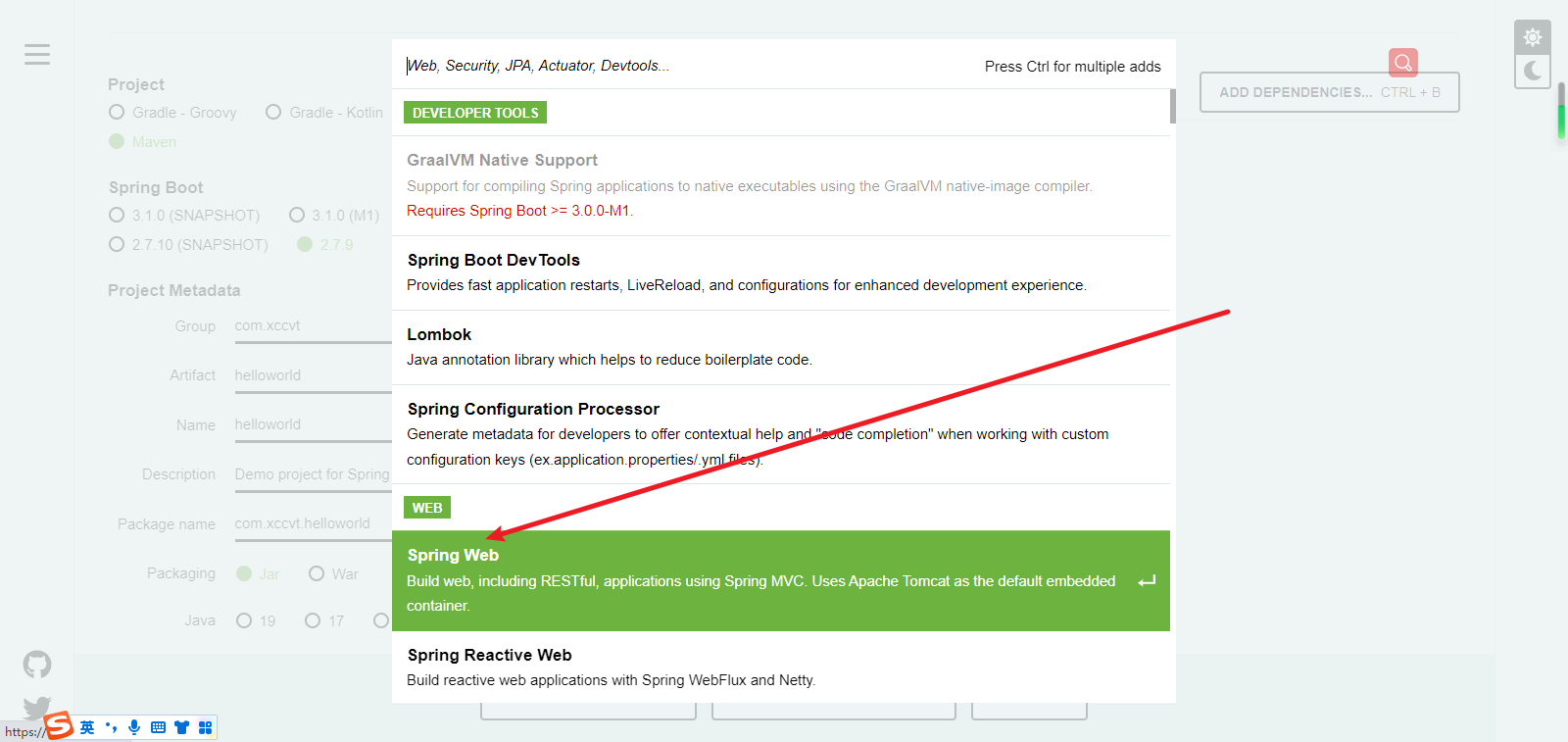
找到springweb,选择Spring Web
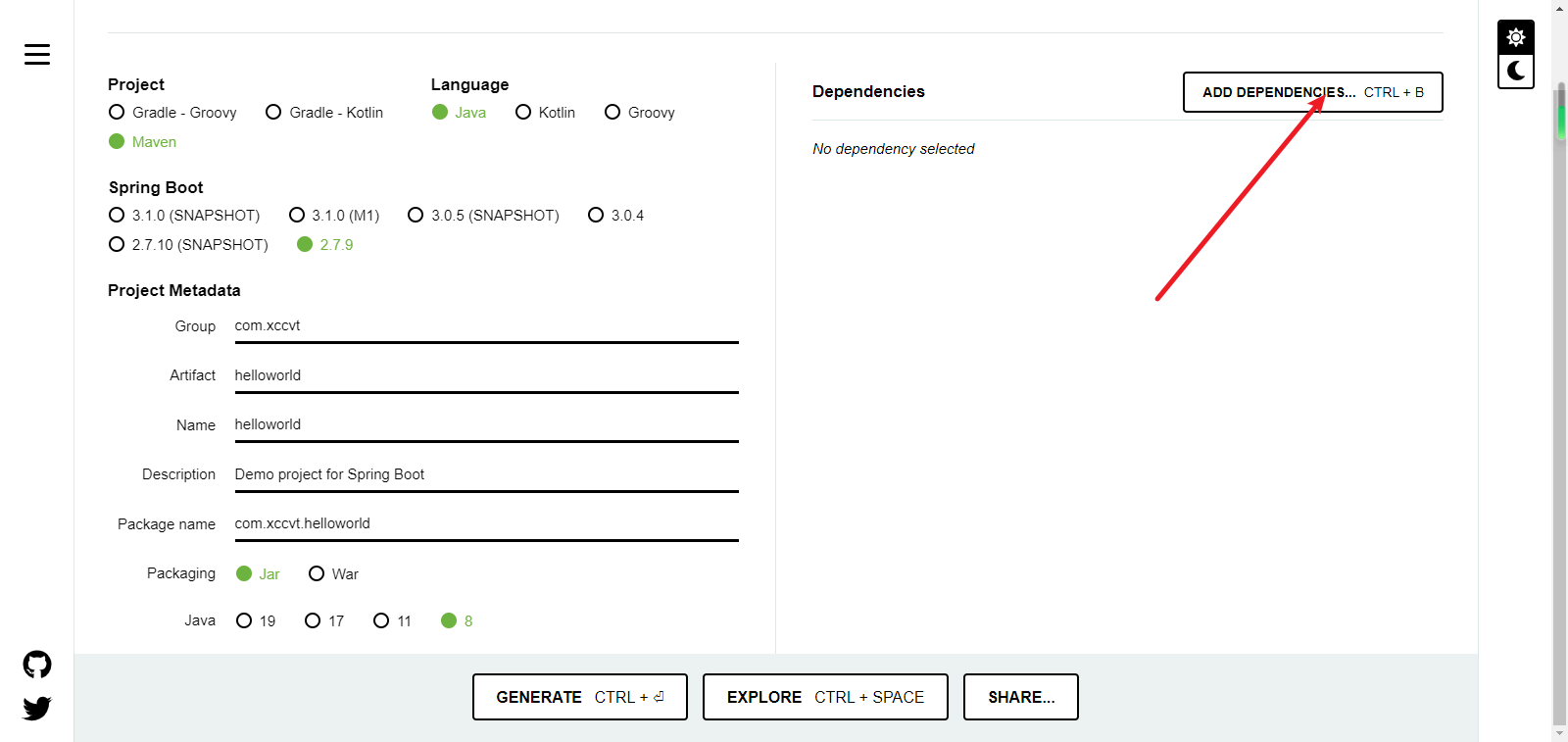
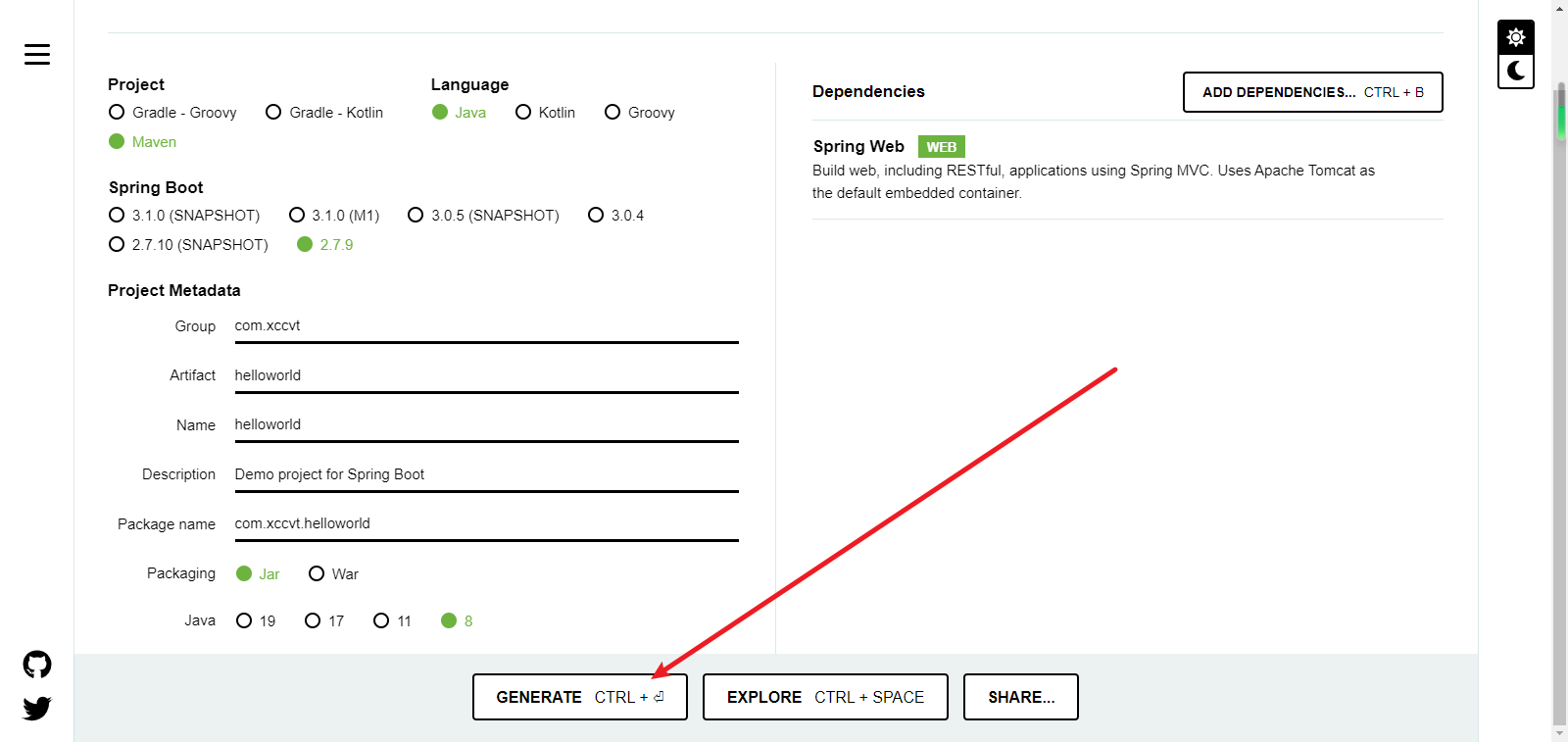
点击这个下载:
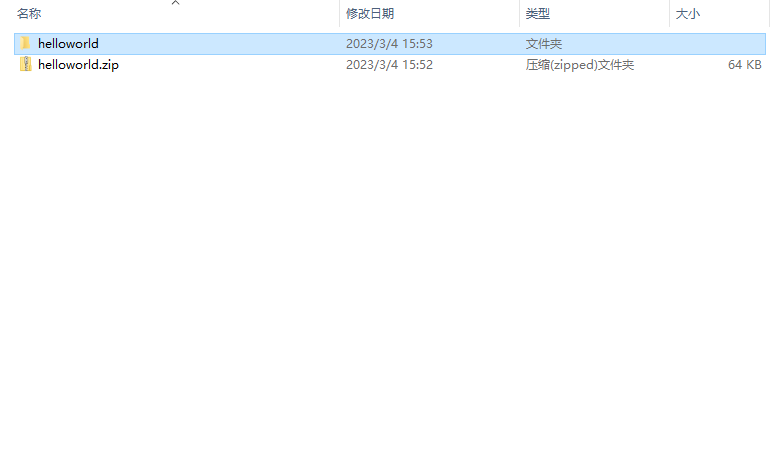
下载后解压即可
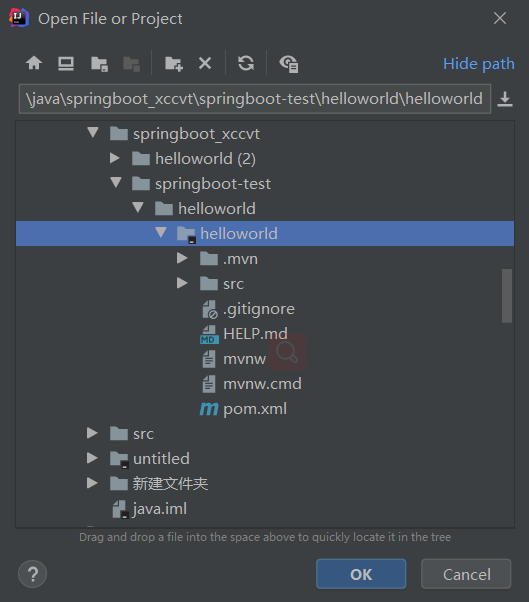
打开idea选择open
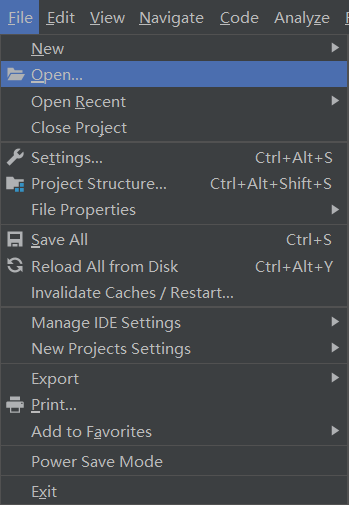
找到刚刚的文件夹即可选择打开即可,这个是idea(2020)版本的
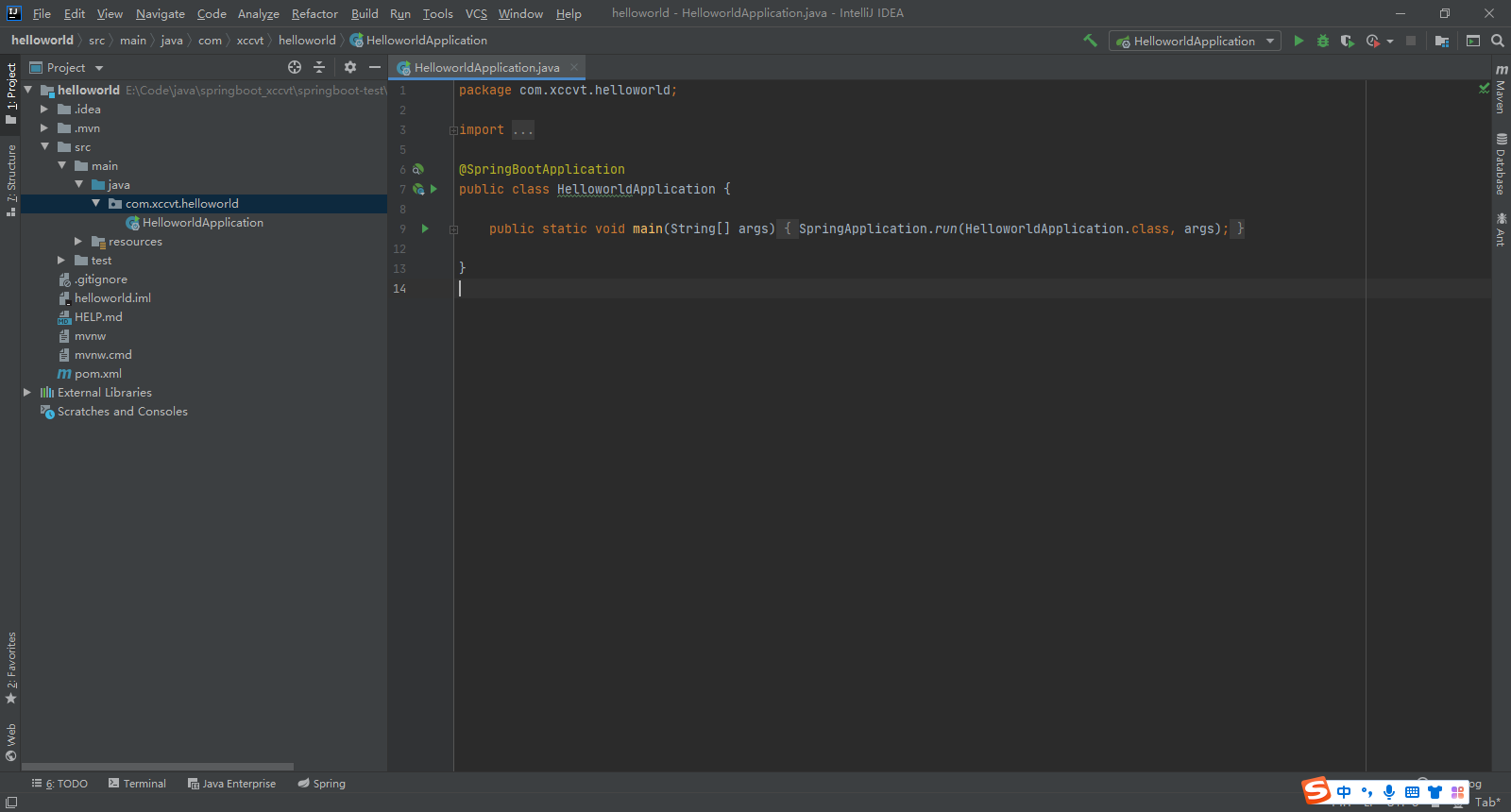
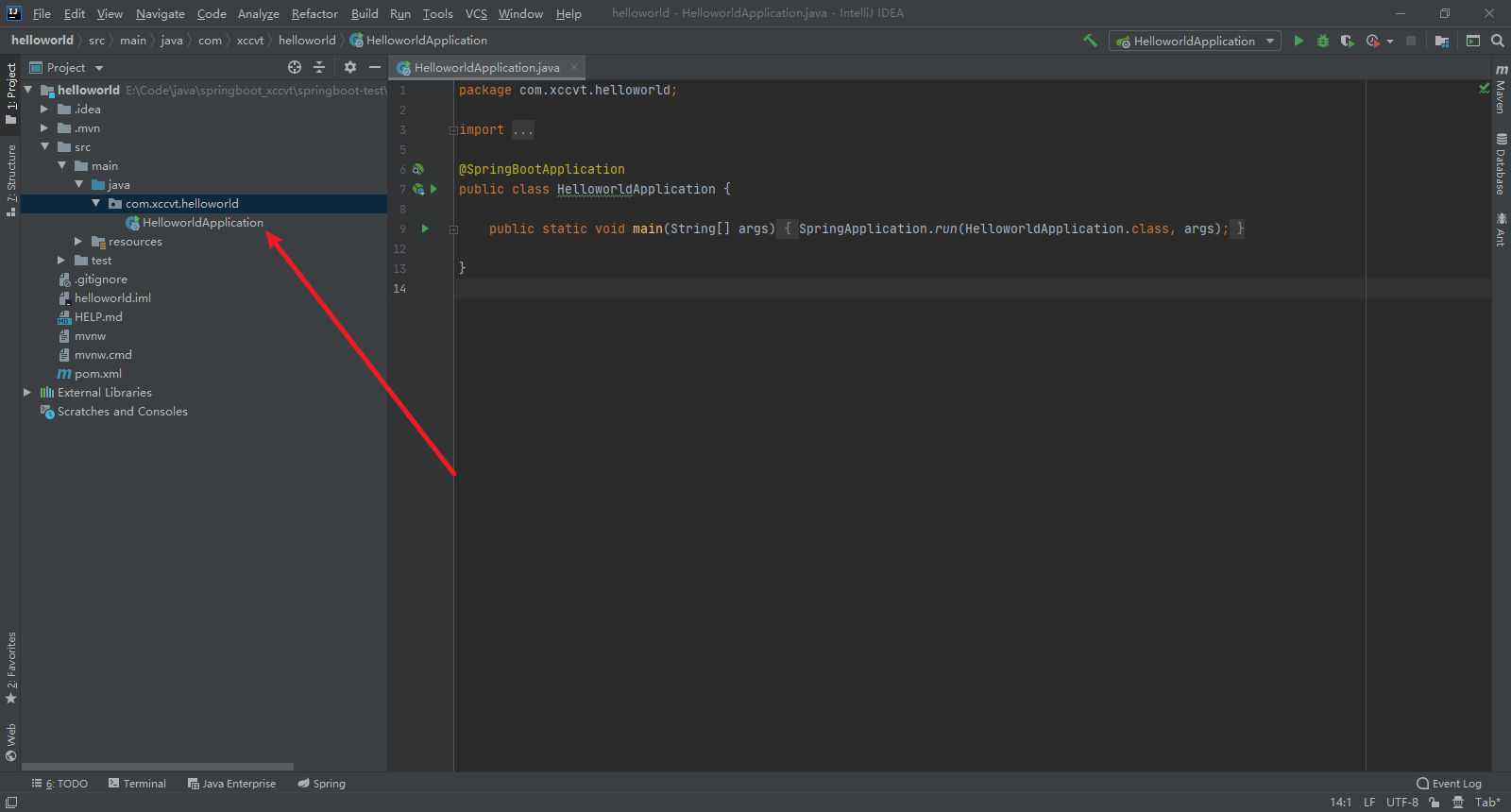
在如图所示HelloworldApplication是主启动类

 浙公网安备 33010602011771号