

odoo14里面开发一个简单的action.client 的tag 模板例子
1、js模板 web_template.js
odoo.define('web', function (require) {
    "use strict";

    var core = require('web.core');
    var Widget = require('web.Widget');
    var AbstractAction = require('web.AbstractAction');

    var QWeb = core.qweb;
    var _t = core._t;

    var Dashboard = AbstractAction.extend({
        //需要加载的template模板
        template: 'web_template',

        init: function(parent, data){
            return this._super.apply(this, arguments);
        },

        start: function(){
            return true;
        },


    });

    // 对应client_action中的tag
    core.action_registry.add('web.main', Dashboard);


});
2、定义static目录里xml web_template.xml
<?xml version="1.0" encoding="UTF-8"?>
<templates xml:space="preserve">
    <t t-name="web">
        <iframe marginheight="0" marginwidth="0" width="100%" height="910" src="url" frameborder="0" allowfullscreen="True"></iframe>
    </t>
</templates>
3、导入你的js
<?xml version="1.0" encoding="utf-8"?>
<odoo>
    <template id="assets_web_report_backend" name="Web Settings Dashboard Assets" inherit_id="web.assets_backend" priority="18">
        <xpath expr="." position="inside">
            <script type="text/javascript" src="/test_template/static/src/js/web_template.js"></script>
        </xpath>
    </template>
</odoo>
4、定义动作和菜单
<?xml version="1.0" encoding="utf-8"?>
<odoo>
    <record id="vehicl_action_client" model="ir.actions.client">
        <field name="name">自定义页面</field>
        <field name="tag">web.main</field>
    </record>

    <menuitem id="menuitem_action_client" name="自定义页面" sequence="1"              action="vehicle_action_client"/>

</odoo>
5、在
最后能看到:
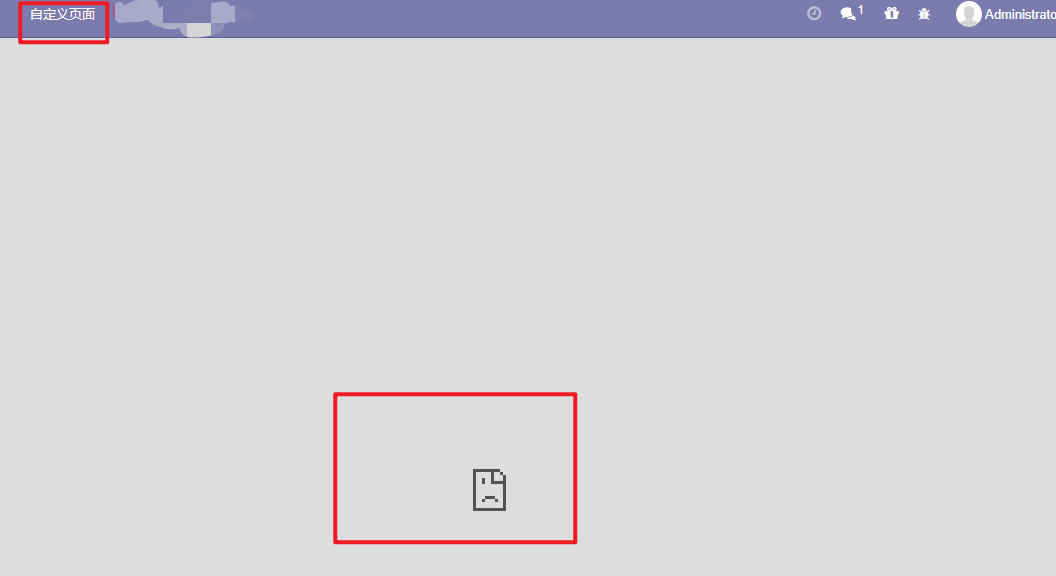
报错原因:Refused to display 'https://www.baidu.com/' in a frame because it set 'X-Frame-Options' to 'sameorigin'.
odoo界面嵌入iframe,Refused to display in a frame because it set 'X-Frame-Options' to 'DENY'
跨域请求失败处理!
解决办法:https://www.cnblogs.com/hellojesson/p/11101795.html
后面我换了一个url后可以了:

心有猛虎,细嗅蔷薇

 浙公网安备 33010602011771号