


今天浅打了感知觉与沟通这一个评估表格的内容,遇到了一些问题
今日遇到问题:1.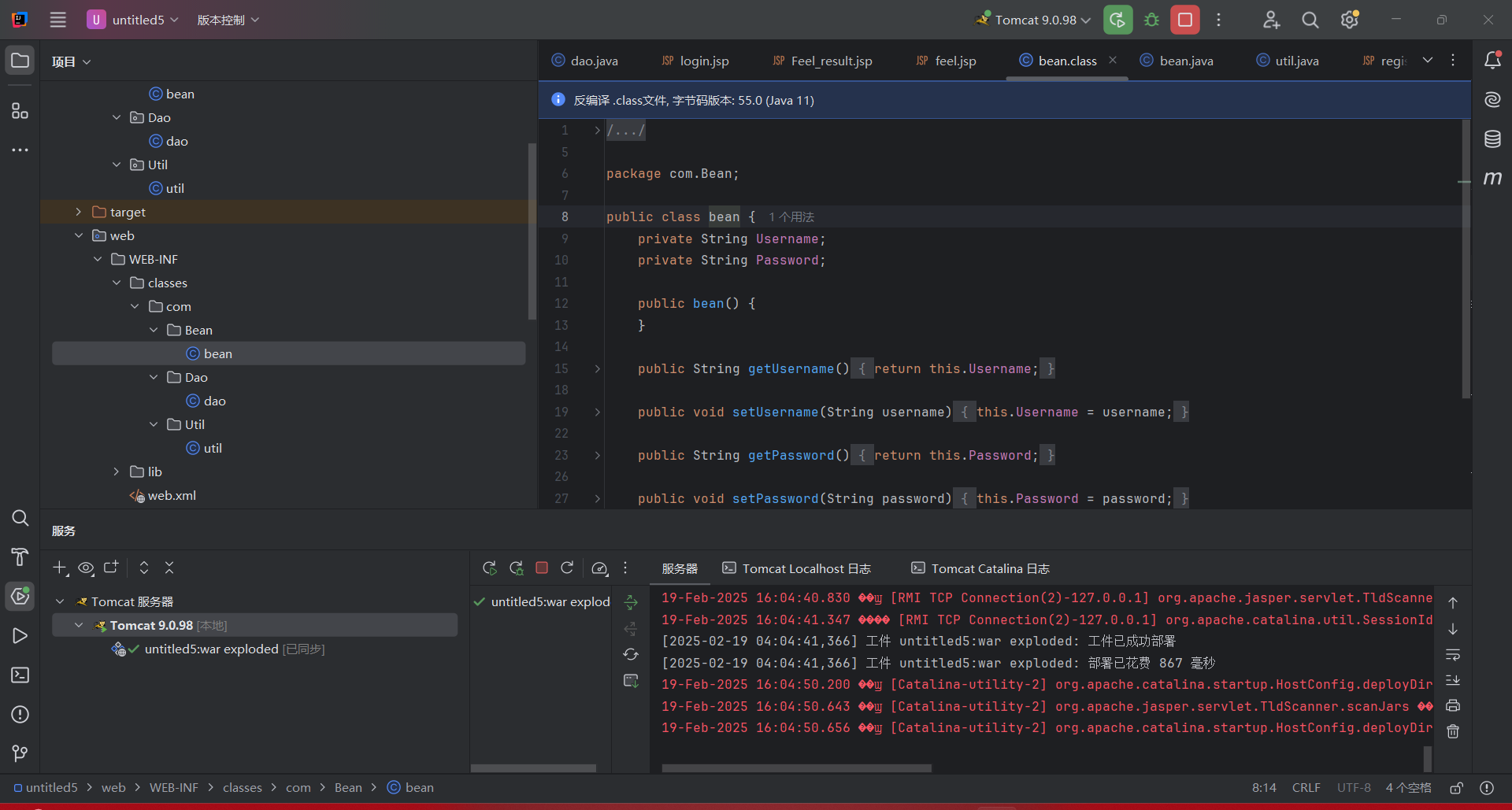
由于我对路径的不熟悉,今天错把web路径下的com认为了是主目录中的内容,一顿狂删,导致错误
2.
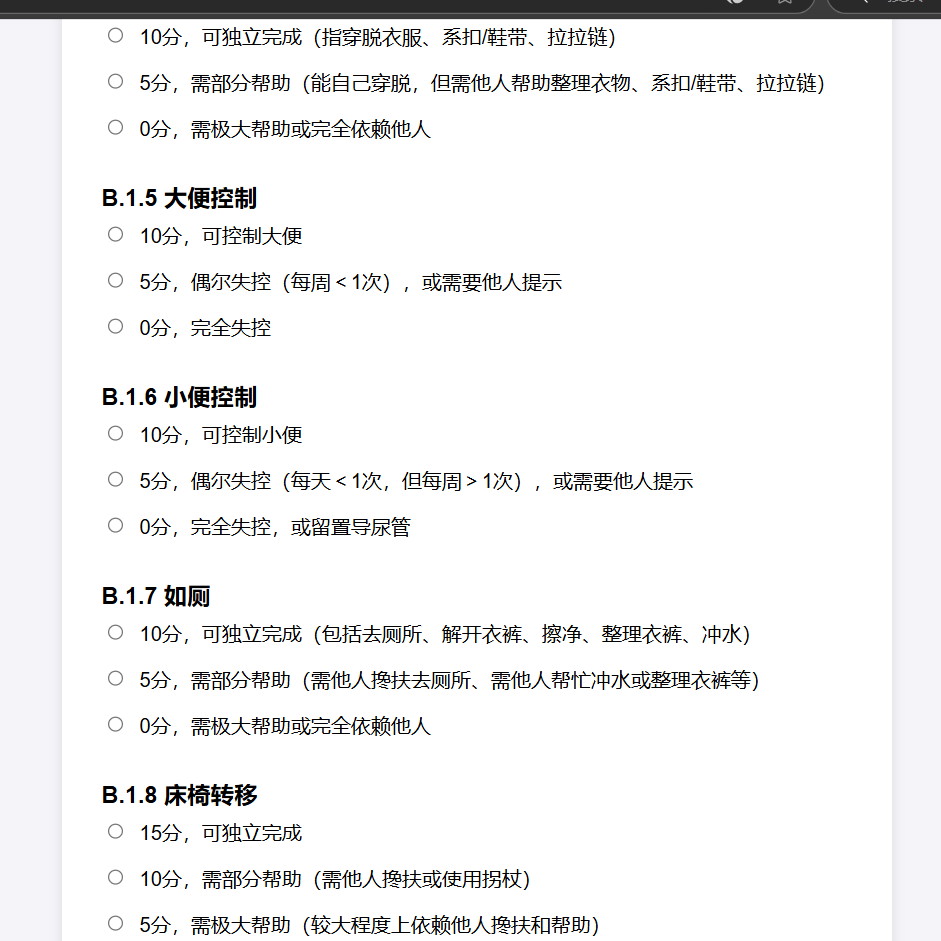
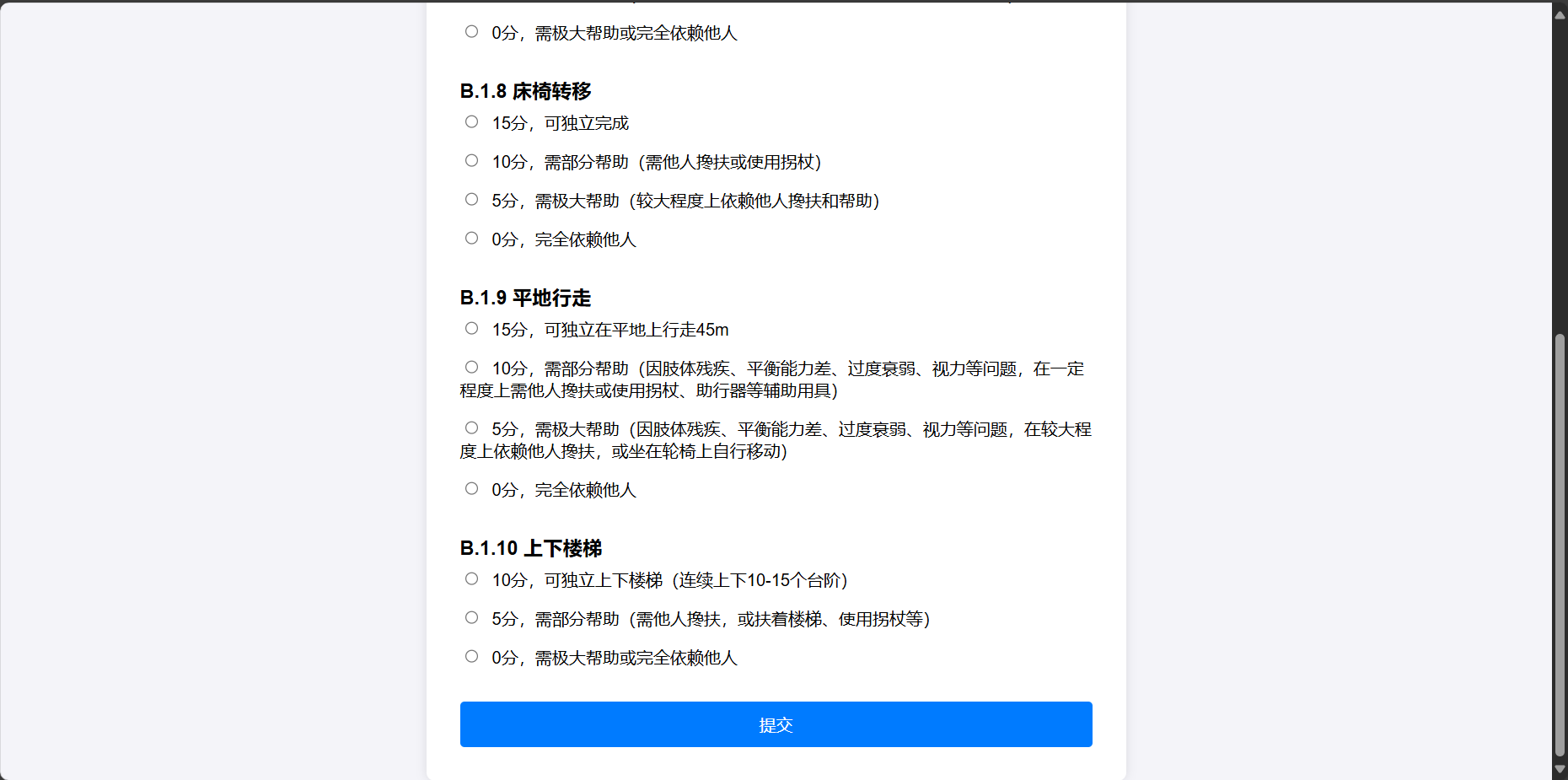
上图是我直接将所有内容填写到一个网页中的效果,上面却怎么也不能显示完整的表单了,后来认识到是网页长度有限的问题,明天学习网页的分页效果
今日代码:
添加评估感知结果
dao方法
public void AddUser_Feel(bean bean)
    {
        Connection connection =util.getConnection();
        PreparedStatement preparedStatement=null;

        try {
            String sql = "update 用户基本信息表 set 意识水平=?,视力=?,听力=?,沟通交流=?,感知结果=? where 用户名=?";
            preparedStatement=connection.prepareStatement(sql);
            preparedStatement.setInt(1, bean.getConsciousnessLevel());
            preparedStatement.setInt(2, bean.getVision());
            preparedStatement.setInt(3, bean.getHearing());
            preparedStatement.setInt(4, bean.getCommunication());
            preparedStatement.setString(5, bean.getFeelResult());
            preparedStatement.executeUpdate();

        } catch (SQLException  e) {
            e.printStackTrace();
        }finally{
            util.close(preparedStatement);
            util.close(connection);
        }
    }
Feel_Result.jsp
<%@ page import="java.sql.SQLException" %>
<%@ page import="com.Bean.bean" %>
<%@ page import="com.Dao.dao" %>
<%@ page language="java" import="java.util.*" contentType="text/html; charset=UTF-8"
         pageEncoding="UTF-8" %>
<!DOCTYPE html>
<html>
<head>
  <meta http-equiv="Content-Type" content="text/html; charset=UTF-8">
  <title>评估结果</title>
  <style>
    body {
      font-family: Arial, sans-serif;
      background-color: #f4f4f9;
      display: flex;
      justify-content: center;
      align-items: center;
      height: 100vh;
      margin: 0;
    }
    .container {
      background-color: #fff;
      padding: 2rem;
      border-radius: 8px;
      box-shadow: 0 0 10px rgba(0, 0, 0, 0.1);
      width: 600px;
      text-align: center;
    }
    .result-title {
      font-size: 1.5rem;
      margin-bottom: 1rem;
    }
    .result-description {
      font-size: 1.2rem;
      color: #333;
    }
    .back-button {
      margin-top: 2rem;
      padding: 0.7rem 1.5rem;
      background-color: #007bff;
      color: white;
      border: none;
      border-radius: 4px;
      cursor: pointer;
      font-size: 1rem;
    }
    .back-button:hover {
      background-color: #0056b3;
    }
  </style>
</head>
<body>

<div class="container">
  <div class="result-title">评估结果</div>
  <%
    String consciousnessLevelStr = request.getParameter("consciousnessLevel");
    String visionStr = request.getParameter("vision");
    String hearingStr = request.getParameter("hearing");
    String communicationStr = request.getParameter("communication");

    Integer consciousnessLevel = consciousnessLevelStr != null ? Integer.parseInt(consciousnessLevelStr) : 0;
    Integer vision = visionStr != null ? Integer.parseInt(visionStr) : 0;
    Integer hearing = hearingStr != null ? Integer.parseInt(hearingStr) : 0;
    Integer communication = communicationStr != null ? Integer.parseInt(communicationStr) : 0;

    Integer totalScore = consciousnessLevel + vision + hearing + communication;

    // 根据总分确定评估结果
    String FeelResult = "";
    switch (totalScore) {
      case 0:
      case 1:
      case 2:
        FeelResult = "能力完好";
        break;
      case 3:
      case 4:
      case 5:
      case 6:
      case 7:
        FeelResult = "轻度受损";
        break;
      case 8:
      case 9:
      case 10:
      case 11:
      case 12:
      case 13:
        FeelResult = "中度受损";
        break;
      default:
        FeelResult = "重度受损";
        break;
    }

    bean bean = new bean();
    bean.setConsciousnessLevel(consciousnessLevel);
    bean.setVision(vision);
    bean.setHearing(hearing);
    bean.setCommunication(communication);
    bean.setTotalScore(totalScore);
    bean.setFeelResult(FeelResult);

    dao dao = new dao();
    dao.AddUser_Feel(bean);
    out.print("<script type='text/javascript'>alert('录入成功!');</script>");
  %>
  <div class="result-description">您的评估结果为 <%= FeelResult %>!总分为 <%= totalScore %>。</div>
  <button class="back-button" onclick="window.location.href='/Menu.jsp'">返回主菜单</button>
</div>

</body>
</html>
效果:
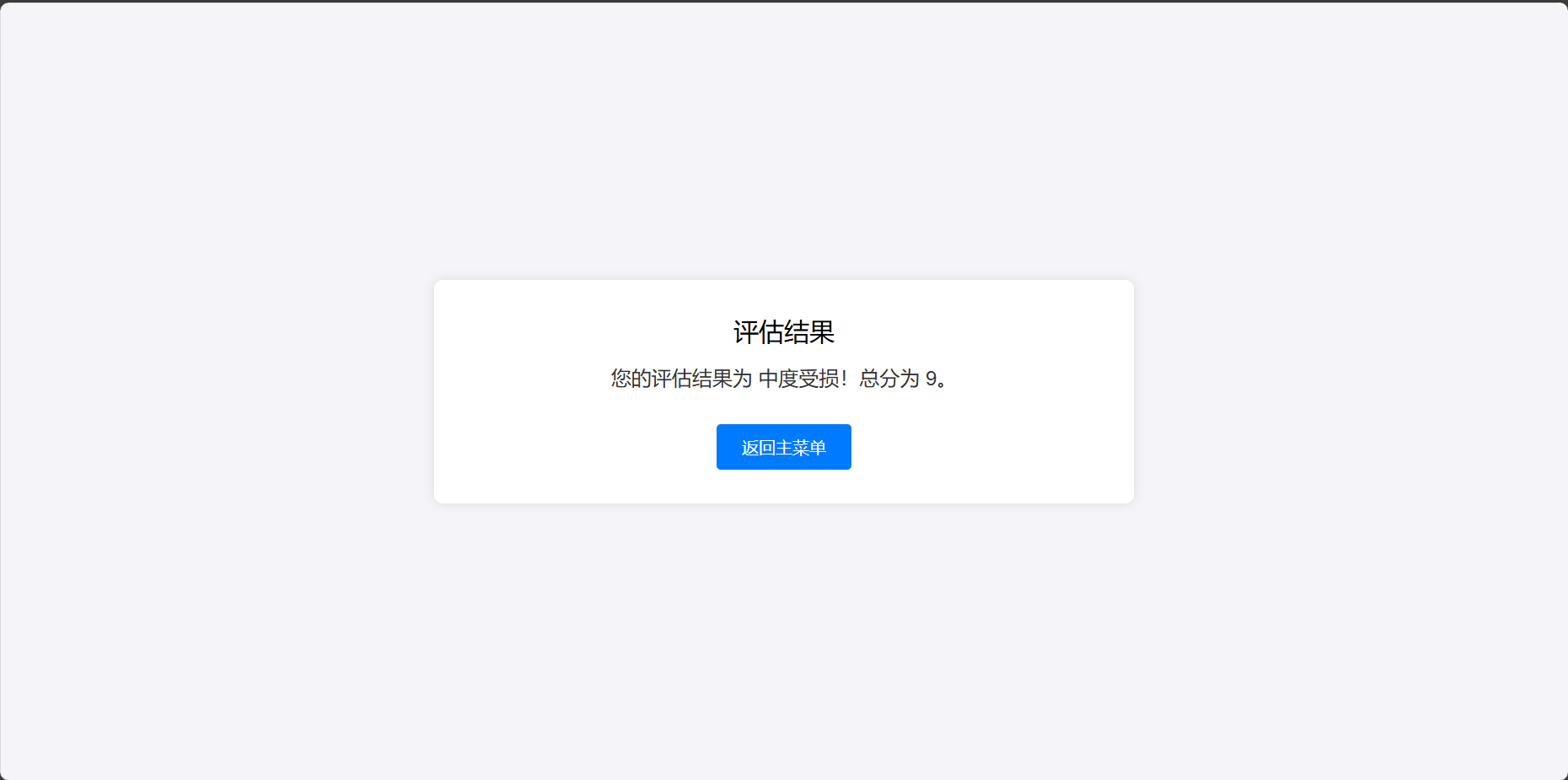
数据库还有些问题,明天再改


 浙公网安备 33010602011771号