
[周小鱼]& iOS——隐形水印的算法和实现
iOS——隐形水印的算法和实现
iOS——隐形水印的算法和实现
很多 APP 都在敏感页面有水印,主要为了应对舆情时可以追踪图片来源,一般在水印上都会有员工或用户 ID 和昵称。
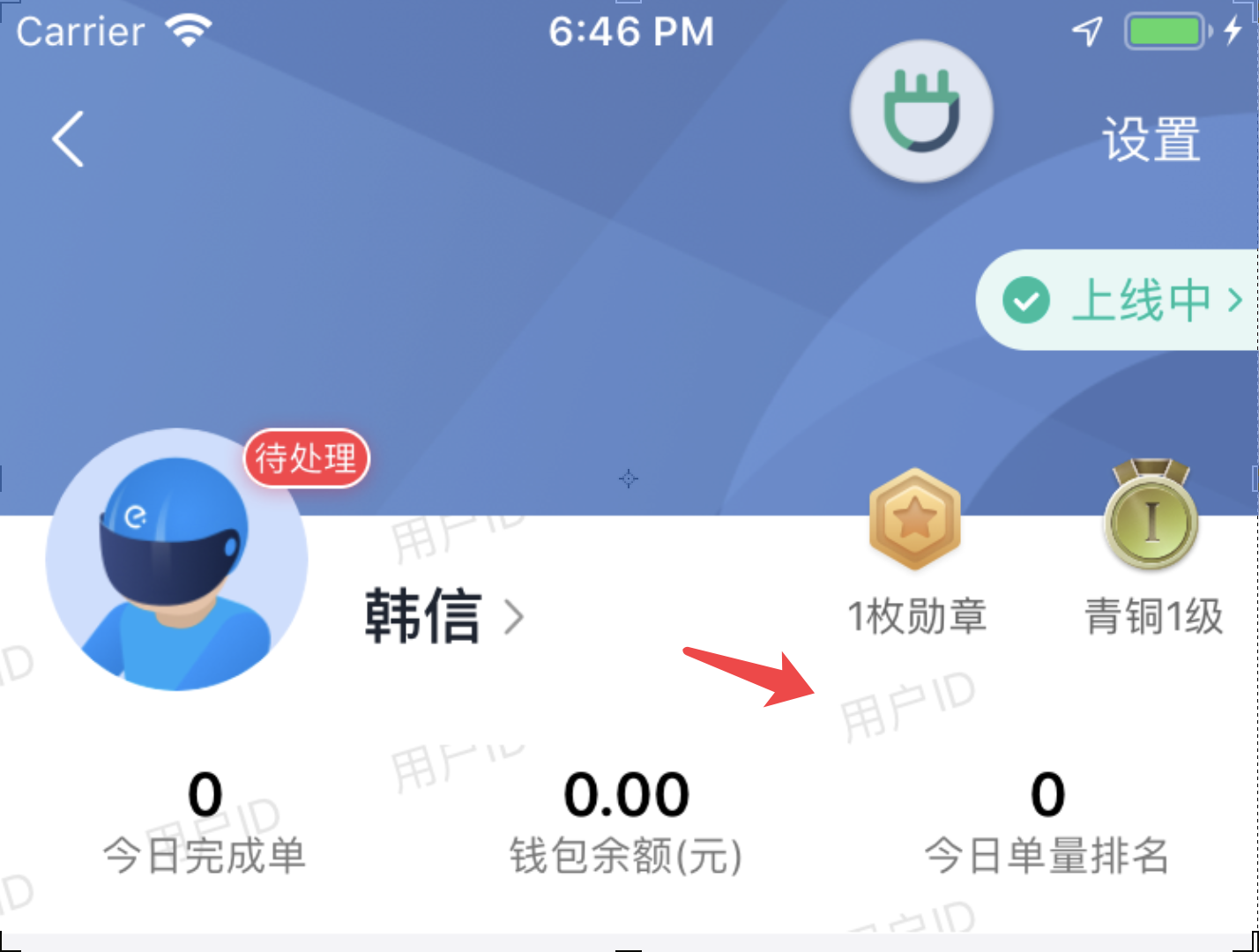
水印的用途总结有亮点:
- 追踪来源
- 威慑作用
威慑作用是指当用户看到水印时,会自觉避免违法传舆行为。
但是,当不需要威慑作用时,例如,为了保持应用或者图片的美观,显形的水印似乎不是那么必要,这时候可以考虑使用隐形水印。
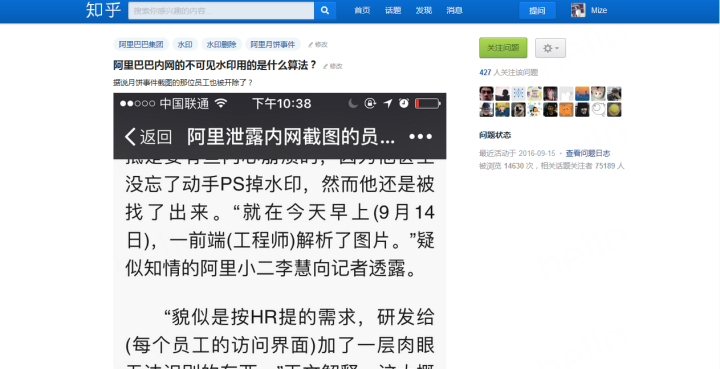
最近在同事在知乎上看到一种水印。
如下图,表面似乎没有什么水印
但通过 PS 的混色模式处理后,隐形水印就显示出来了
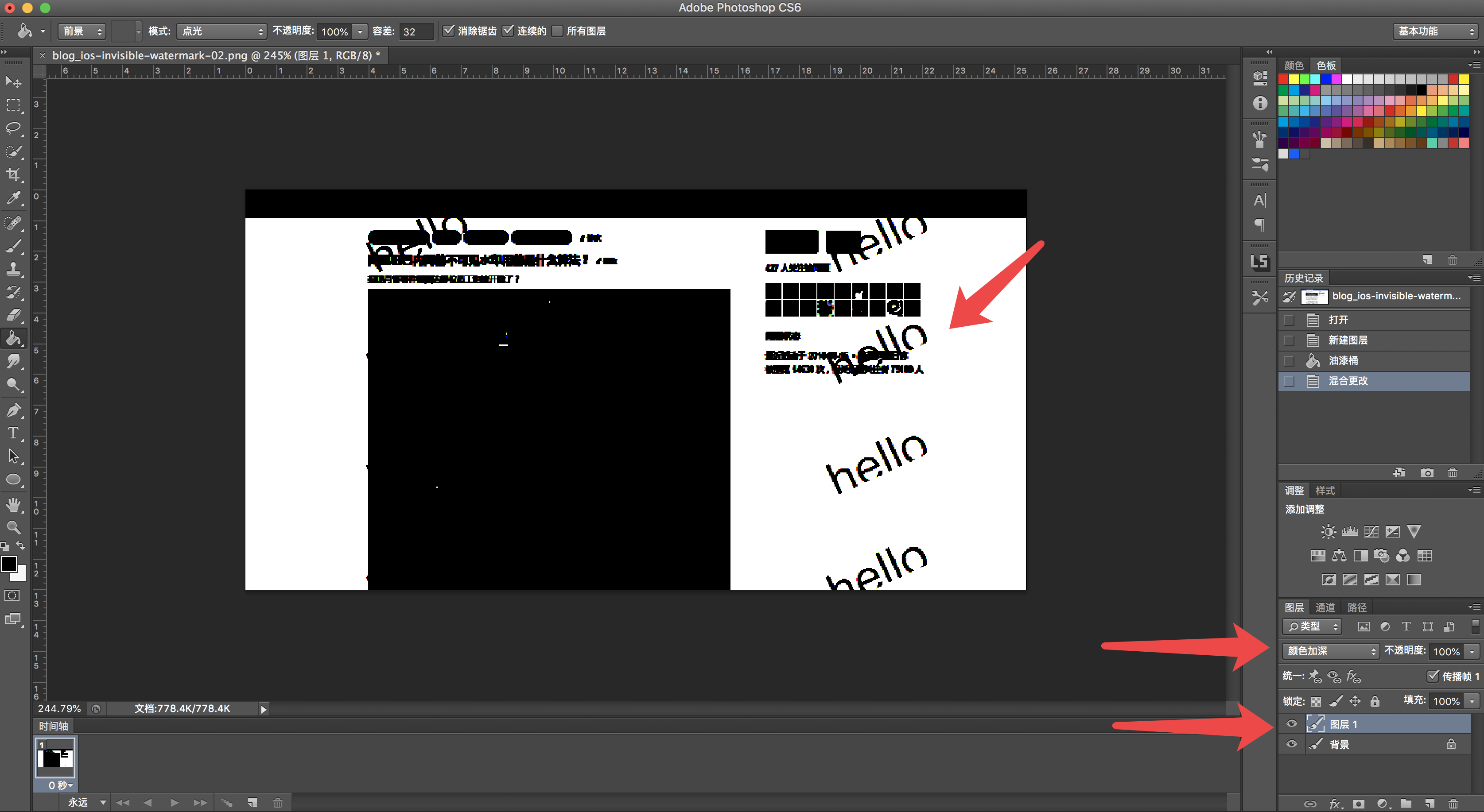
具体处理方式是
- 在原图上图层添加全黑图层
- 全黑图层选择『颜色加深』
到此为止,我对 PS 的算法产生了好奇,混色模式是常用工具,但是以前没有注意过公式。
颜色加深混色模式
PS 的混色模式,其实是底图和混色层的每个像素点,经过一系列计算后得到的结果层。
翻阅了一系列资料后我发现,现有的公式都是不正确的,有些热门文章里也不对。而 PS 官方文档只对几种混色模式进行了介绍,而并没有给出公式。
查看每个通道中的颜色信息,并通过增加二者之间的对比度使基色变暗以反映出混合色。与白色混合后不产生变化。
https://helpx.adobe.com/cn/photoshop/using/blending-modes.html
比较多的是这套公式:
结果色 = 基色-[(255-基色)×(255-混合色)]/混合色
公式中(255-基色)和(255-混合色)分别是基色和混合色的反相。
- 若混合色为0(黑色),(基色×混合色)为0,得到的数值为一相个负值,归为0,所以不论基色为何值均为0。
- 当混合色的色阶值是255(白色)时,混合色同基色。
基本查到的算法公式都有一个致命问题,公式都标明了,任何颜色和黑色混色结果为黑色,这显然与上文中 PS 处理结果不符合。如果按照这套理论,整个图片都应该黑了。
最后我试出来一个接近的方案是,
- 结果色 = 基色 —(基色反相×混合色反相)/ 混合色
- 如混色层为黑色,则认为 RGB 为 (1, 1, 1),即非常深的灰色
这个公式可以基本实现 PS 中的颜色加深效果。可以将浅色变深,越浅越深。
隐形水印的实现
添加水印
首先介绍 iOS 中的基本图像处理方式:
- 获取图片的所有像素点
- 改变指针指向的像素信息
+ (UIImage *)addWatermark:(UIImage *)image
|
显示水印
通过上文提到的公式,可以让水印显示。
+ (UIImage *)visibleWatermark:(UIImage *)image {
|
代码和开源库
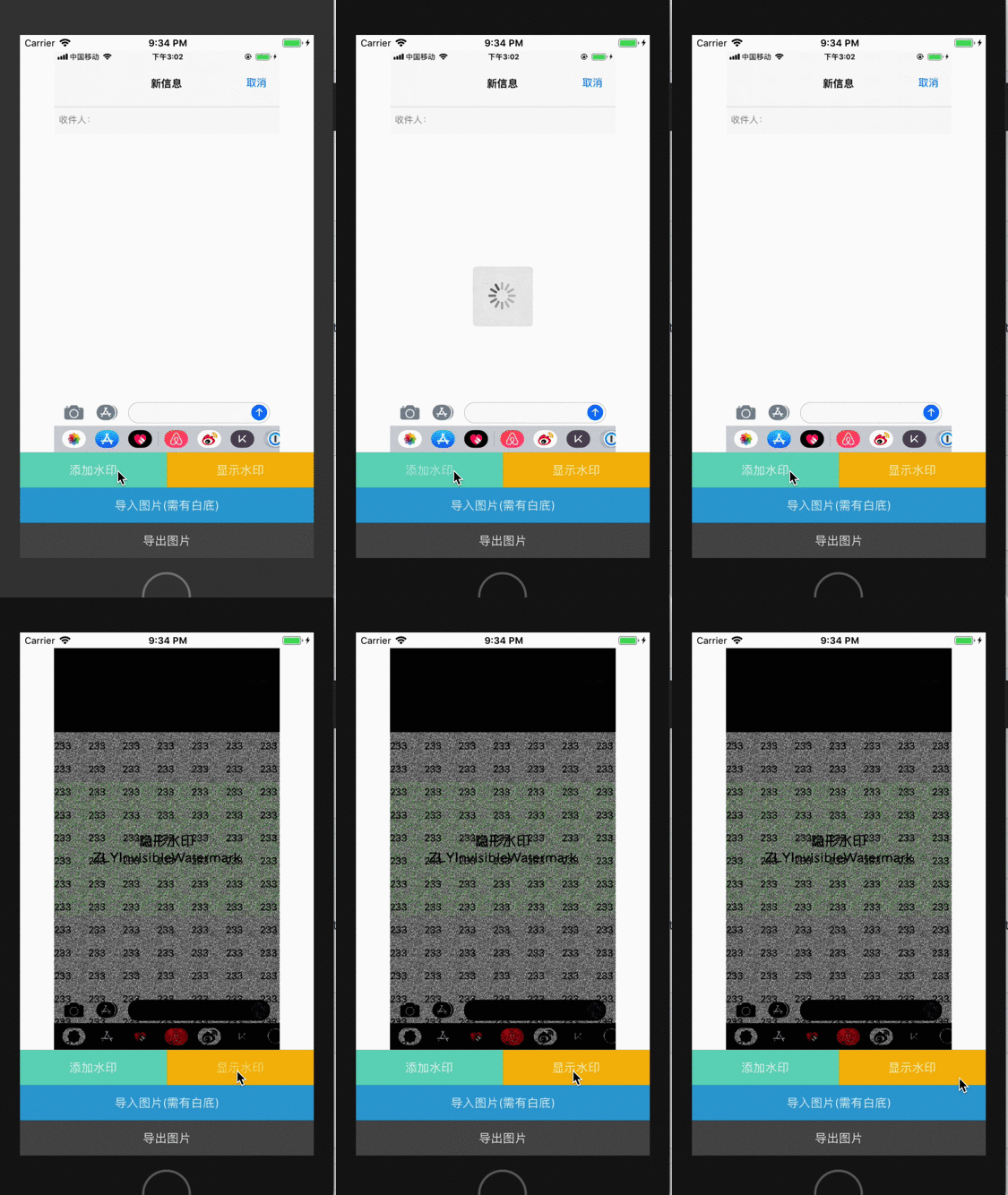
为了方便使用,写了一个开源库,封装的很实用,附带 DEMO

T

 浙公网安备 33010602011771号