
JS小案例 a小球拖动,记录位置,并且返回 b小球运动
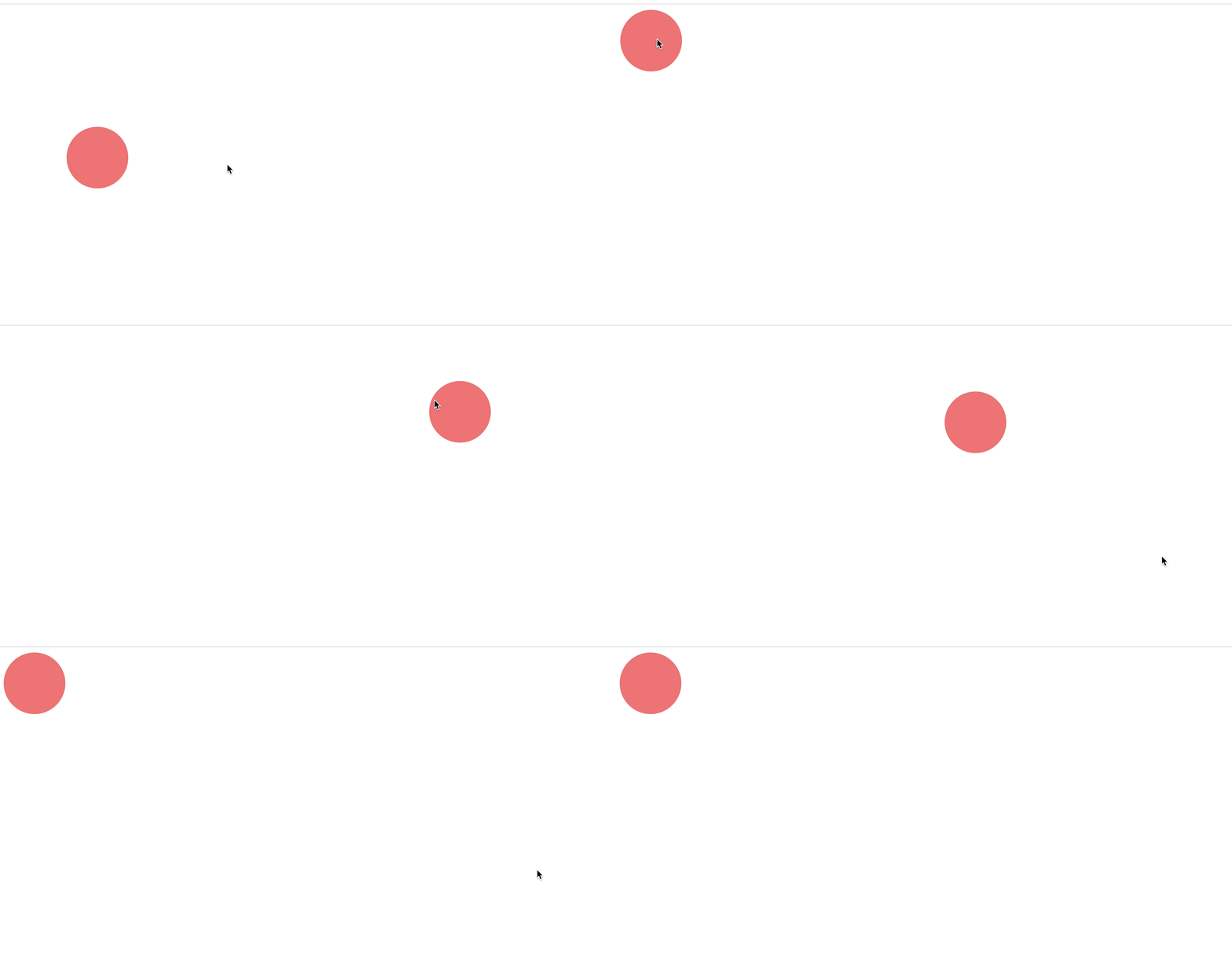
<!DOCTYPE html>
<html lang="en">

    <head>
        <meta charset="UTF-8">
        <meta name="viewport" content="width=device-width, initial-scale=1.0">
        <meta http-equiv="X-UA-Compatible" content="ie=edge">
        <title>Document</title>
        <style>
            .box {
                width: 100px;
                height: 100px;
                position: absolute;
                background: lightcoral;
                border-radius: 50%;
            }
        </style>
    </head>
    <body>
        <script>
            var arrX = [];//新建数组,记录小球的x轴路径
            var arrY = [];//新建数组,记录小球的y轴路径
            var i = 0;//小球移动时数组的第i项存进数组
            var stop;//小球的运动
            function Ball() {}//新建小球类
            Ball.prototype = {
                ball:null,//新建小球
                createBall: function () {//创建小球,添加到body中
                    this.ball = document.createElement("div");
                    document.body.appendChild(this.ball);
                    this.ball.className = "box";
                    this.ball.self = this;//引入小球的属性self指向Ball对象(this)
                    this.ball.addEventListener("mousedown", this.mouseHandler);//添加点击事件
                    return this.ball;
                },
                mouseHandler: function (e) {
                    if (e.type === "mousedown") {//当鼠标点击时添加移动事件给document,添加鼠标松开事件给小球,并且使用回调,每次执行一个函数,对e.type进行判断
                        this.addEventListener("mouseup", this.self.mouseHandler);
                        document.ball = this;//引入对象ball给document
                        document.boxObj = {//给document添加对象属性鼠标相对小球位置
                            x: e.offsetX,
                            y: e.offsetY
                        };
                        document.addEventListener("mousemove", this.self.mouseHandler);
                    } else if (e.type === "mousemove") {//鼠标移动时让小球位置等于鼠标在当前窗口的位置减去鼠标相对小球位置
                        this.ball.style.left = e.x - this.boxObj.x + "px";
                        this.ball.style.top = e.y - this.boxObj.y + "px";
                        arrX.push(this.ball.style.left);//小球每次移动将位置存入数组中
                        arrY.push(this.ball.style.top);
                    } else if (e.type === "mouseup") {//当鼠标松开时,解除监听事件并且执行自动返回函数
                        this.removeEventListener("mouseHandler", this.self.mouseHandler);
                        document.removeEventListener("mousemove", this.self.mouseHandler);
                        document.self = this;
                        i = arrX.length;
                        stop = setInterval(this.self.autoMove, 16);
                    }
                },
                autoMove: function () {//返回函数,当小球运动到初始状态时,取消Interval函数
                    document.self.style.left = arrX[i];
                    document.self.style.top = arrY[i];
                    if (i <= 0) {
                        arrX.length = 0;
                        arrY.length = 0;
                        clearInterval(stop);
                        return;
                    }
                    i--;
                }
            };
            //实例化小球,并且执行小球方法
            var ball = new Ball();
            ball.createBall();
        </script>
    </body>

</html>

同时写了一个小球运动案例,顺便加在这里,点击小球可以停止
class Ball {
        constructor( r ) {
            this.r = 25;
            this.ball = null;
            this.bool = false;
            if ( r ) {
                // this是new出来的对象
                this.r = r;
            }
        };
        createBall( parent ) {
            // 单例模式
            if ( !this.ball ) {
                this.ball = document.createElement( "div" );
                this.ball.style.width = this.r * 2 + "px";
                this.ball.style.height = this.r * 2 + "px";
                this.ball.style.borderRadius = this.r + "px";
                this.ball.style.backgroundColor = "red";
                this.ball.style.position = "absolute";
                this.ball.self = this;
                this.ball.addEventListener( "click", this.clickHandler )
                parent.appendChild( this.ball );

            }
            return this.ball;
        };
        clickHandler( e ) {
            this.self.bool = !this.self.bool;
        console.log(this)//div
        };
        update() {
            if ( !this.bool ) return;
            this.ball.style.left = this.ball.offsetLeft + 2 + "px";
        }
    }
    let arr = []
    for ( let i = 0; i < 10; i++ ) {
        let b1 = new Ball( 40 );
        b1.createBall( document.body );
        arr.push( b1 );
    } // 每帧执行
    ainimation();

    function ainimation() {
        requestAnimationFrame( ainimation );
        for ( let i = 0; i < arr.length; i++ ) {
            arr[ i ].update();
        }
    }
再理解一下原型属性和对象属性
function Ball( r ) {
        if ( r ) {
            // this是new出来的对象
            this.r = r;
        }
    }
    Ball.prototype = {
        // 设置他的原型属性,如果不设置半径,就等于默认25
        r: 25,
        ball: null,
        bool: false,
        createBall: function ( parent ) {
            // 单例模式
            if ( !this.ball ) {
                this.ball = document.createElement( "div" );
                this.ball.style.width = this.r * 2 + "px";
                this.ball.style.height = this.r * 2 + "px";
                this.ball.style.borderRadius = this.r + "px";
                this.ball.style.backgroundColor = "red";
                this.ball.style.position = "absolute";
                this.ball.self = this;
                this.ball.addEventListener( "click", this.clickHandler )
                parent.appendChild( this.ball );

            }
            return this.ball;
        },
        clickHandler: function ( e ) {
            this.self.bool = !this.self.bool;
        },
        update: function () {
            if ( !this.bool ) return;
            this.ball.style.left = this.ball.offsetLeft + 2 + "px";
        }
    };
    // 还是创建10个吧
    let arr = []
    for ( let i = 0; i < 10; i++ ) {
        let b1 = new Ball( 40 );
        b1.createBall( document.body );
        arr.push( b1 );


    }
    // 每帧执行
    ainimation();

    function ainimation() {
        requestAnimationFrame( ainimation );
        for ( let i = 0; i < arr.length; i++ ) {
            arr[ i ].update();
        }
    }

 浙公网安备 33010602011771号