
在公司用pip安装openpyxl库时,报错:Could not find a version that satisfies the requirement jdcal (from openpyxl) (from versions: ) No matching distribution found for jdcal (from openpyxl)
在公司用pip安装openpyxl库时,执行pip install openpyxl 后,报错:Could not find a version that satisfies the requirement jdcal (from openpyxl) (from versions: ) No matching distribution found for jdcal (from openpyxl)
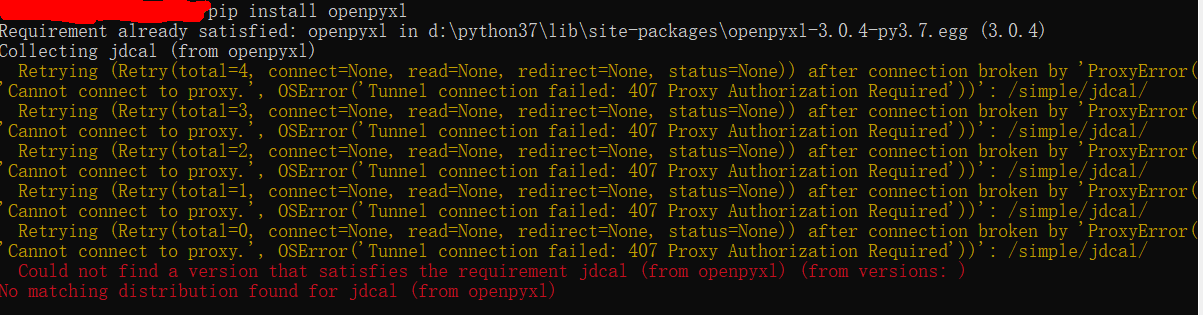
后来才知道公司电脑内网问题,无法直接用pip来安装,只能离线下载openpyxl压缩包进行安装,步骤如下:
1、下载openpyxl 安装包:https://pypi.org/project/openpyxl/#files,点击红框内的压缩包进行下载

2、下载完成后,进行解压,然后在cmd中,进入解压后的文件夹内,执行python setup.py install 就可以了


 浙公网安备 33010602011771号