
Bing Maps WPF Control
一、下载Bing Maps WPF Control
基于WPF的Bing Maps开发和Silverlight的开发基本一致,不同的是WPF Control还是bate版本,功能上尚未Bing Maps Silverlight Control那么完善,关于Bing Maps Silverlight Control 开发这里就不多谈,有兴趣的请查阅:[Silverlight]Bing Maps系列文章汇总。
Bing Maps WPF Control下载地址:http://www.microsoft.com/download/en/details.aspx?id=27165
二、 应用Bing Maps WPF Control
Bing Maps WPF Control的应用和Bing Maps Silverlight Control基本一致,只需要在WPF中将Map空间所在的名称空间添加引用就可以直接使用Map控件以呈现出地图效果了。
xmlns:m="clr-namespace:Microsoft.Maps.MapControl.WPF;assembly=Microsoft.Maps.MapControl.WPF"
xmlns="http://schemas.microsoft.com/winfx/2006/xaml/presentation"
xmlns:x="http://schemas.microsoft.com/winfx/2006/xaml"
xmlns:m="clr-namespace:Microsoft.Maps.MapControl.WPF;assembly=Microsoft.Maps.MapControl.WPF"
Title="MainWindow" Height="350" Width="525">
<Grid>
<m:Map x:Name="map" CredentialsProvider="">
<m:MapLayer x:Name="mapLayer"/>
</m:Map>
</Grid>
</Window>
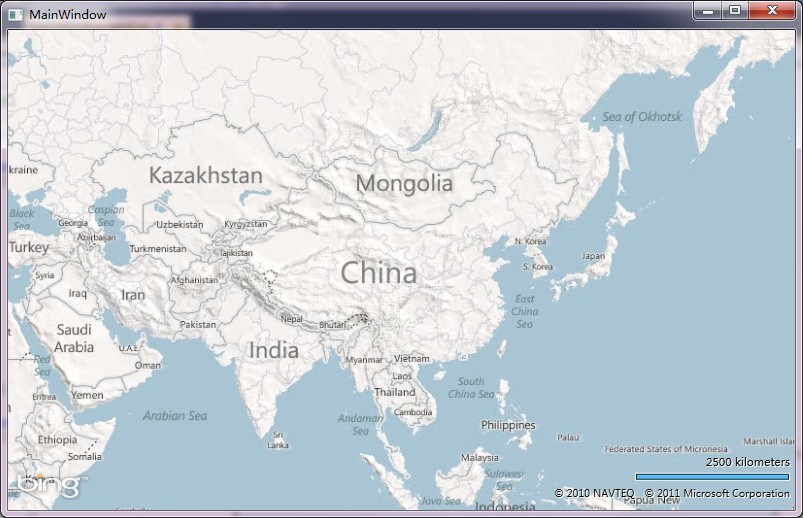
三、 Bing Maps WPF Control图元渲染
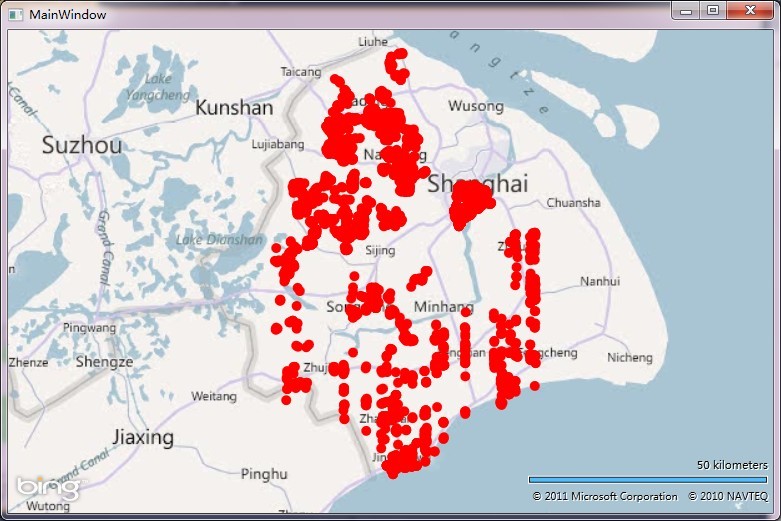
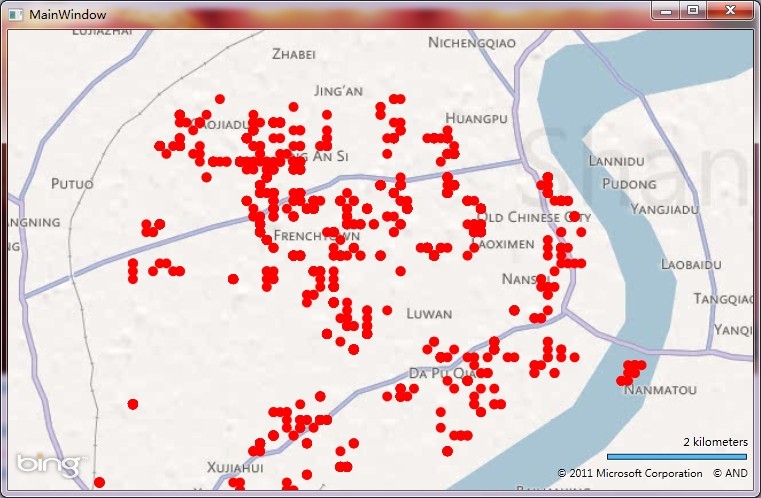
Bing Maps Silverlight Control中对于大数量的图元渲染性能非常低下,这里对Bing Maps WPF Control做了个简单的测试,随便从数据库中提取了5000个地名点在地图中渲染出来,性能上还是存在很大的问题,不过这里只是直接渲染并没有做任何的优化处理,对于渲染性能这块还是有很大的优化空间,理论上性能要比Bing Maps Silverlight Control高。
本片就简单介绍到这里,如对Bing Maps开发感兴趣,不妨移步看看《【Silverlight】Bing Maps系列文章汇总》。


 浙公网安备 33010602011771号