
HMVue1.2【webpack中的插件】
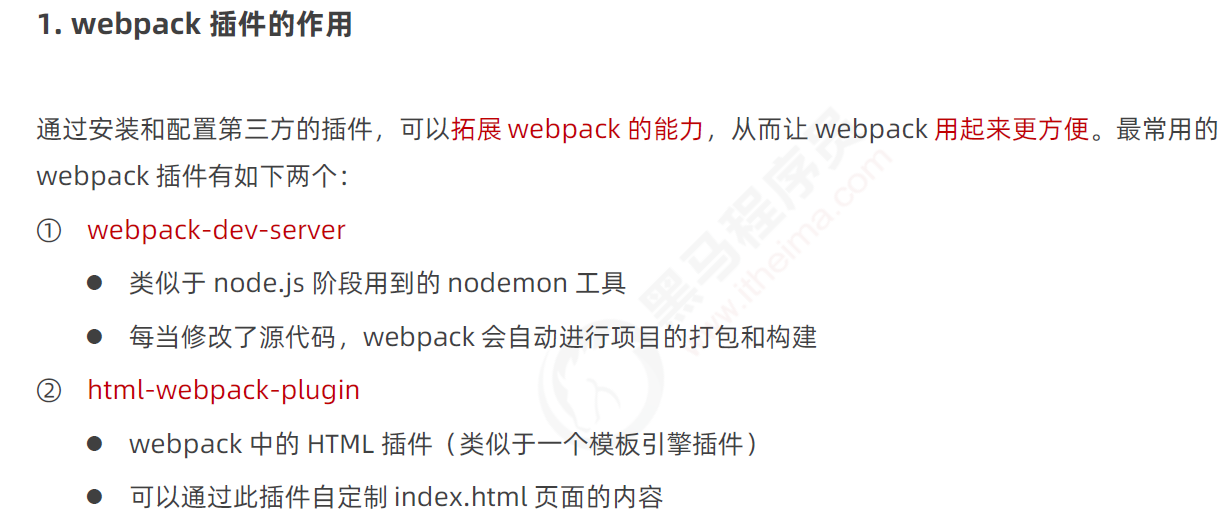
1、webpack中插件的作用
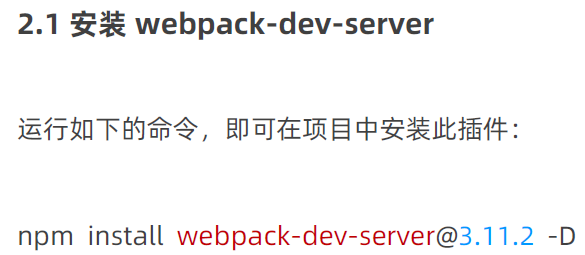
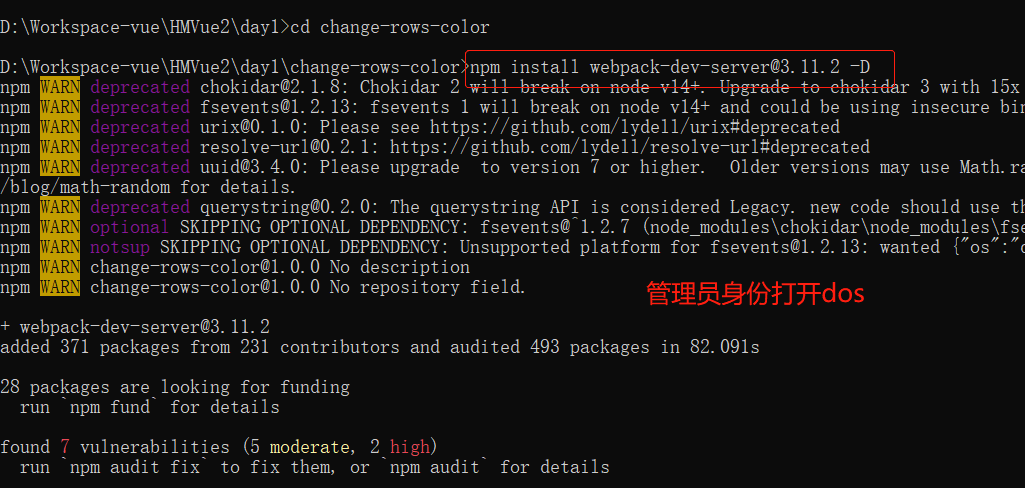
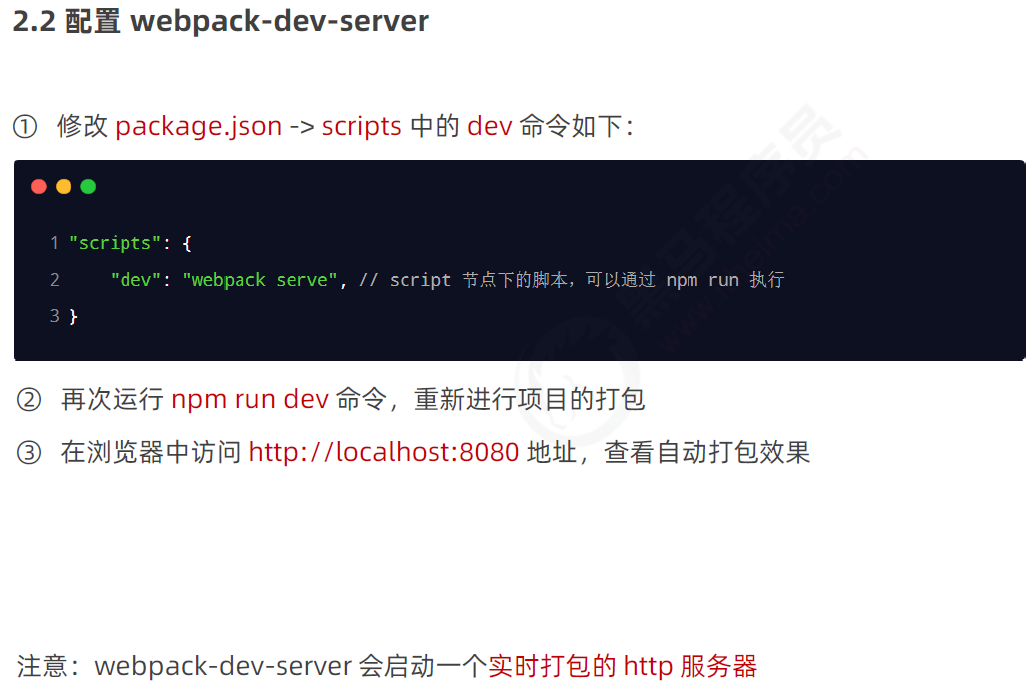
2、webpack-dev-server插件


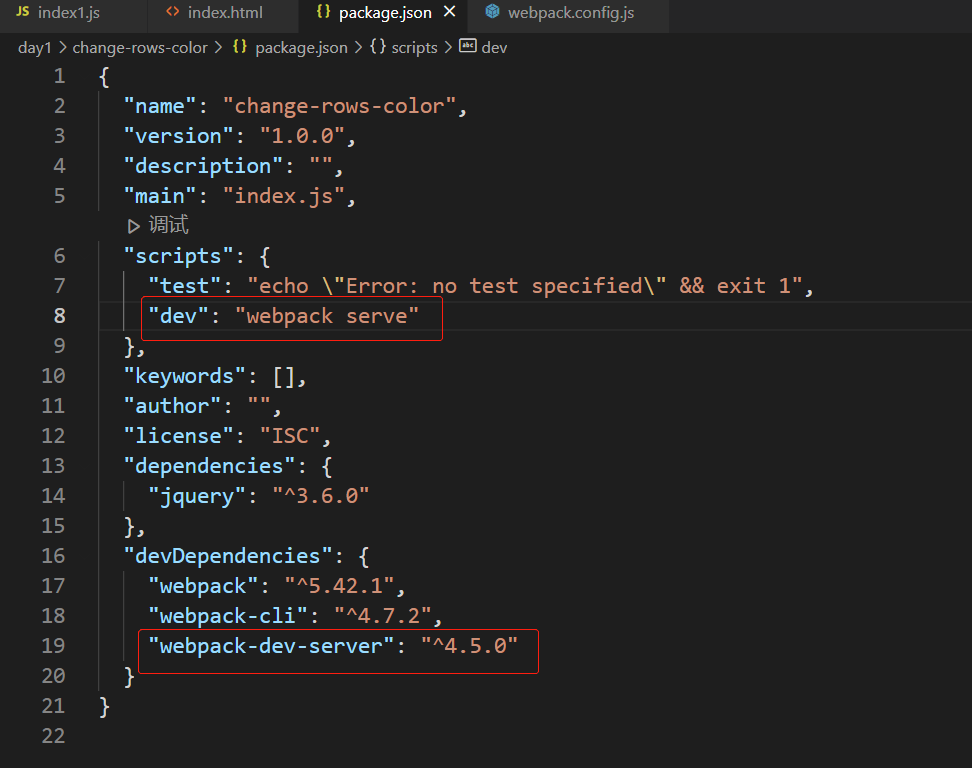
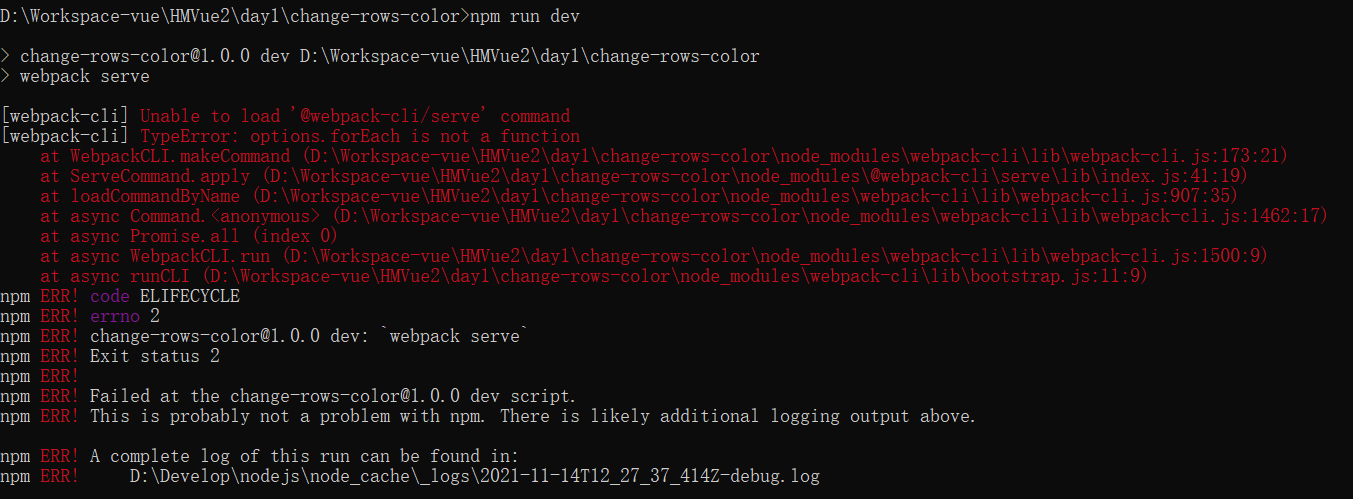
webpack 报错 [webpack-cli] Unable to load '@webpack-cli/serve' command - Evengod - 博客园 (cnblogs.com)

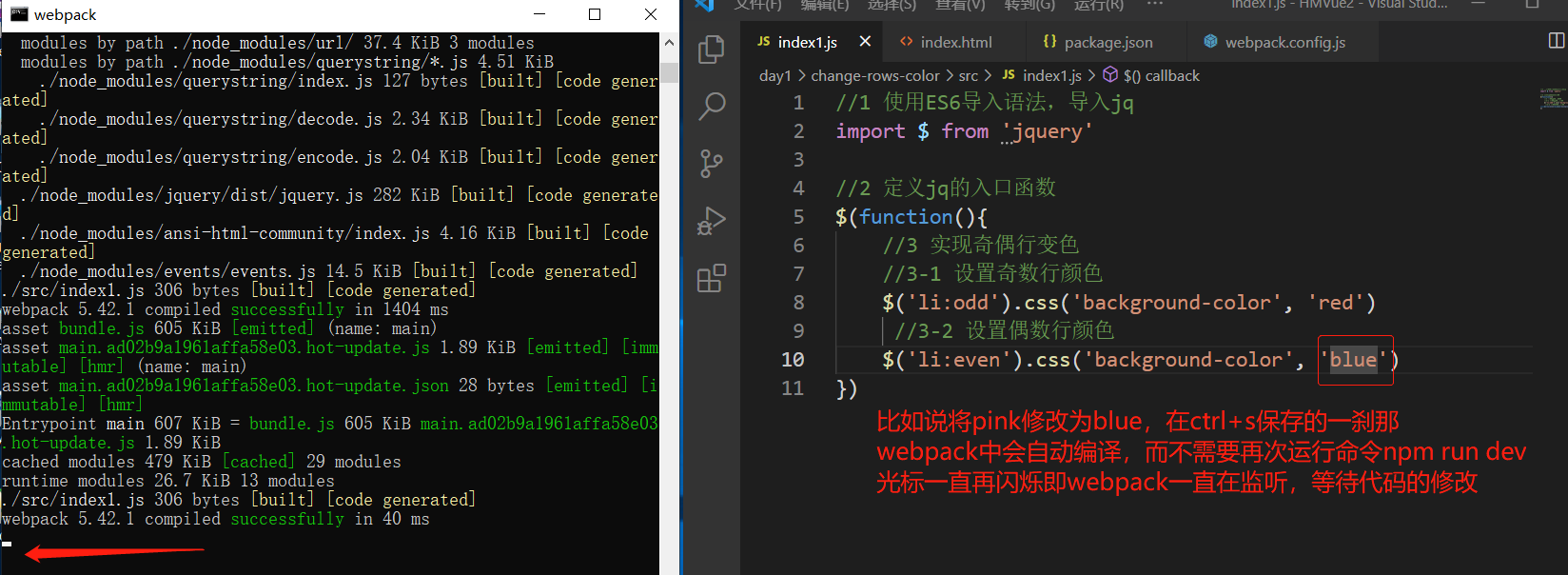
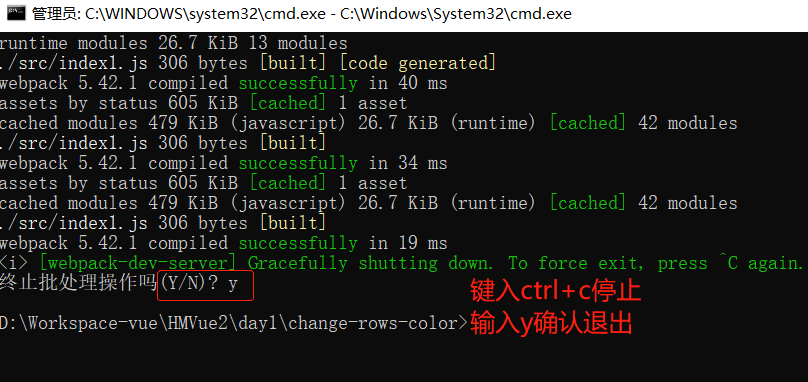
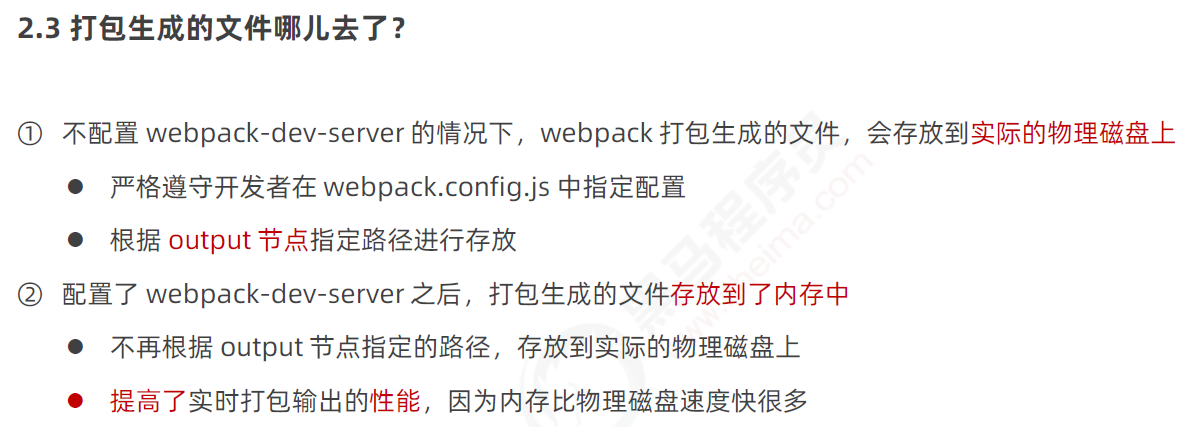
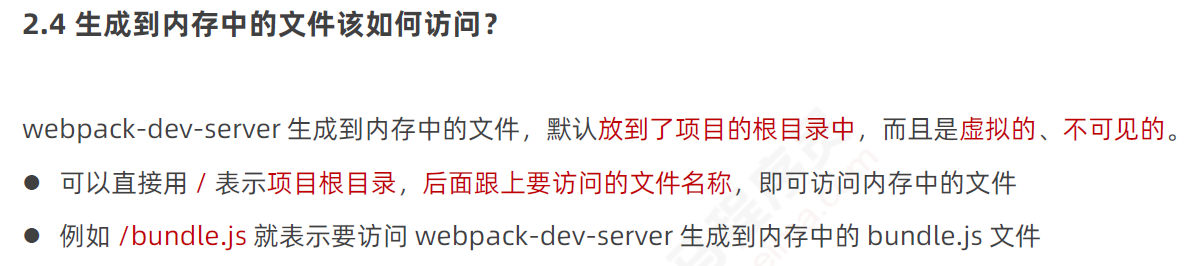
例如localhost:8080/bundle.js
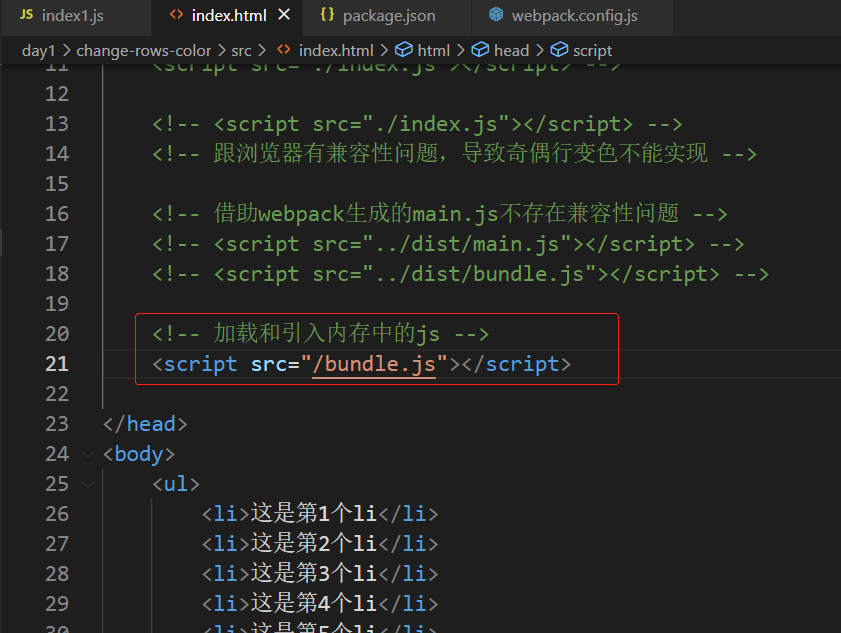
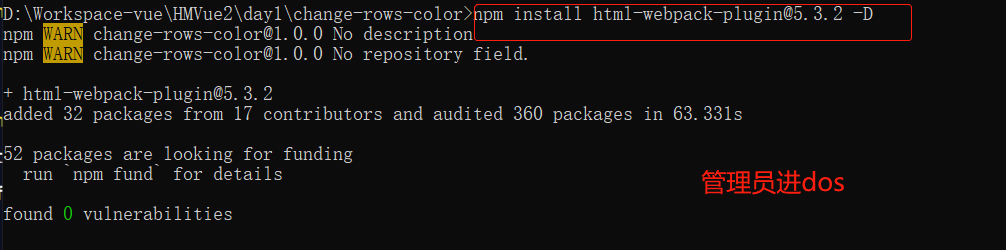
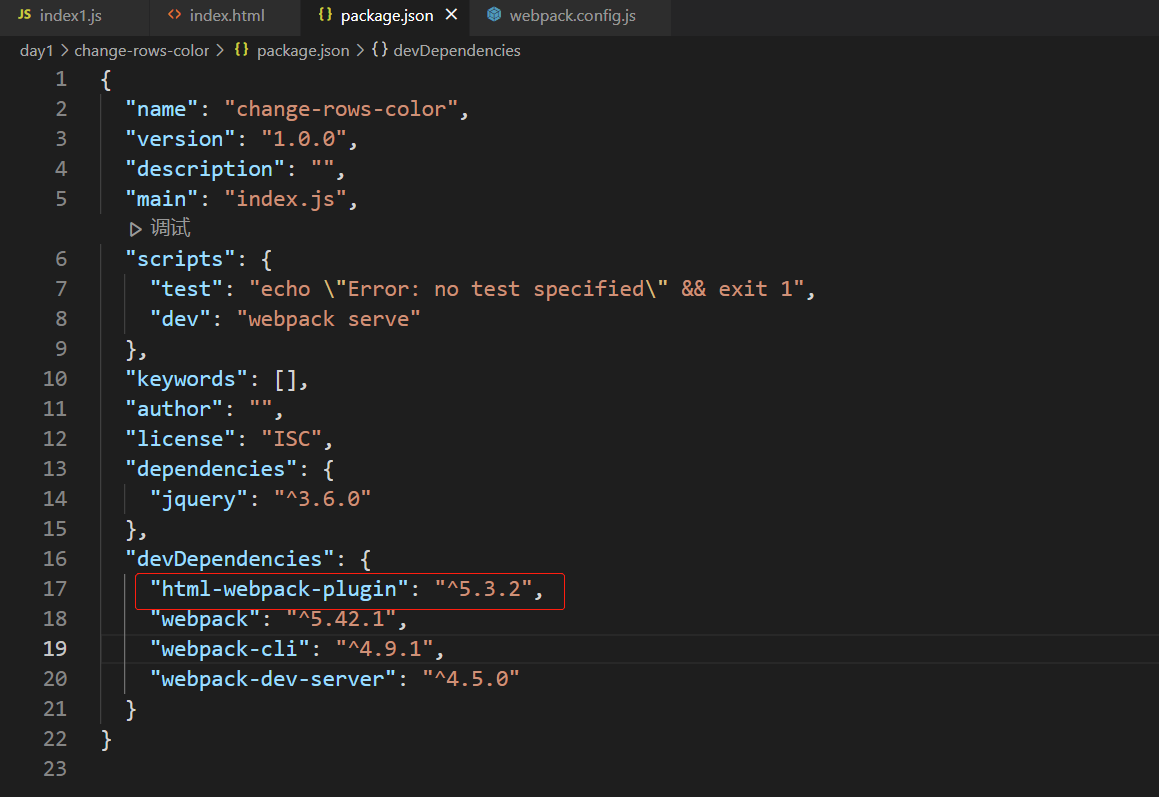
3、html-webpack-plugin插件

const path = require('path')

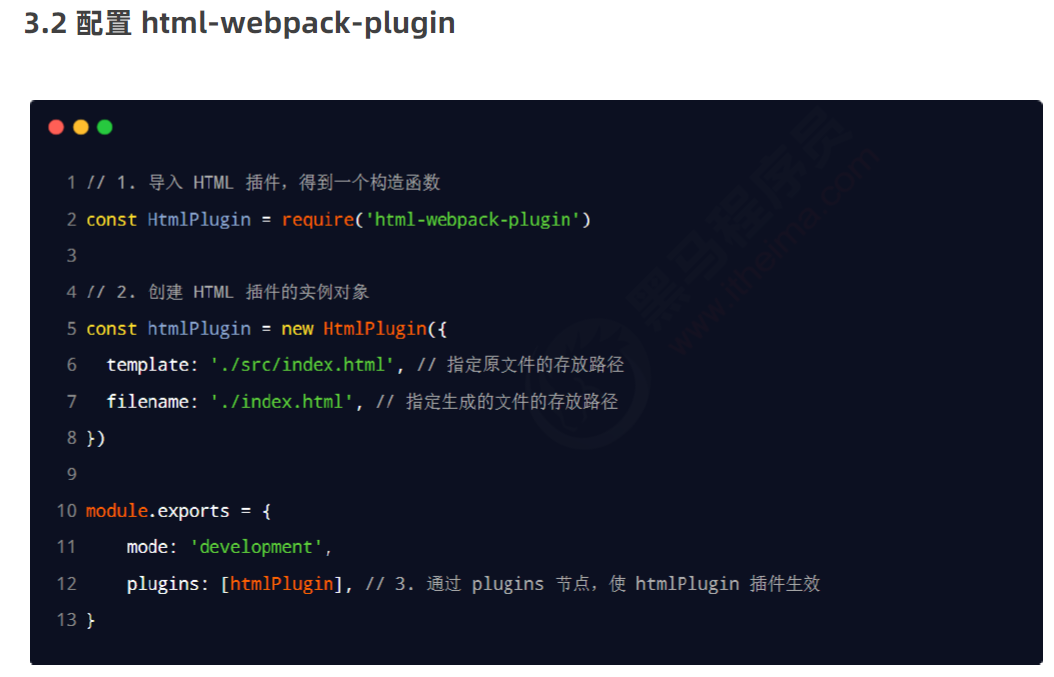
//1、导入HTML插件,得到一个构造函数
const HtmlPlugin = require('html-webpack-plugin')
//2、创建HTML插件的实例对象
const htmlPlugin = new HtmlPlugin({
    template: './src/index.html', //指定要复制哪个页面
    filename: './index.html', //指定复制出来的文件名和路径
});

//使用node.js的导出语法,向外导出一个webpack配置对象
module.exports = {
    //指定webpack的运行模式,可选development或production
    mode: 'development',
    /*结论:
    开发时候一定要用 development,因为追求的是打包的速度,而不是体积;
    反过来,发布上线的时候一定能要用 production,因为上线追求的是体积小,而不是打包速度快!*/

    //指定打包入口文件(处理的文件)
    entry: path.join(__dirname, './src/index1.js'), //__dirname表示当前文件的路径,当前为项目根目录
    //指定打包出口文件(生成的文件)
    output: {
        path: path.join(__dirname, './dist'),//第一个path是output的属性,第二个path是上文导入的一个node模块
        filename: 'bundle.js'
    },

    //3、通过plugins节点,使htmlPlugin插件生效
    plugins: [htmlPlugin],
};

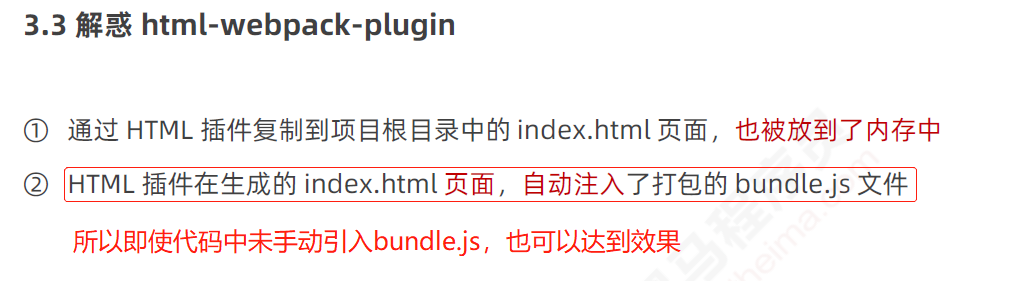
此时,修改代码会及时自动编译不用刷新页面就可以看到最新代码效果

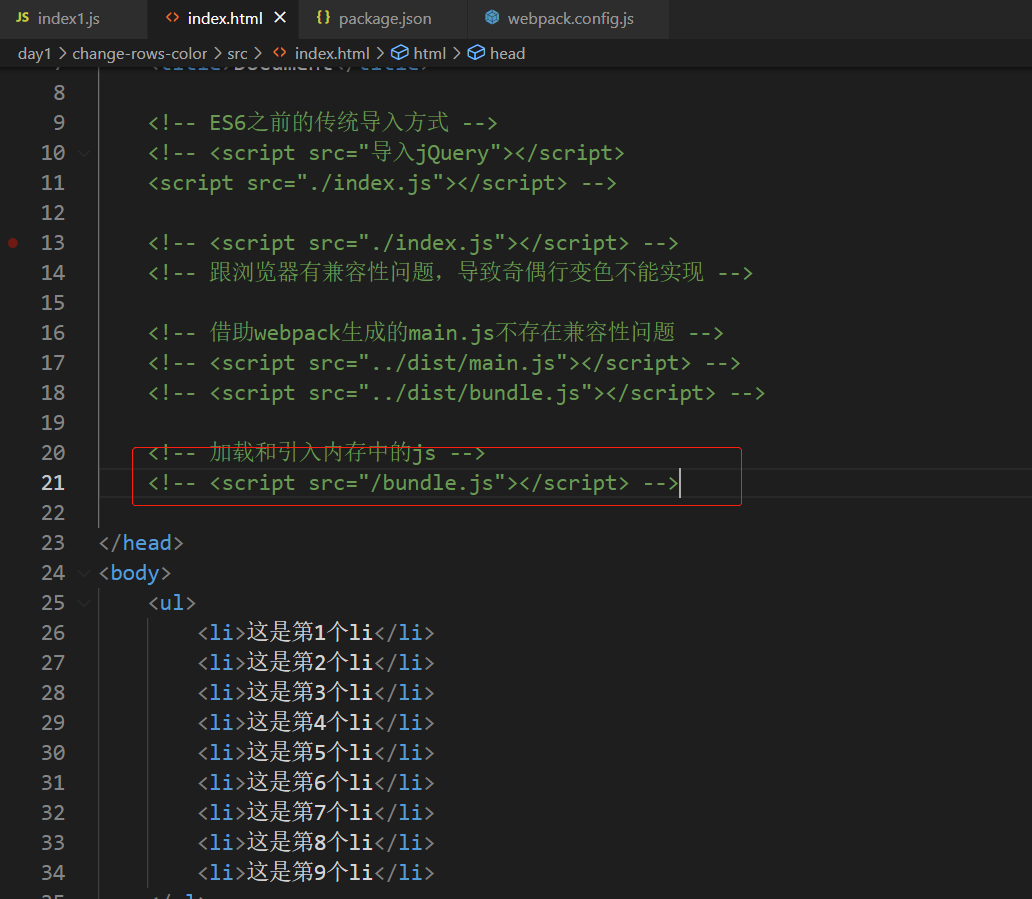
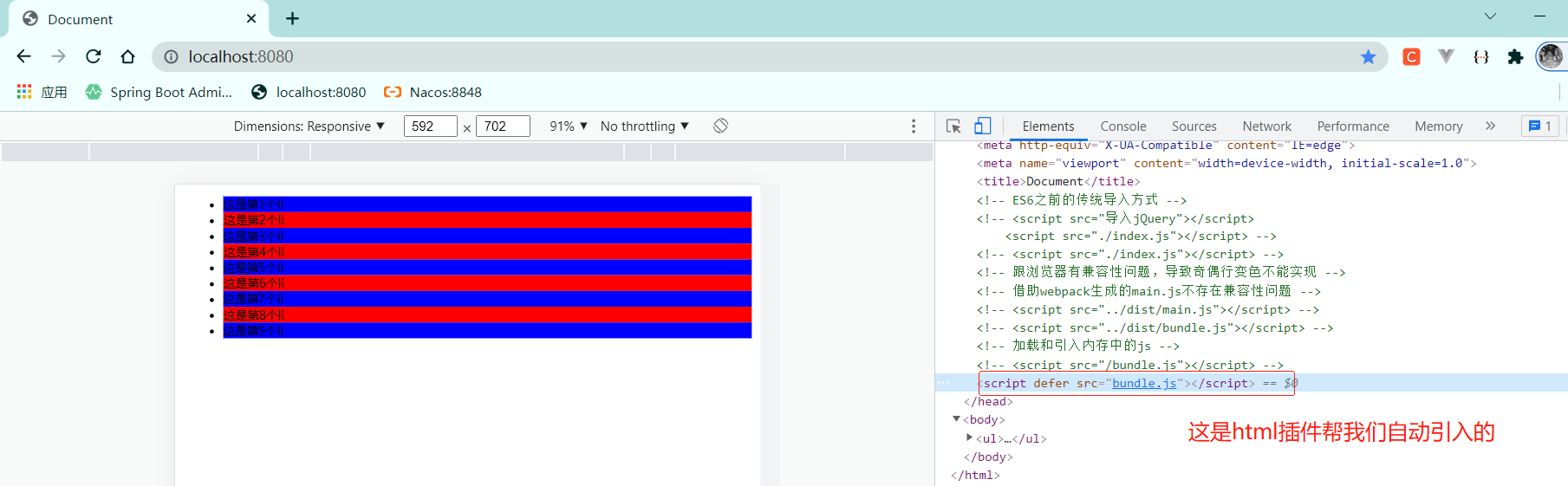
这个页面是内存中的index.html,本地物理磁盘上找不到
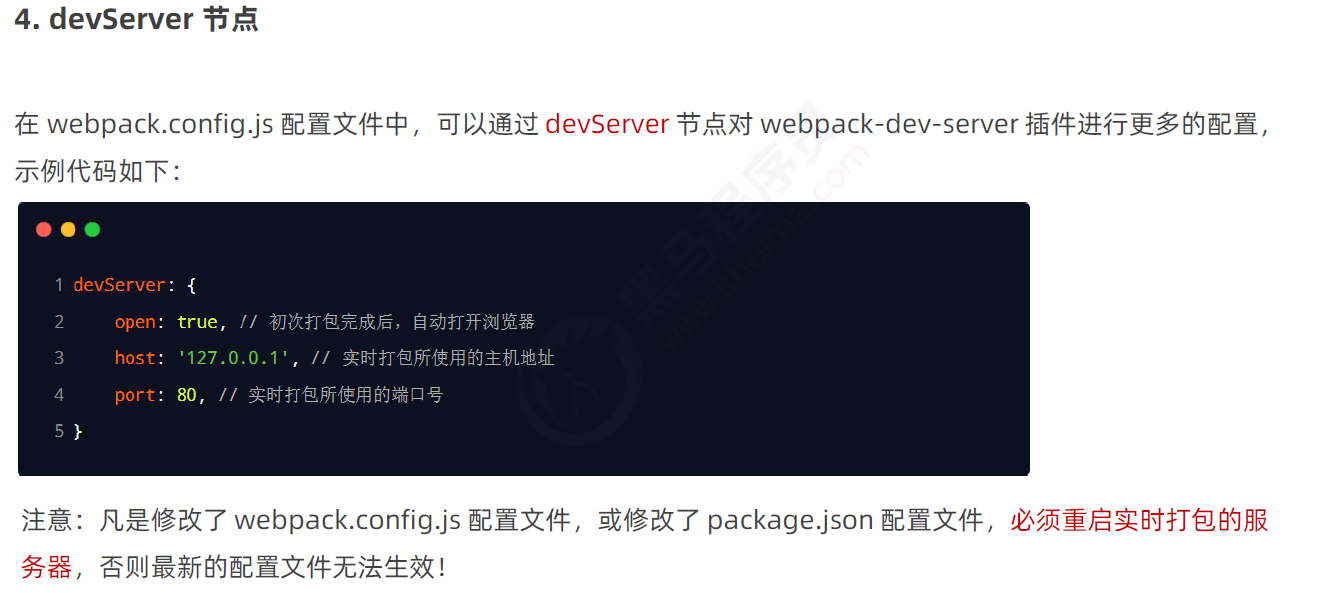
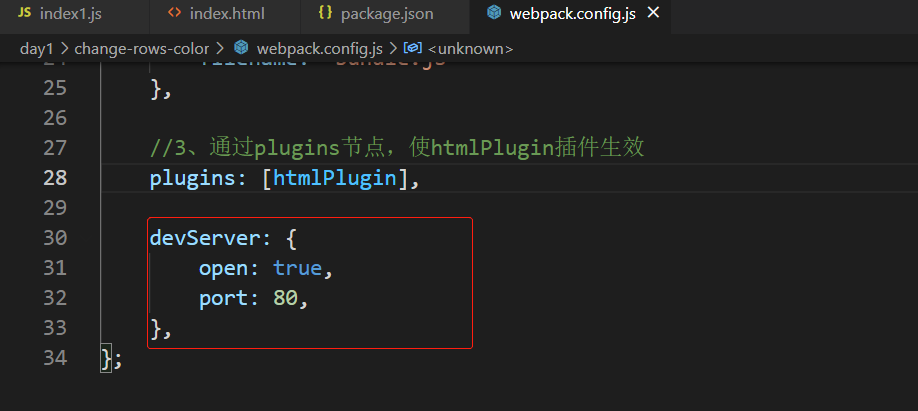
4、devServer节点
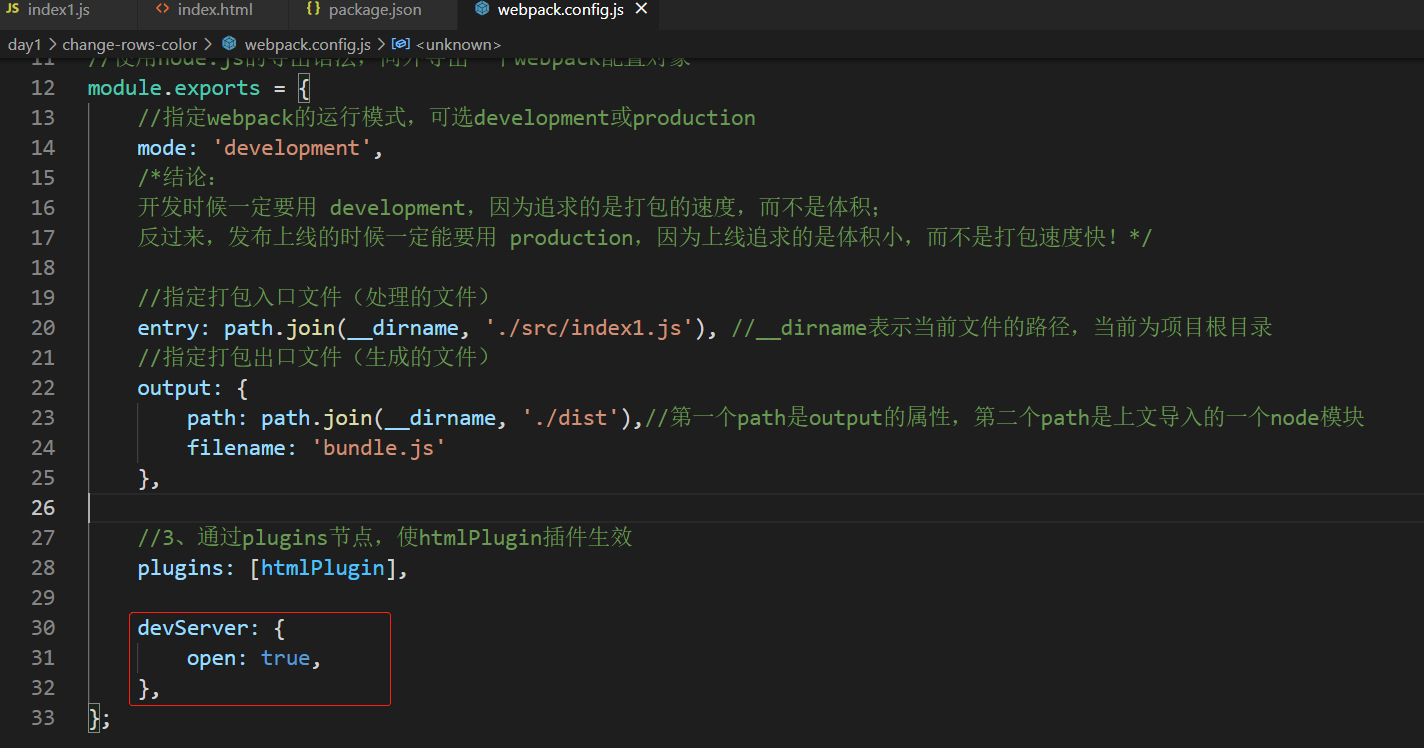
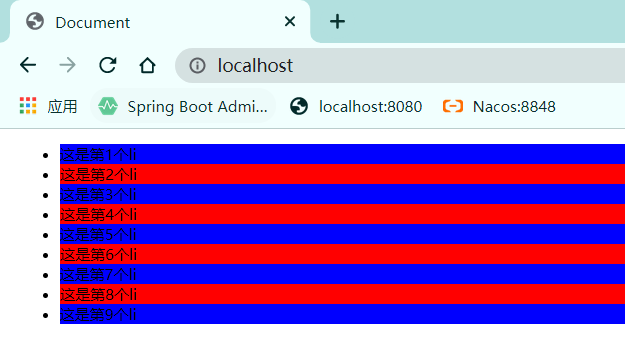
配置此项后,npm run dev后会直接打开浏览器自动访问localhost:8080

 浙公网安备 33010602011771号