
wireshark windows下抓包
wireshark windows下抓包分析学习
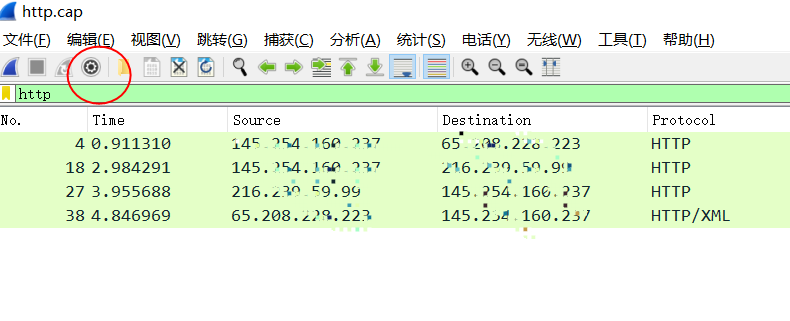
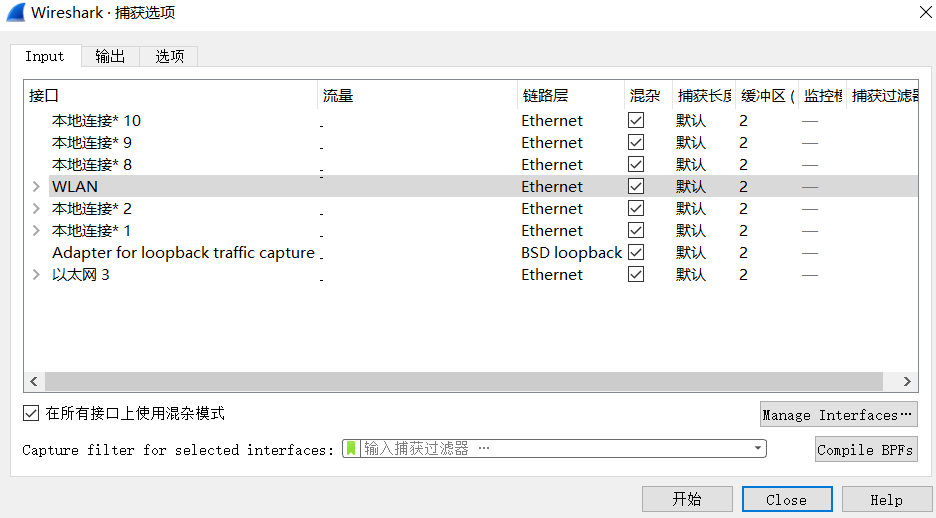
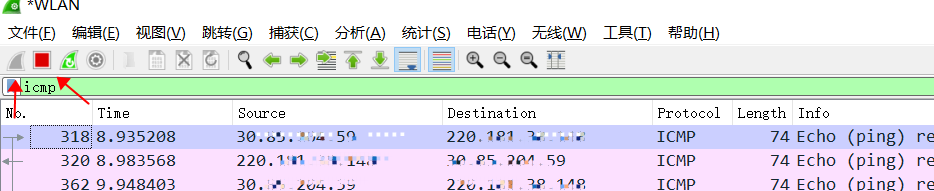
ping 检测 有去有回 正常;
73 0.821796 30.85.204.59 47.107.241.69 ICMP 74 Echo (ping) request id=0x0001, seq=4043/51983, ttl=128 (reply in 75)
75 0.839708 47.107.241.69 30.85.204.59 ICMP 74 Echo (ping) reply id=0x0001, seq=4043/51983, ttl=51 (request in 73)
工具:https://2.na.dl.wireshark.org/win64/Wireshark-win64-3.1.0.exe
备注:
客户端抓包:看到本地的IP是内网IP,服务端是公网IP
服务端抓包:服务端看到是内网IP,客户端是公网IP
过滤条件:
tcp.stream eq 6
tcp.stream eq 5 表示 一次完整的tcp通讯。包括建立、通讯和释放;
一般情况下,正常返回 和返回RST包 TTL不一样 就代表中间有设备RST;(结合实际)

 浙公网安备 33010602011771号