会员
周边
新闻
博问
闪存
众包
赞助商
Chat2DB
所有博客
当前博客
我的博客
我的园子
账号设置
会员中心
简洁模式
...
退出登录
注册
登录
CoderWGB
Stay hungry, stay foolish. Talk is cheap, show me the code.
博客园
首页
新随笔
联系
订阅
管理
上一页
1
2
3
4
5
6
7
···
11
下一页
2023年5月25日
使用Node搭建一个本地的WebSocket服务
摘要: 首先创建一个目录,cd到目录下, npm init -y 一路回车, 安装一个插件 npm i websocket 建一个server.js文件 const WebSocketServer = require('websocket').server const http = require('htt
阅读全文
posted @ 2023-05-25 20:11 CoderWGB
阅读(481)
评论(0)
推荐(0)
2023年5月4日
Mac工作流之图片压缩
摘要: 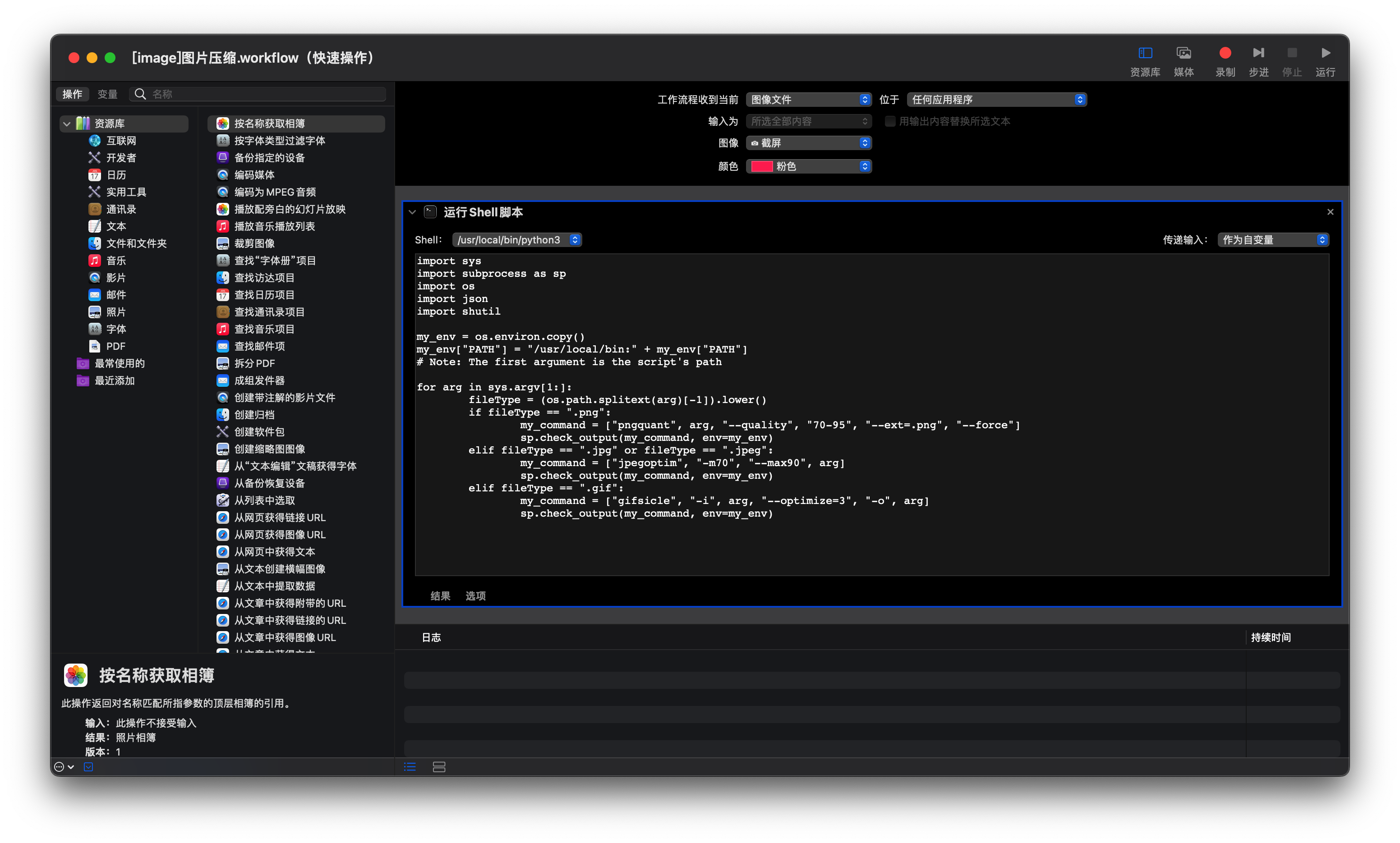 需要安装命令行插件 `pngquant` `jpegoptim` `gifsicle` ```python impor
阅读全文
posted @ 2023-05-04 21:42 CoderWGB
阅读(65)
评论(0)
推荐(0)
Mac工作流之视频压缩(mov => mp4)
摘要: 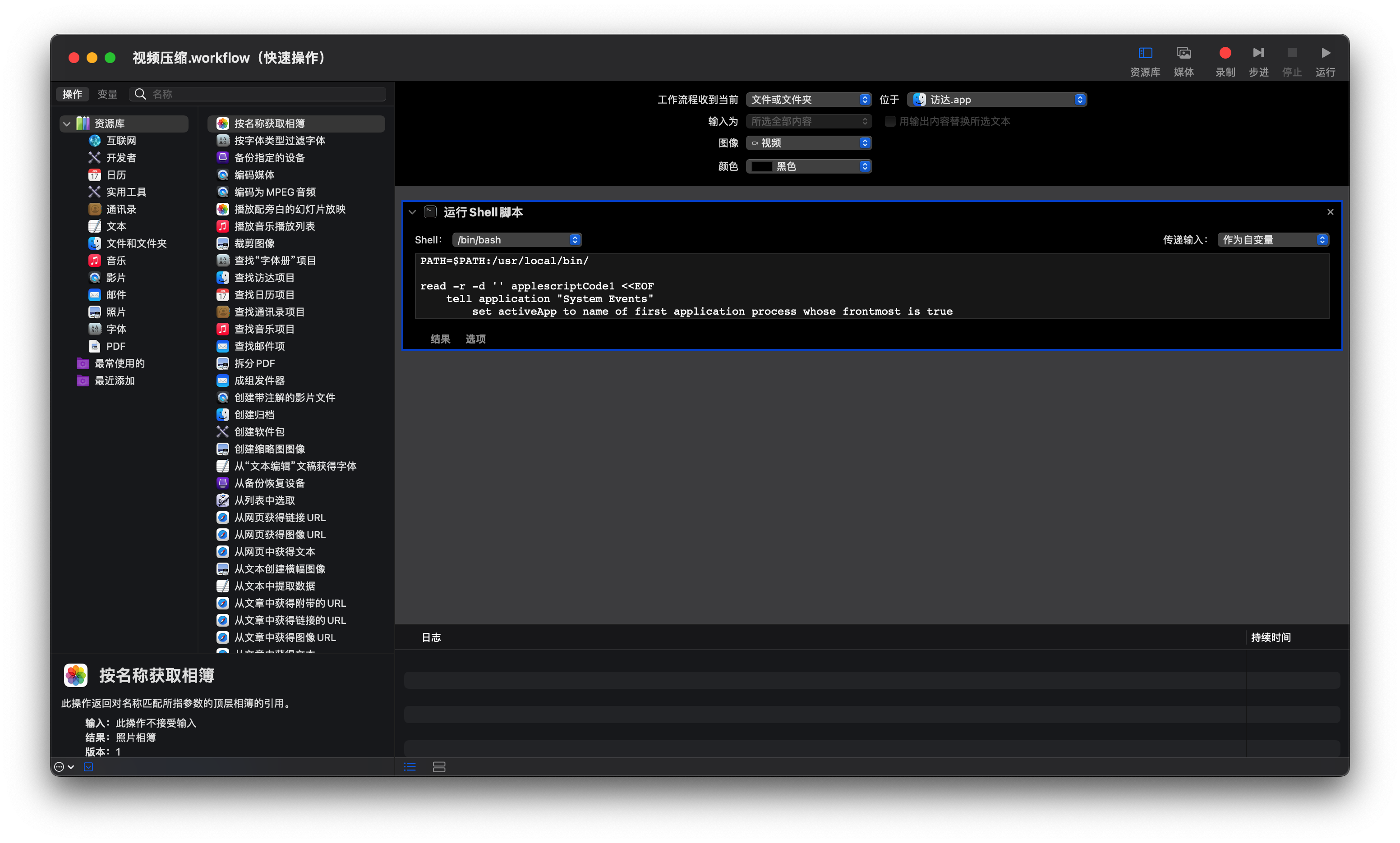 shell脚本如下: 需要安装`ffmpeg`命令行工具 ```bash PATH=$PATH:/usr/local
阅读全文
posted @ 2023-05-04 21:35 CoderWGB
阅读(155)
评论(0)
推荐(0)
Mac工作流之选择IPA文件上传到蒲公英
摘要: 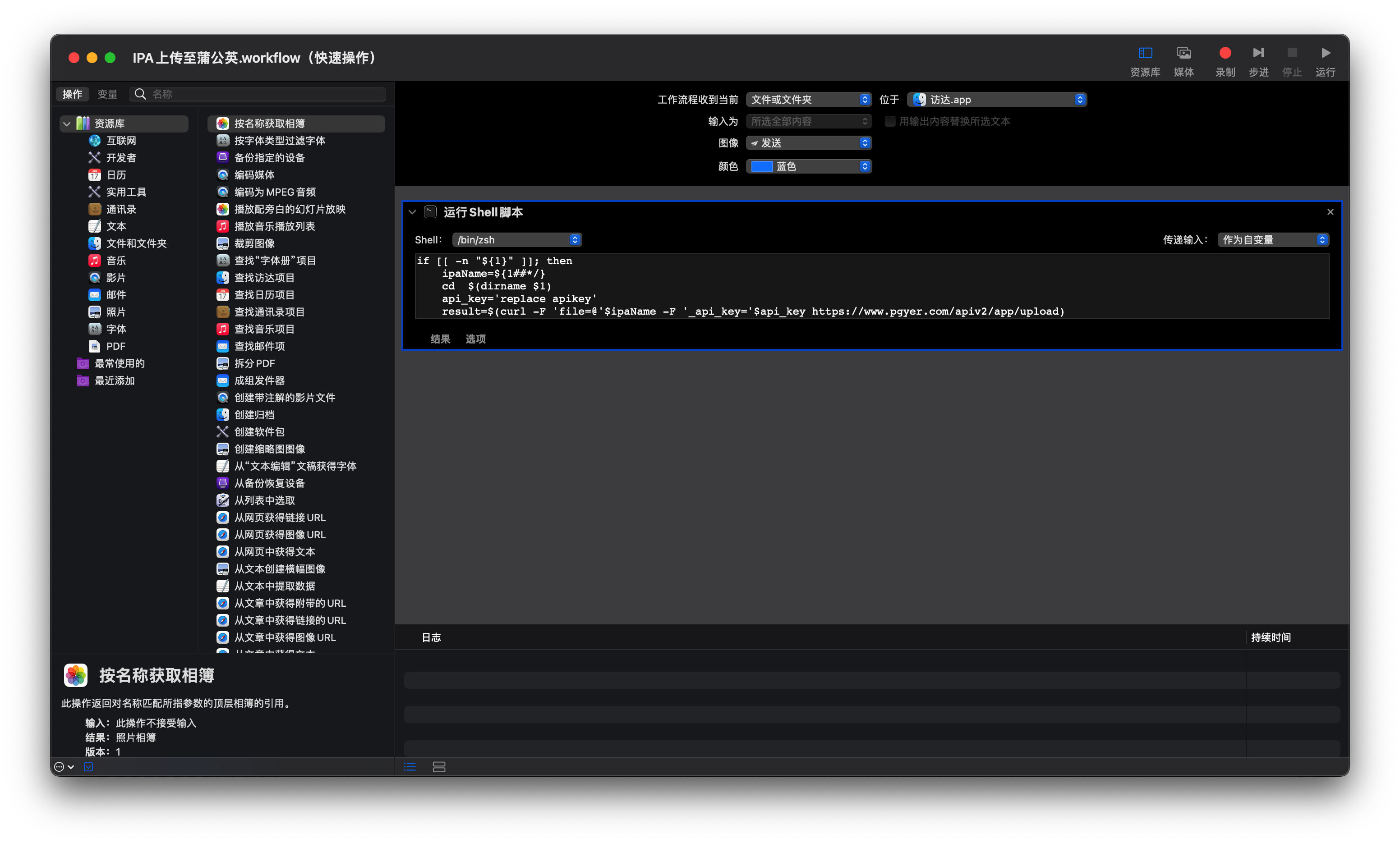 shell脚本如下: ```bash if [[ -n "${1}" ]]; then ipaName=${1##*
阅读全文
posted @ 2023-05-04 21:27 CoderWGB
阅读(63)
评论(0)
推荐(0)
2023年3月29日
fastlane插件安装未用到也报错
摘要: 打包是成功了的,但是最后日志打印一堆报错,还给了几个issue链接🔗让点过去看.. ... /System/Library/Frameworks/Ruby.framework/Versions/2.6/usr/lib/ruby/2.6.0/rubygems/version.rb:212:in `i
阅读全文
posted @ 2023-03-29 22:48 CoderWGB
阅读(112)
评论(0)
推荐(0)
2023年3月26日
解决github提交代码失败报错
摘要: @@@@@@@@@@@@@@@@@@@@@@@@@@@@@@@@@@@@@@@@@@@@@@@@@@@@@@@@@@@ @ WARNING: REMOTE HOST IDENTIFICATION HAS CHANGED! @ @@@@@@@@@@@@@@@@@@@@@@@@@@@@@@@@@@@@@
阅读全文
posted @ 2023-03-26 16:37 CoderWGB
阅读(361)
评论(0)
推荐(0)
2022年10月23日
升级Xcode14之后如何打出带有armv7架构的SDK包
摘要: Xcode14以前是默认armv7和arm64的, 升级Xcode之后就被苹果这厮移除了, 所以答案是Xcode14是打不出来armv7的包的, 因为某些资本家的理念: 宁可兼容到每一个古董机型,也不允许放走一个潜在的客户~ 虽然苹果升级的很快而且支持最低系统版本已经到iOS 11.0起步了,作为卑
阅读全文
posted @ 2022-10-23 19:56 CoderWGB
阅读(5653)
评论(2)
推荐(1)
2022年10月22日
iOS如何编译webrtc源码并生成sdk
摘要: webrtc是google开源的代码,但是代码都放在google的服务器上,然后有墙懂的都懂 mkdir webrtc cd webrtc git clone https://chromium.googlesource.com/chromium/tools/depot_tools.git #需要设置
阅读全文
posted @ 2022-10-22 01:38 CoderWGB
阅读(809)
评论(0)
推荐(0)
2022年9月23日
WKWebView 注入JS代码
摘要: 初始化时进行注入 WKWebViewConfiguration *config = [[WKWebViewConfiguration alloc] init]; //实际上注入js文件和注入js代码字符串没有区别,因为也要把JS文件读取为字符串进行调用 NSString *js = [[NSBund
阅读全文
posted @ 2022-09-23 21:13 CoderWGB
阅读(1273)
评论(0)
推荐(0)
iOS NSBundle读取本地文件细节
摘要: 拖入文件夹到工程时,勾选Create Groups时 Xcode文件夹显示为默认颜色,默认文件夹下的文件都会添加到当前target下的bundle里,所以文件将不具备真实目录的结构,直接读取文件名即可 NSString *path = [[NSBundle bundleForClass:[self
阅读全文
posted @ 2022-09-23 21:10 CoderWGB
阅读(213)
评论(0)
推荐(0)
上一页
1
2
3
4
5
6
7
···
11
下一页
公告

 浙公网安备 33010602011771号