
Zabbix-04-Web Chinese
6. Modify Chinese language

Chinese cannot be selected at this time because the OS does not have a Chinese language environment installed.
apt-get install language-pack-zh*
Whether compiled or apt-installed
Add Chinese language environment variable
vim /etc/environment
PATH="/usr/local/sbin:/usr/local/bin:/usr/sbin:/usr/bin:/sbin:/bin:/usr/games:/usr/local/
games"
LANG="zh_CN.UTF-8"
dpkg-reconfigure locales
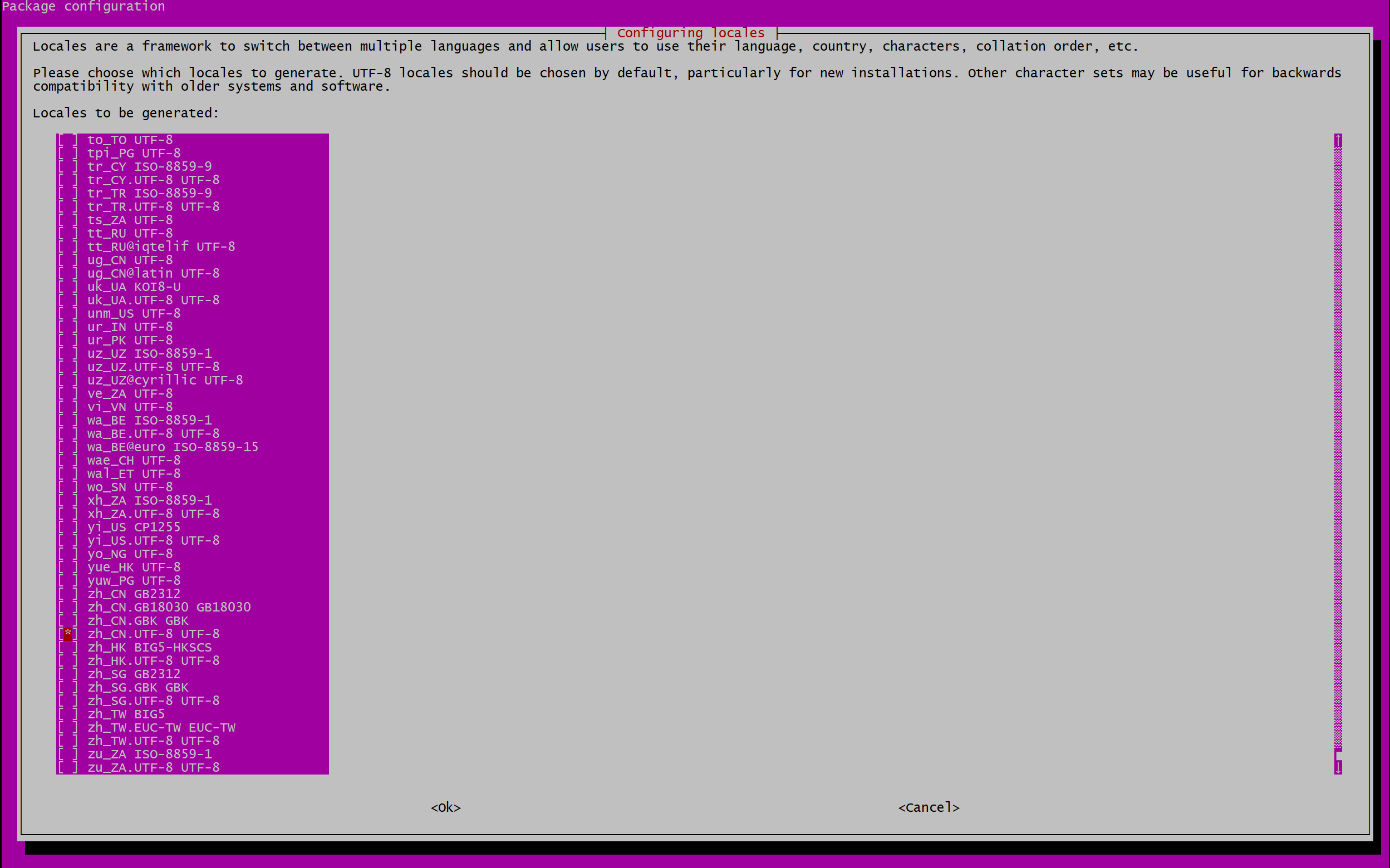
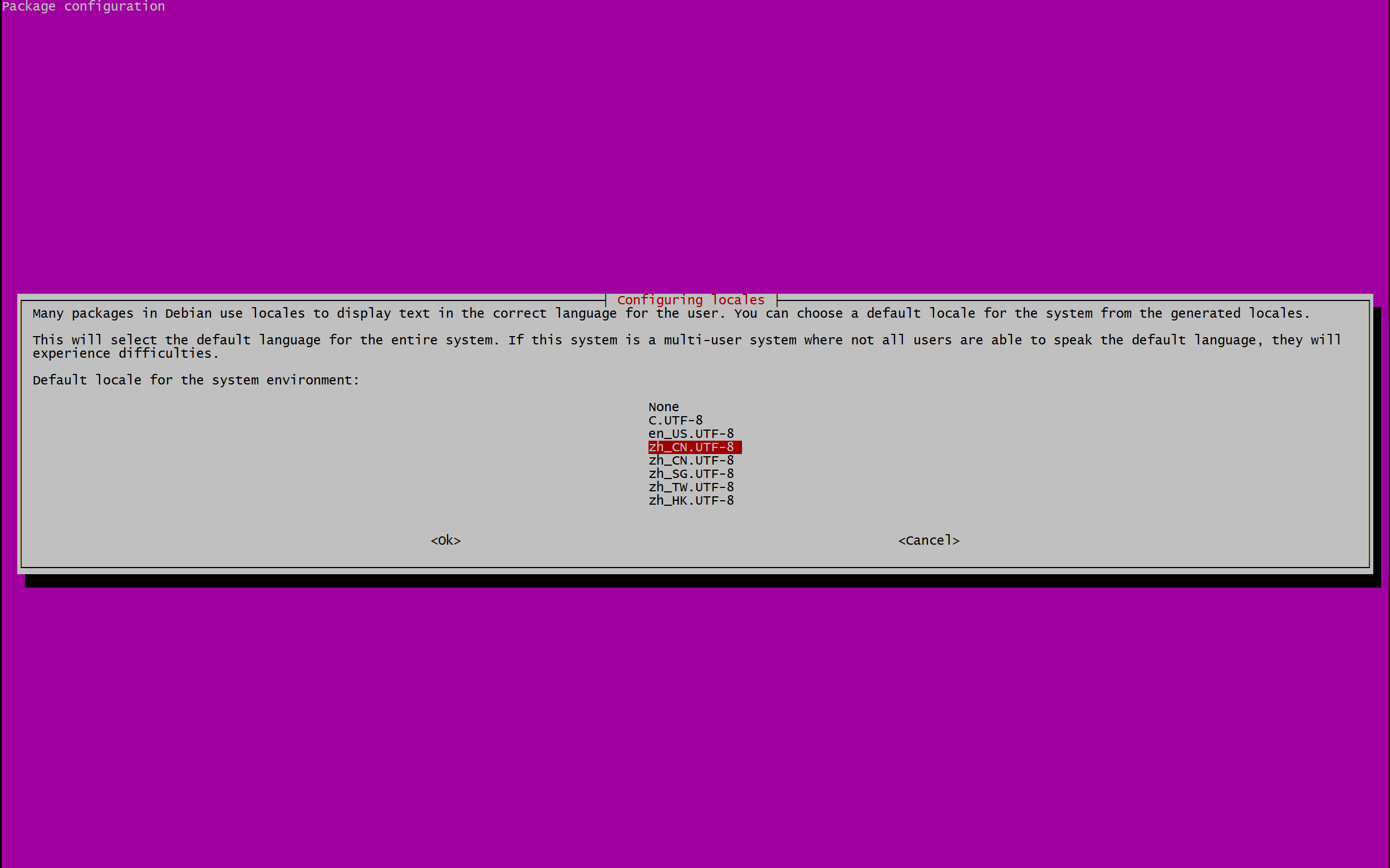

So you can choose Chinese, other services are also applicable
systemctl restart apache2

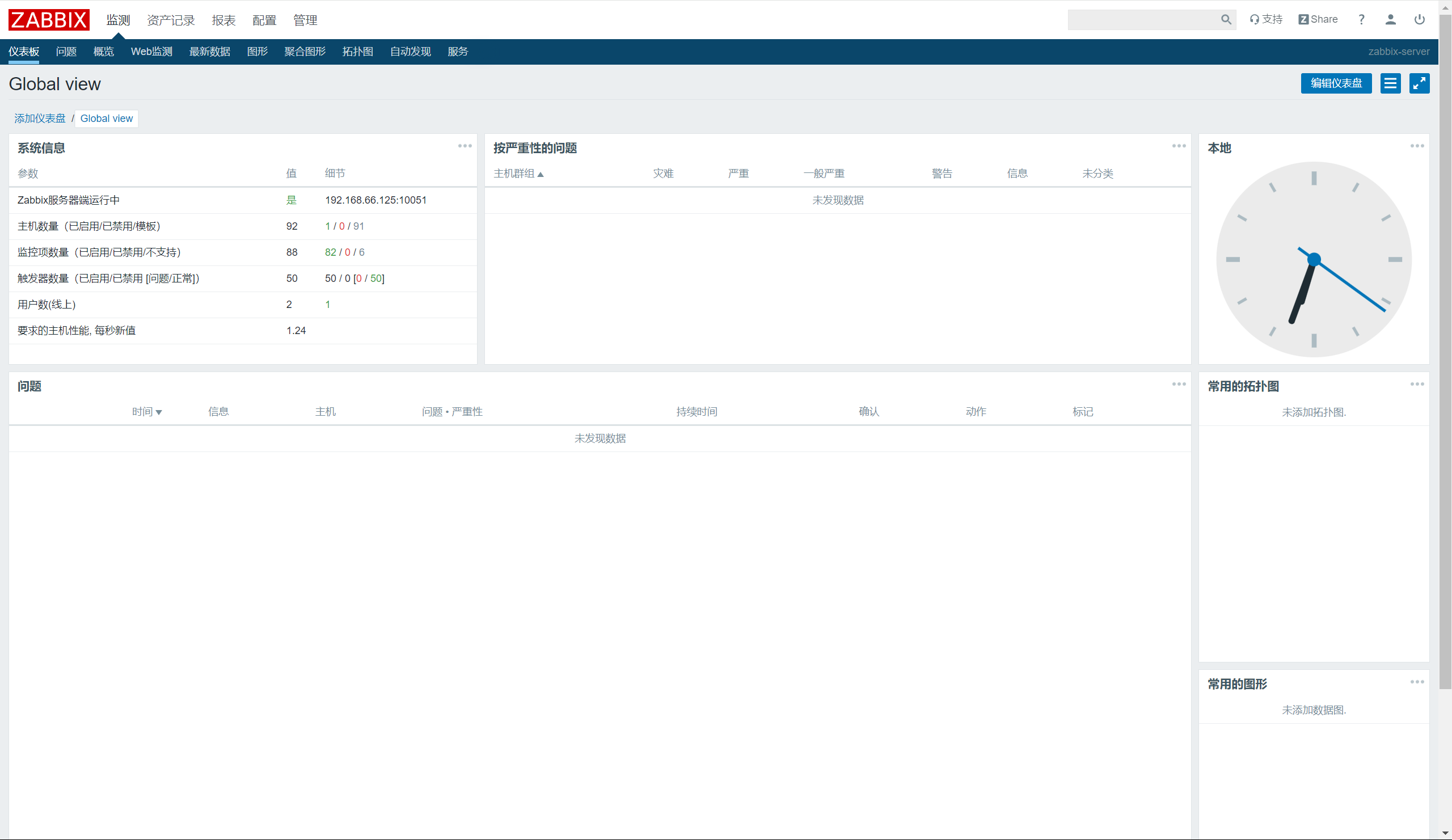
7.Chinese graphics display messy code
Since the web interface is in Chinese but the system does not have the relevant font support, some of the monitoring items in the current system are displayed in gibberish, so you need the relevant font support to display them properly.
The following is a list of fonts that can be used to display the items normally:

Uploading font files
From Windows, find Control Panel --> Fonts and upload the windows font files to the zabbix web directory: /var/www/html/zabbix/assets/fonts

DejaVuSans.ttf This font is not supported for displaying Chinese characters.

vi /var/www/html/zabbix/include/defines.inc.php


Refences:
https://www.zabbix.com/documentation/4.0/zh/manual/installation/install
https://www.zabbix.com/documentation/4.0/zh/manual/appendix/install/db_scripts
https://www.cnblogs.com/yinzhengjie2020/p/12306882.html
AAAA


创建触发器后才能报警


一个图形想看多个业务监控


邮箱通知
xysmtvxcixcqdhhg


用户里面关联报警媒介


动作:更具触发器的报警发送邮件


 浙公网安备 33010602011771号