
关于使用ASP.NET.WEB应用程序和web端进行通信提供API服务的一个案例
情景:我需要在自己的winform程序中,提供与web端交互的双向的一个接口。web端传递参数和消息通知我使用扫描仪驱动扫描两种图纸,在扫描后将图纸回传给web端。
思路:将桌面程序包装成一个api的服务,而不再简单是一个桌面端的应用程序。通过ASP.NET.WEB和web端通信,通过全局的监听完成对应的任务。
1.新建一个ASP.NET.WEB应用程序(.net framework框架)
核心依赖:通过nuget,按照Microsoft.owin ;Microsoft.owin.Hosting;Microsoft.owin.Host.HttpListener
核心类:
WebApiConfig:配置如下
namespace WebControlDemo
{
    public static class WebApiConfig
    {
        public static void Register(HttpConfiguration config)
        {
            // Web API 配置和服务
            var cors = new EnableCorsAttribute("*", "*", "*");
            config.EnableCors(cors);
            // Web API 路由
            config.MapHttpAttributeRoutes();

            config.Routes.MapHttpRoute(
                name: "DefaultApi",
                routeTemplate: "api/{controller}/{id}",
                defaults: new { id = RouteParameter.Optional }
            );
        }
    }
}
ValuesController,主要接口都在这个类中,通过url/api/values/id访问对应的接口
namespace WebControlDemo.Controllers
{
    [EnableCors(origins: "*", headers: "*", methods: "*")]
    public class ValuesController : ApiController
    {
        // GET api/values
        public IEnumerable<string> Get()
        {
            return new string[] { "1", "2" };
        }

        // GET api/values/5
        public string Get(int id)
        {
            int num = id;
            return "Hello from GET method!";
        }

        // POST api/values
        [HttpPost]
        public string Post([FromBody] string value)
        {
            return $"Received: {value}";
        }

        // PUT api/values/5
        public void Put(int id, [FromBody] string value)
        {
        }

        // DELETE api/values/5
        public void Delete(int id)
        {
        }
    }
}
2.在winform测试程序中,简单实现启动服务,定义端口
界面:
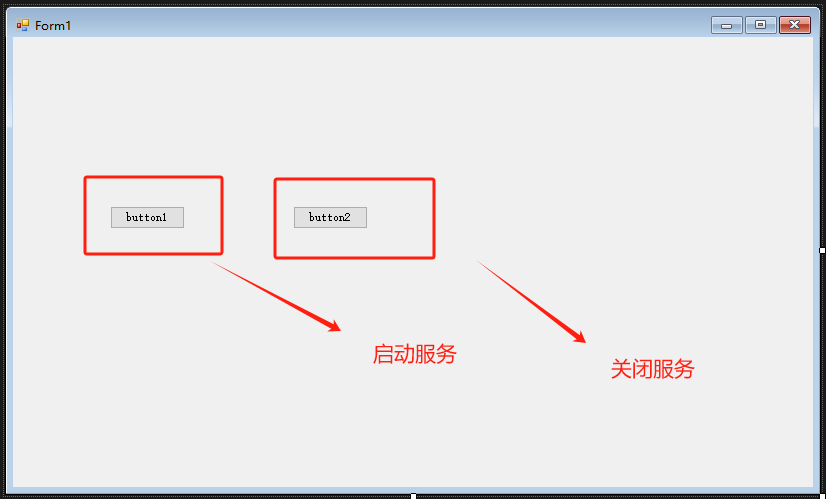
private void button1_Click(object sender, EventArgs e)
{
    var url = "https://localhost:44308/";
    _webApp = WebApp.Start<WebControlDemo.Startup>(url);
    MessageBox.Show("API Server started successfully.");
}
3.写一个简单的网页端
<!DOCTYPE html>
<html>
<head>
    <title>Web API Test</title>
</head>
<body>
    <h1>Web API Test</h1>
    <button onclick="callGet()">Call GET</button>
    <button onclick="callPost()">Call POST</button>

    <script>
        function callGet() {
            fetch('https://localhost:44308/api/values/6')
                .then(response => response.text())
                .then(data => alert('GET Response: ' + data))
                .catch(error => alert('Error: ' + error));
        }

        function callPost() {
            fetch('https://localhost:44308/api/values', {
                method: 'POST',
                headers: {
                     'Content-Type': 'application/json'
                },
                body: JSON.stringify('Hello, World!')
            })
            .then(response => response.text())
            .then(data => alert('POST Response: ' + data))
            .catch(error => alert('Error: ' + error));
        }
    </script>
</body>
</html>
4.测试
先启动winform程序,开启服务。
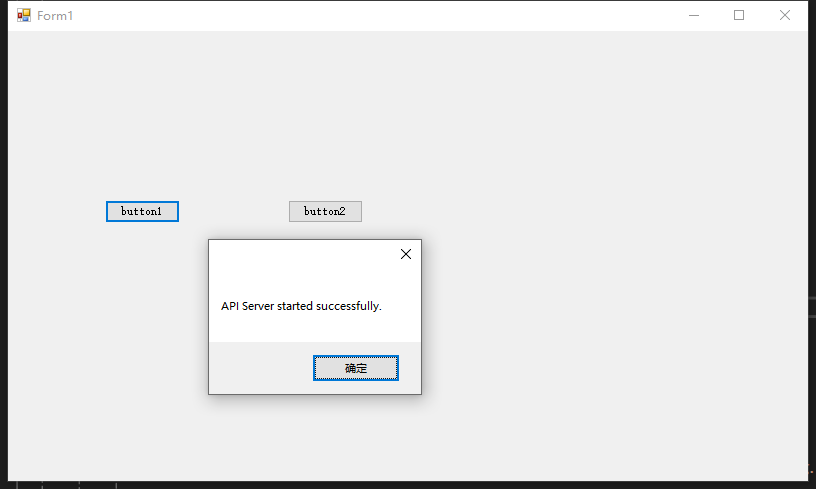
然后启动网页端
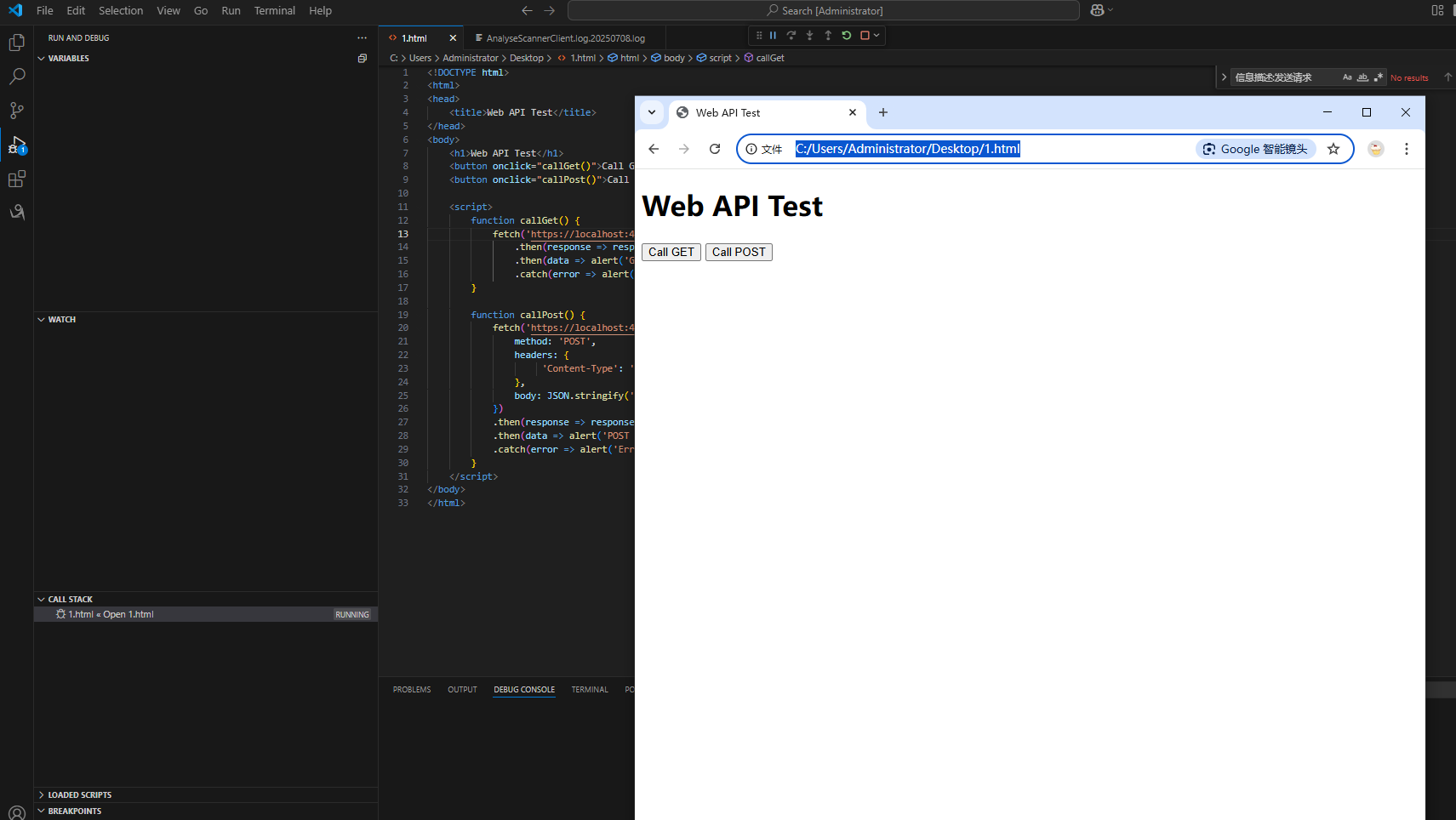
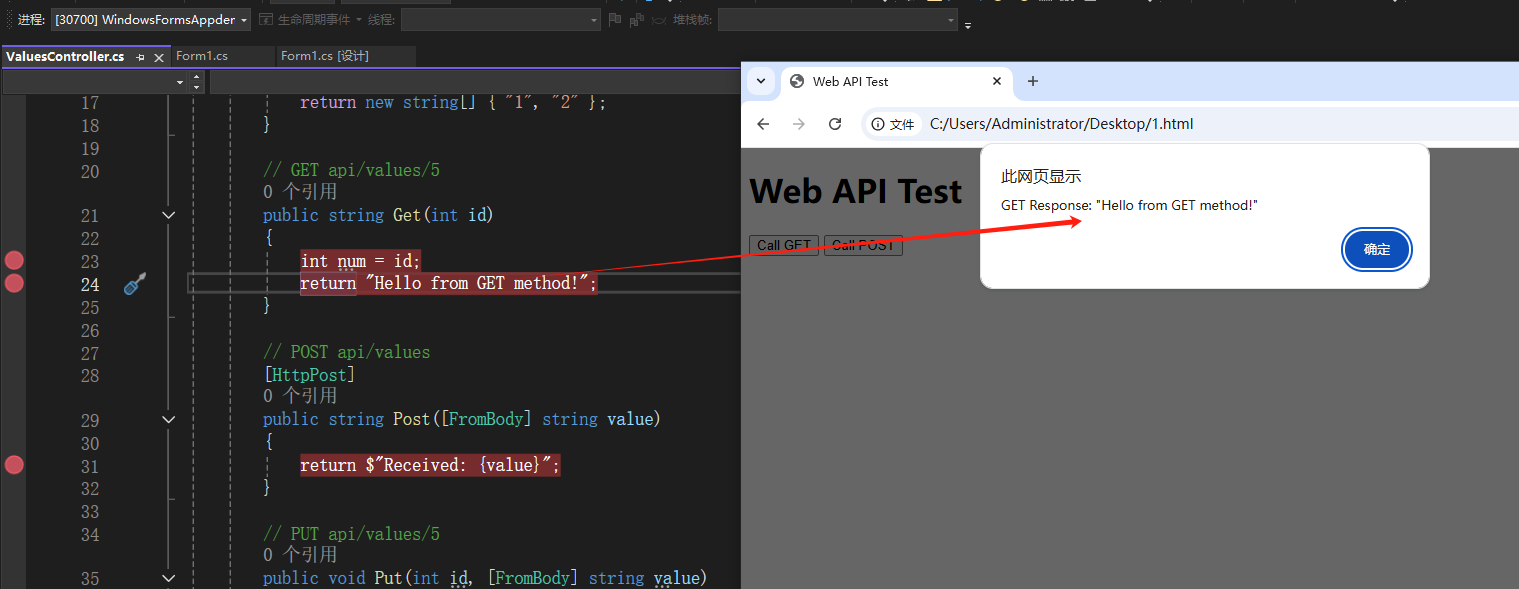
点击web端的Call GET,断点命中Get接口,并将id=6传递,返回“"Hello from GET method!"
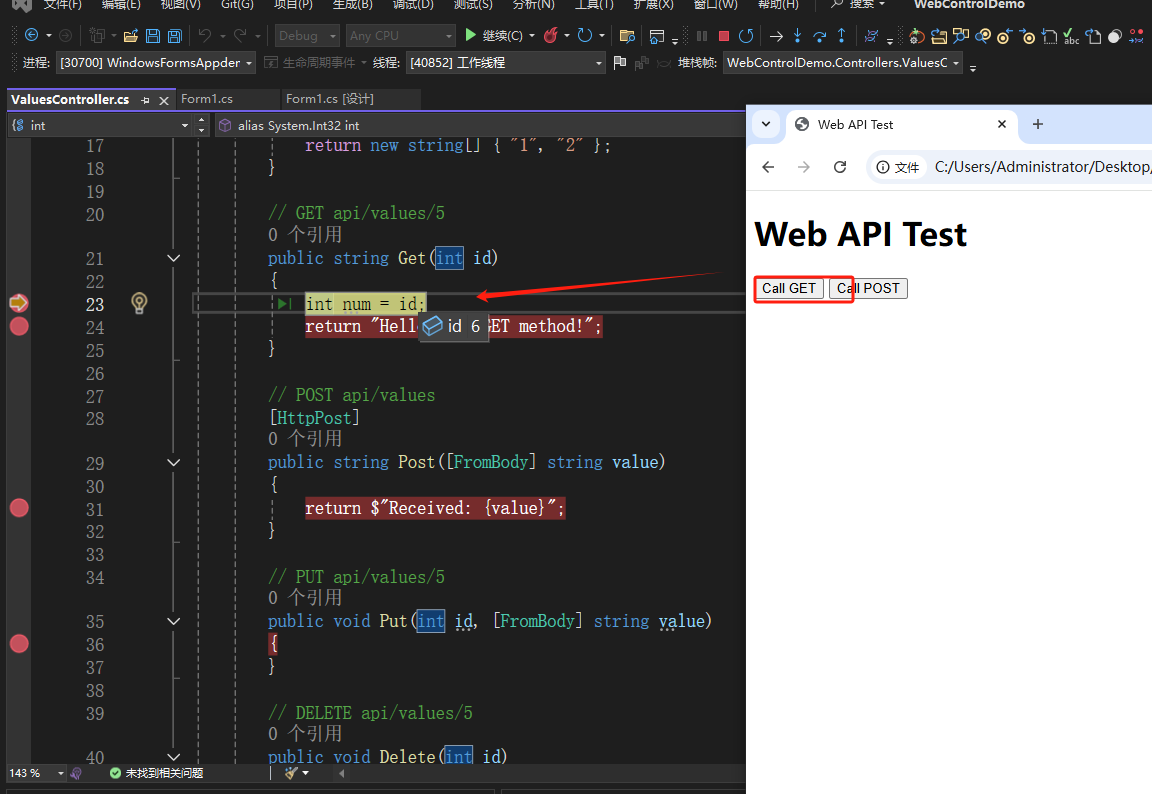
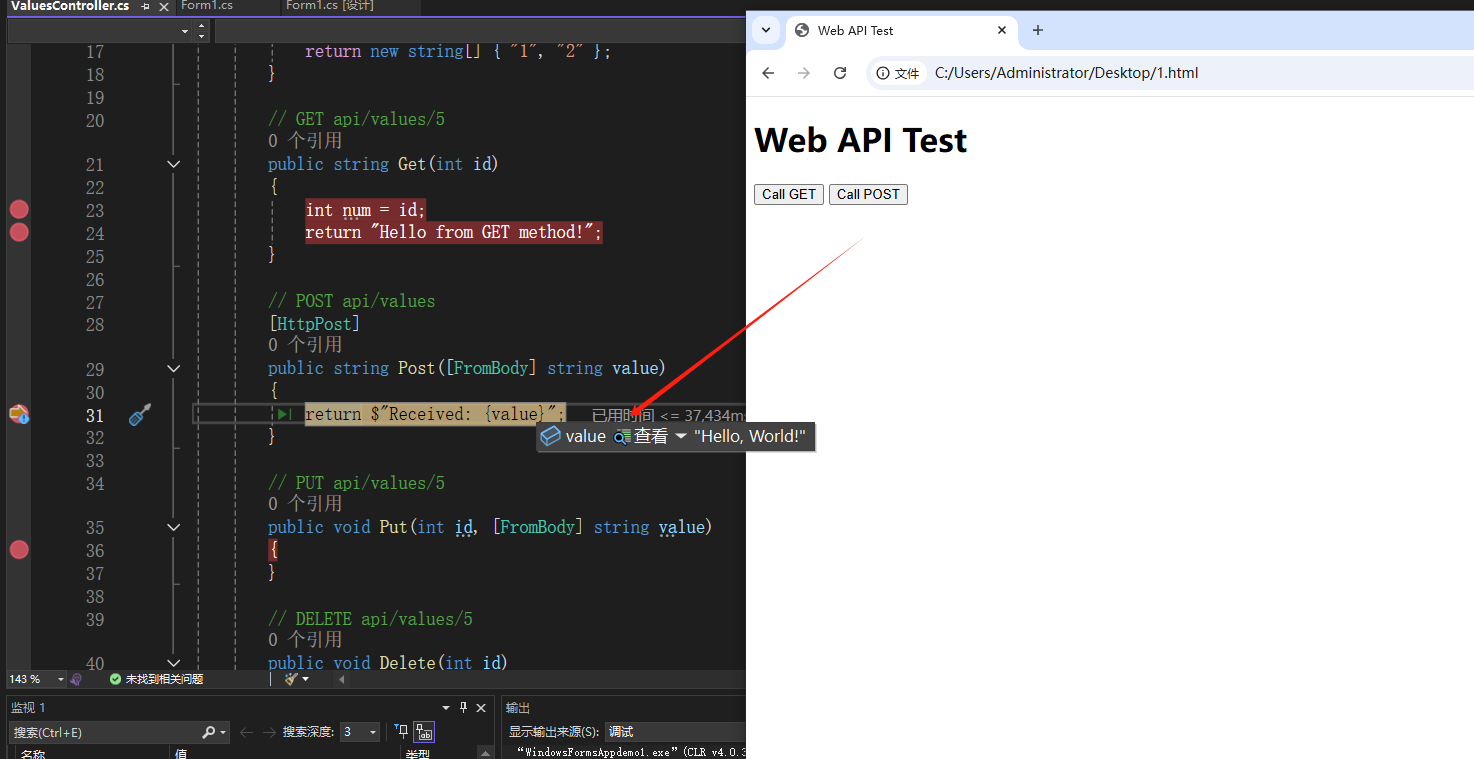
点击CallPost同理,命中Post,并将参数string ”Hello, World!“传递过去
通过如上案例,直接实现.net程序和web端的通信交互,不需要监听。希望这样的思路可以把我原本的桌面应用程序改造成一个API服务,通过web端的请求,提供不同类型的功能和返回。这样也不用因为不同的需求而关闭程序或则调用不同的程序。

 浙公网安备 33010602011771号