


python中用Pillow库进行图片处理
PIL:PIL.Image.open
PIL即Python Imaging Library,也即为我们所称的Pillow,是一个很流行的图像库,它比opencv更为轻巧,正因如此,它深受大众的喜爱。
一、图片读取
PIL读进来的图像是一个对象,而不是我们所熟知的numpy 矩阵。
from PIL import Image
img = Image.open('呆头鸟.jpg')
print(img.format)
print(img.size) #注意,省略了通道 (w,h)
print(img.mode) #L为灰度图,RGB为真彩色,RGBA为加了透明通道
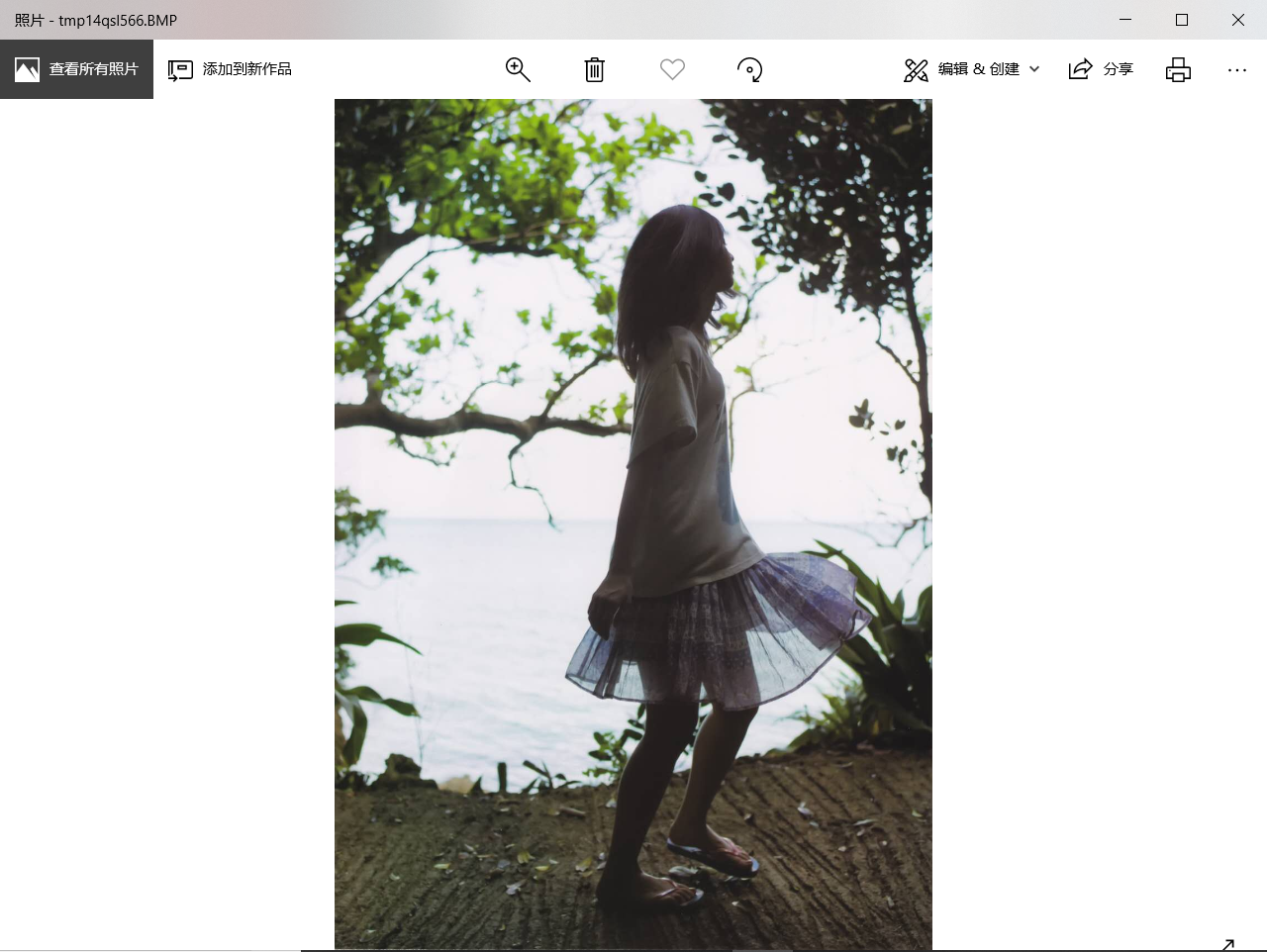
img.show() # 显示图片
显示效果:

二、灰度的调整
from PIL import Image
img = Image.open('呆头鸟.jpg')
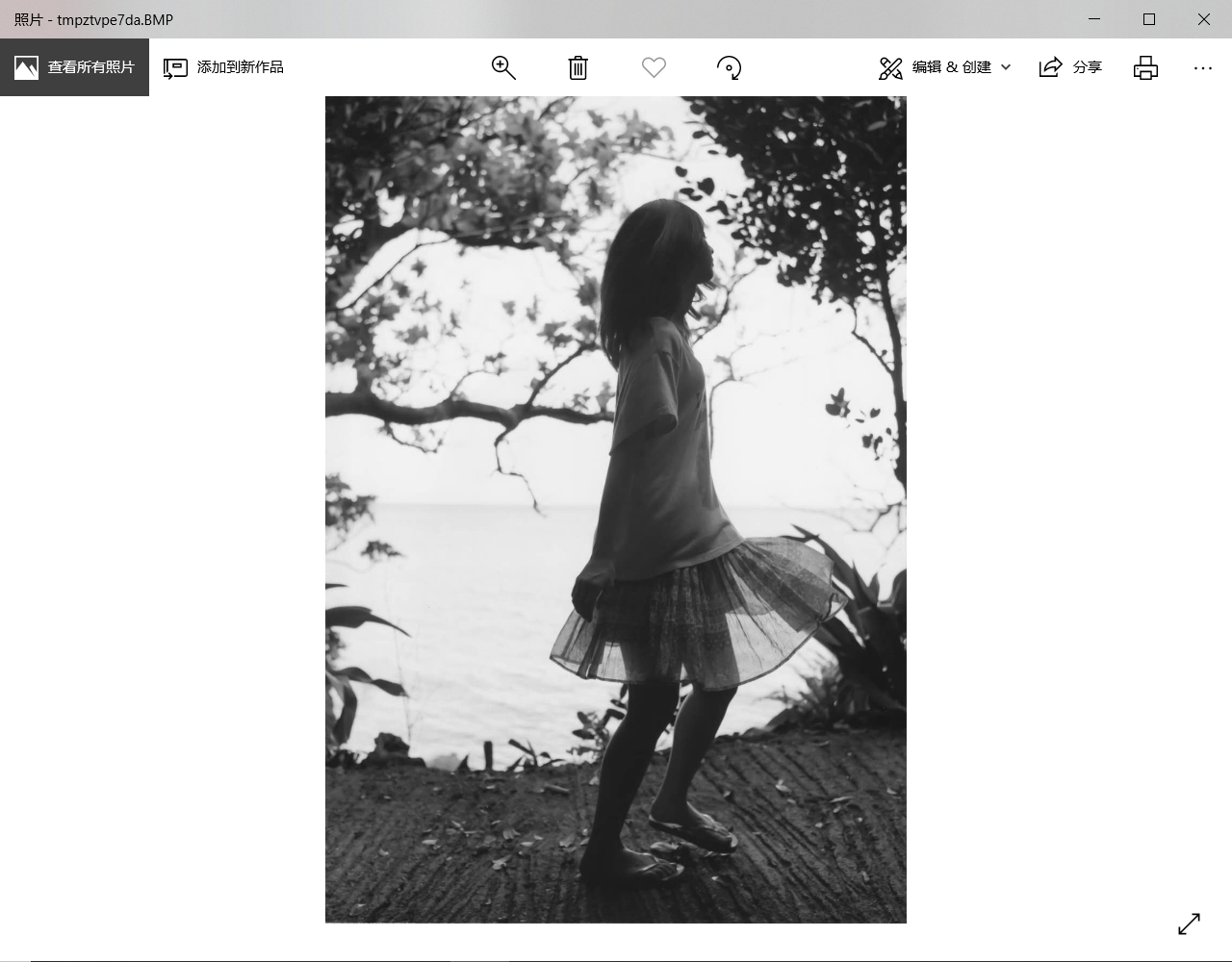
gray = Image.open('呆头鸟.jpg').convert('L')
gray.show()
posted on 2019-04-11 00:44 shinawear-- 阅读(2312) 评论(0) 收藏 举报


 浙公网安备 33010602011771号