
利用Github创建自己的博客
一、创建Github账号
详细教程见创建我的GitHub账号及使用
二、创建一个仓库
1、新创建一个仓库:

2、仓库配置:
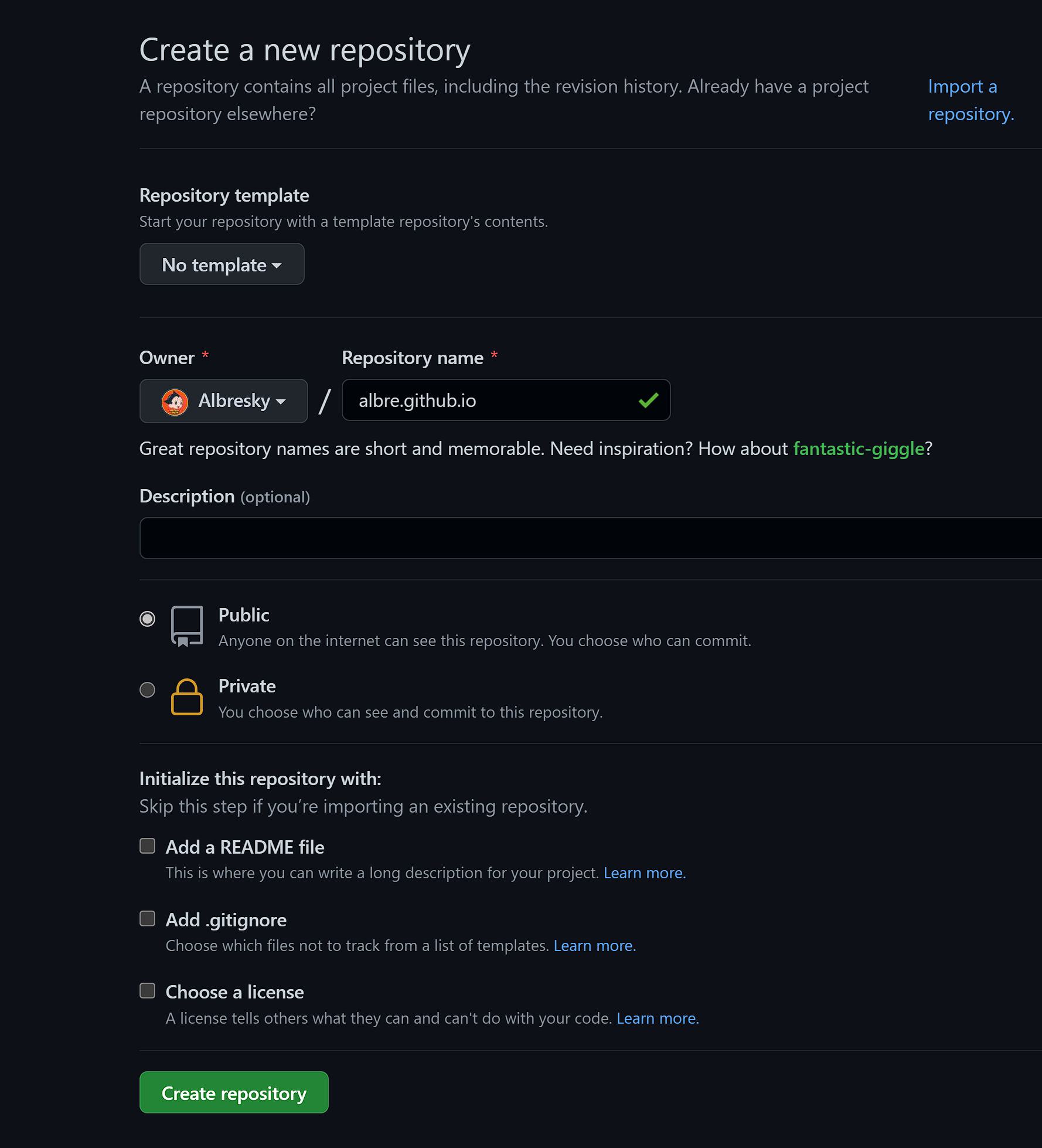
- 进入页面后,在 Repository name 的位置填写域名,格式是username.github.io
- 创建成功后,点击Settings。

- Settings-Page:选择Change theme。
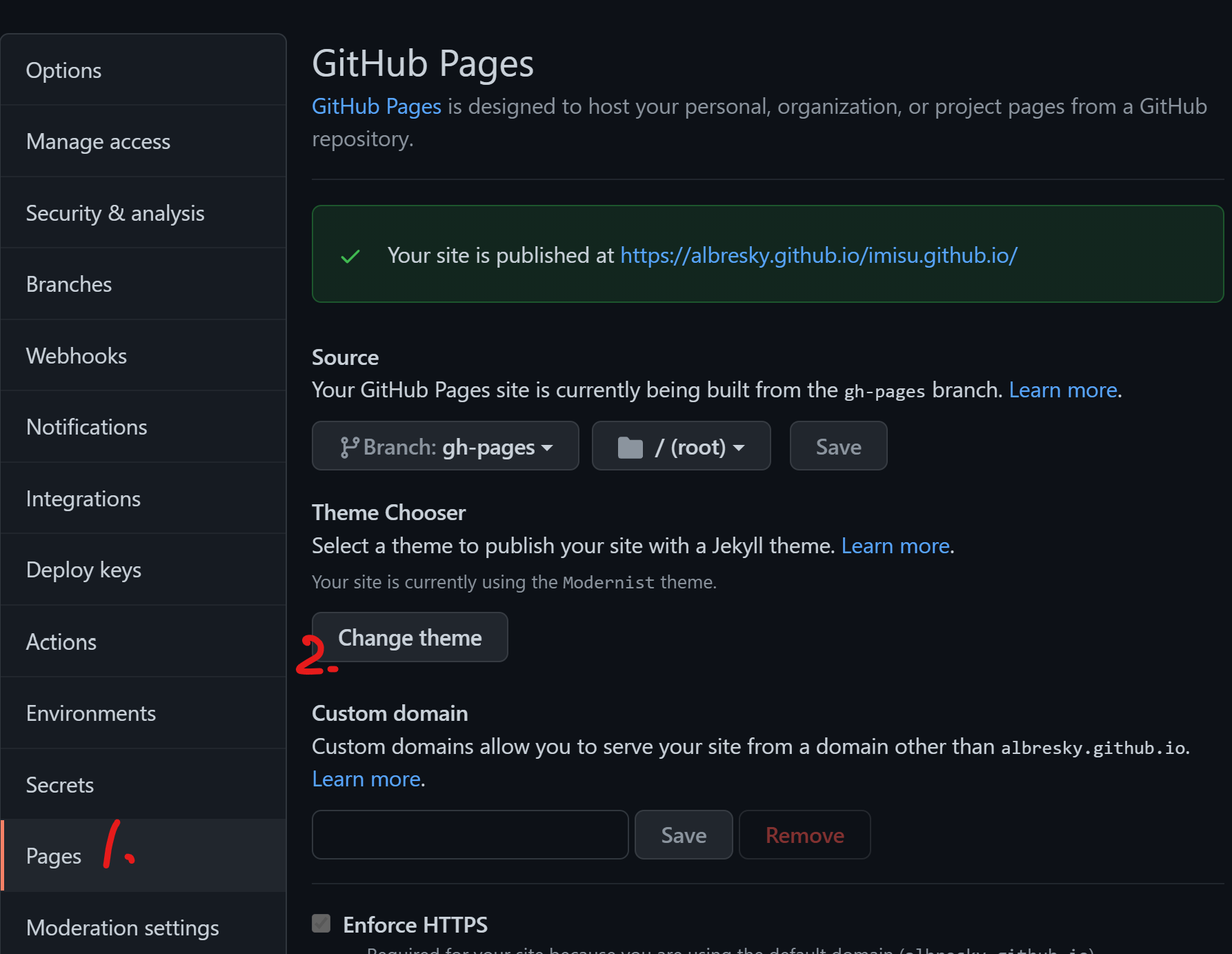
- 选择一个主题。

- 选择完成后,记得“select theme”。

Select theme
- 安装Github Desktop,登录Github账号。
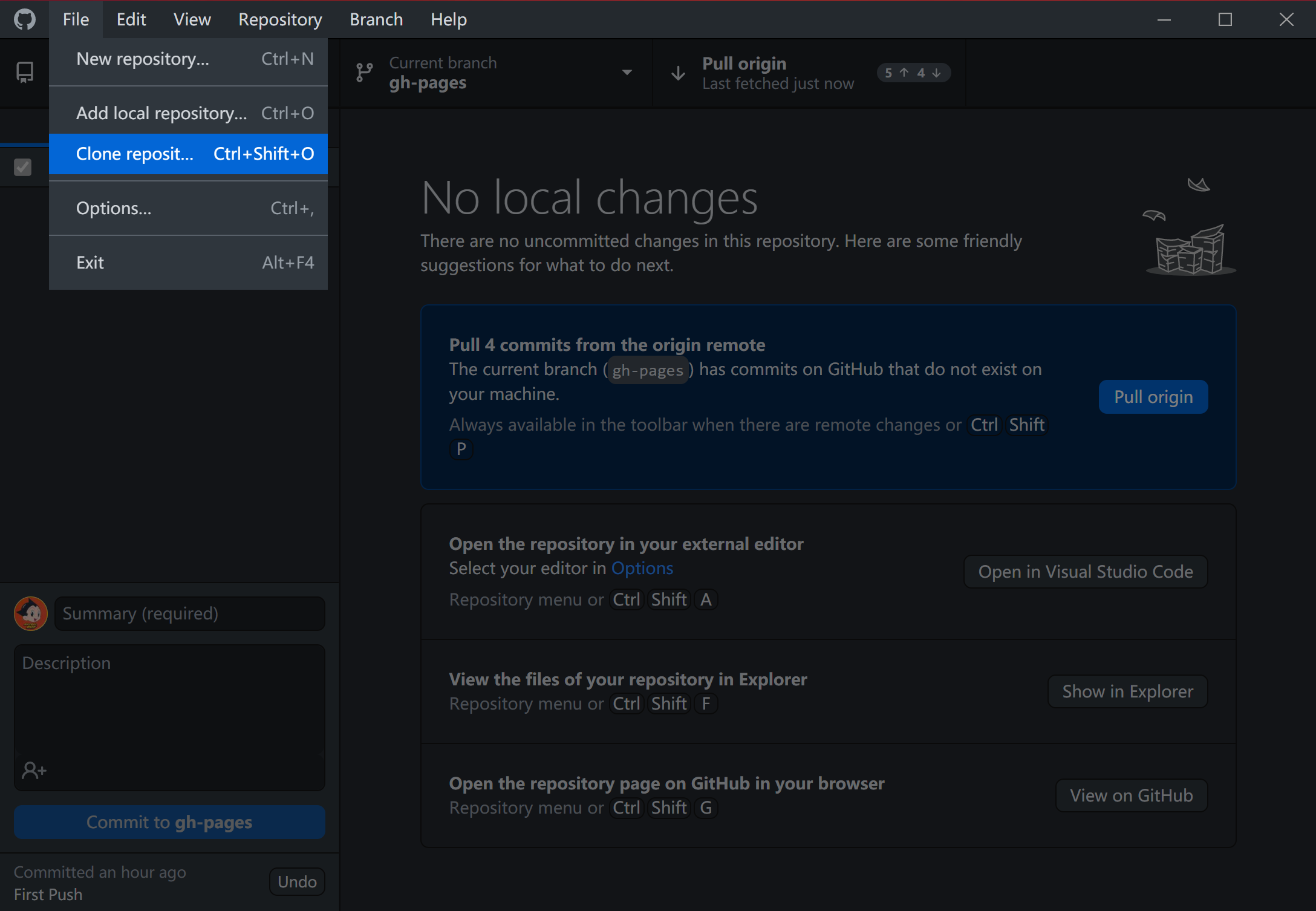
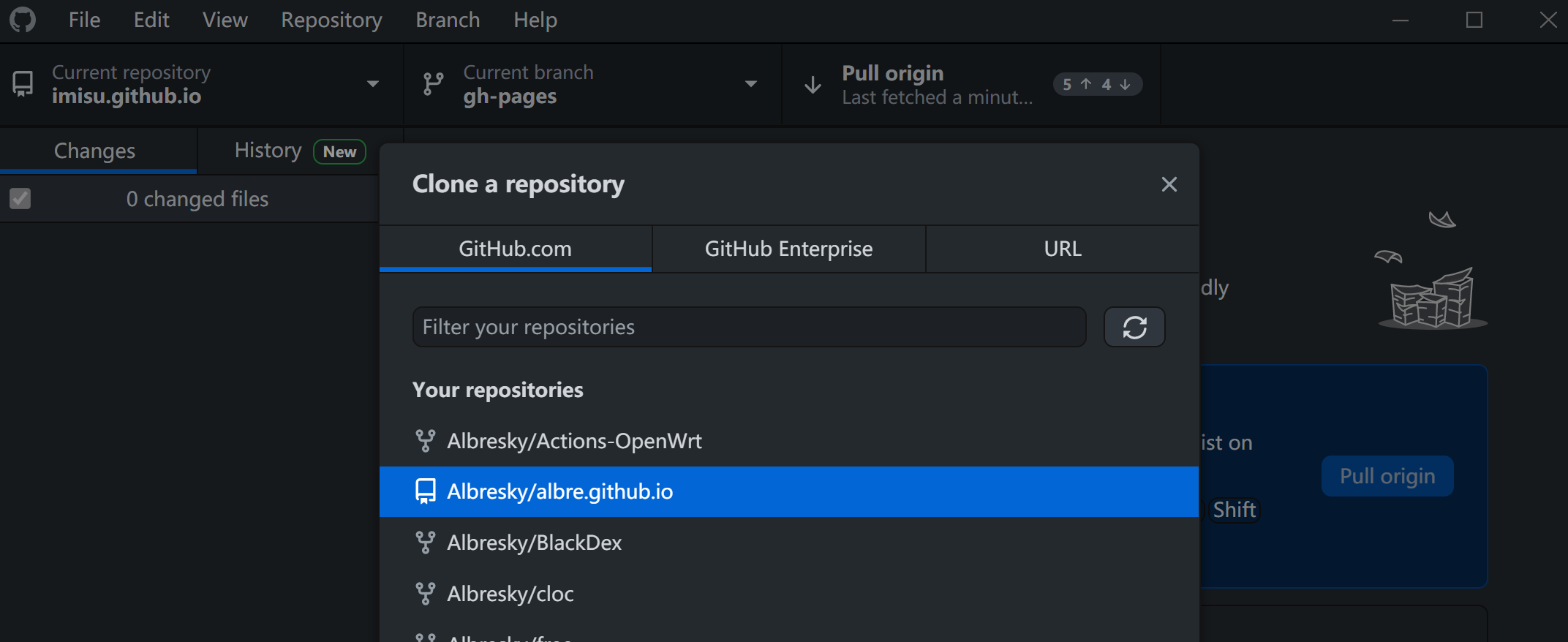
- 将仓库克隆到本地:
- 依次选择 File-Clone reposit:
- 选择自己之前建立的仓库
- 在外部编辑器中打开仓库:

- 在编辑器中修改Index,比如“Hello world”

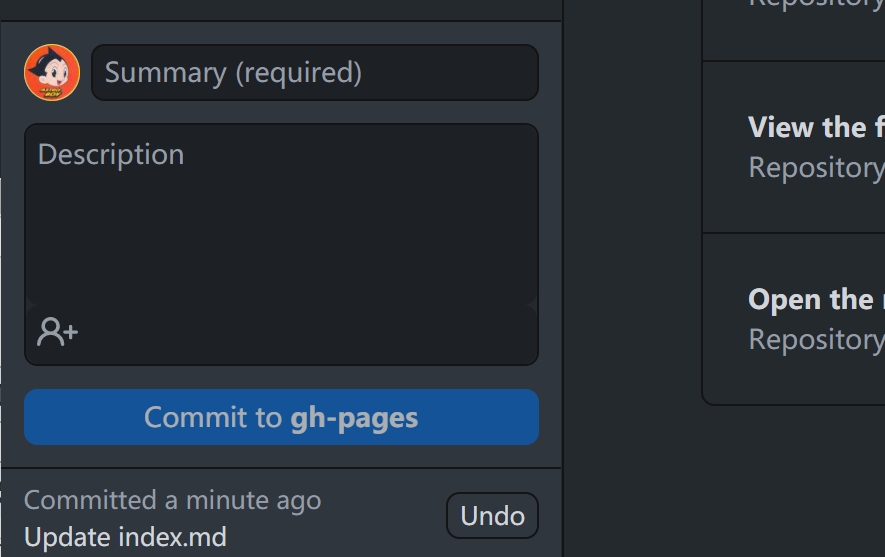
- 修改完成后Ctrl+S保存,然后在Github Desktop中提交:
三、成果
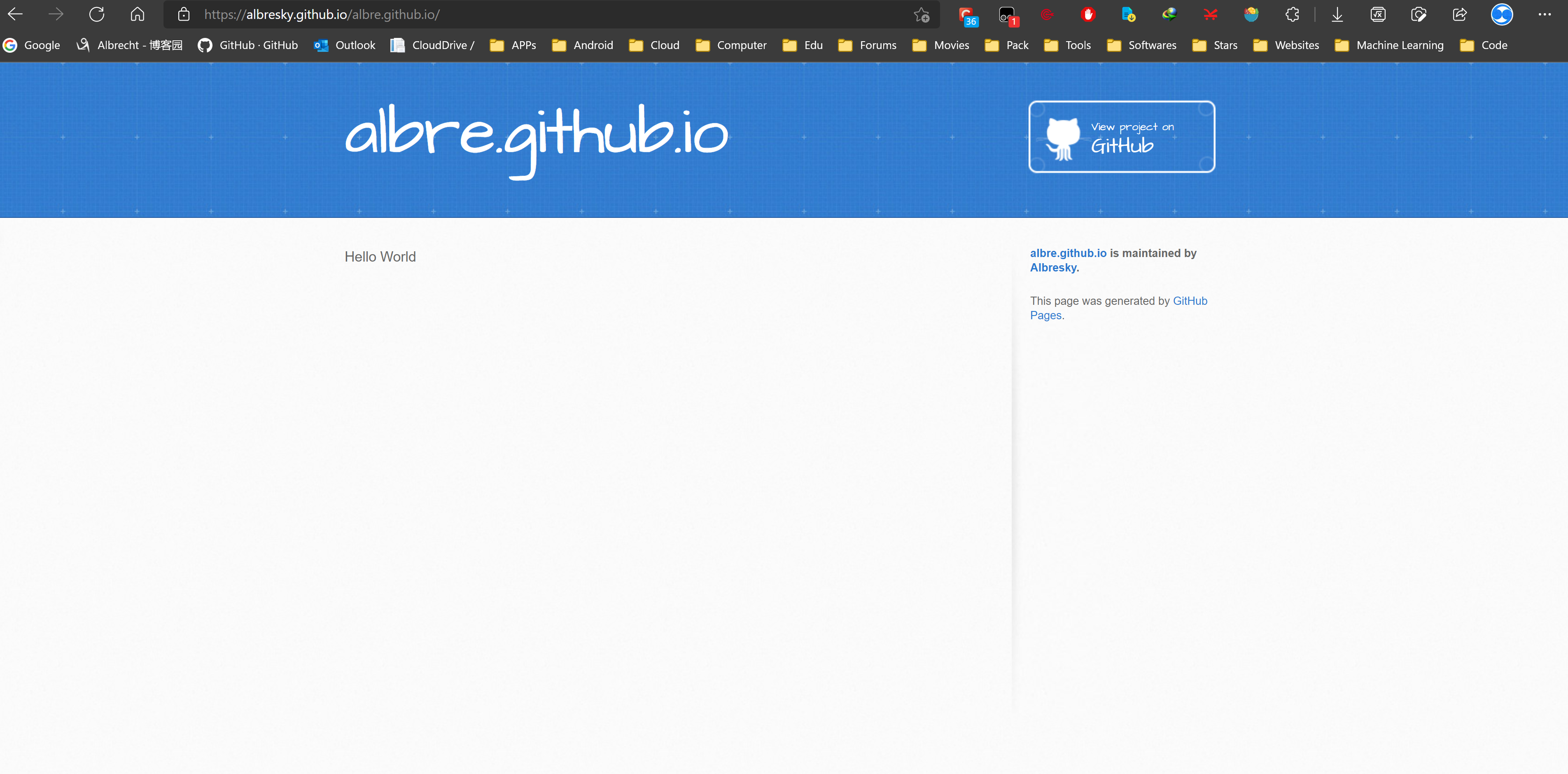
- 访问username.github.io/albre.github.io
- 成果如下:

 浙公网安备 33010602011771号