
05 2020 档案
摘要:解决办法: 在vue.config.js中添加 module.exports = { css: { extract: false } }
阅读全文
摘要:包含以下PDF书籍: JavaScript 权威指南 JavaScript 语言精粹 JavaScript 高级程序设计 逆向工程入门指南 (乌云网译) c++primerplus6 https://wwe.lanzoux.com/b00zrxupg 密码:4fko
阅读全文
摘要: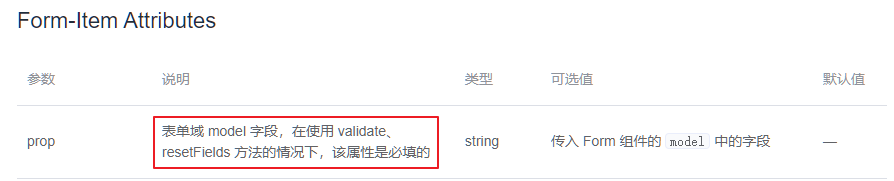
阅读全文
摘要:``` export default { data() { return { //登陆表单数据绑定对象 loginFrom: { password: '' }, // 表单验证对象 loginFromRules: { // 验证密码 password: [ { required: true, mes
阅读全文
摘要:安装 vetur 插件 打开Settings 找到files.associations对象 添加
阅读全文
摘要:下载插件 HTML Snippets 打开 vscode 设置选项,编辑 settings.json 文件,定位到 files.associations对象 在这个对象中添加如下代码
阅读全文
摘要:1.在根目录创建.prettierrc文件,在文件中加入如下代码 { "semi":false, "singleQuote":true }
阅读全文
 浙公网安备 33010602011771号