

Python 官方文档跳转中文脚本
用 Pycharm 开发的时候有时候想查文档,但是 IDE 自动跳转的时候自动跳转到的文档是英文文档,看着不方便。
虽然页面上就有切换语言的按钮,但是必须要翻到最上面才能切换,很不方便。
自己写了一小段 JS 脚本,添加了一个按钮来跳转到中文版。
展示下效果:
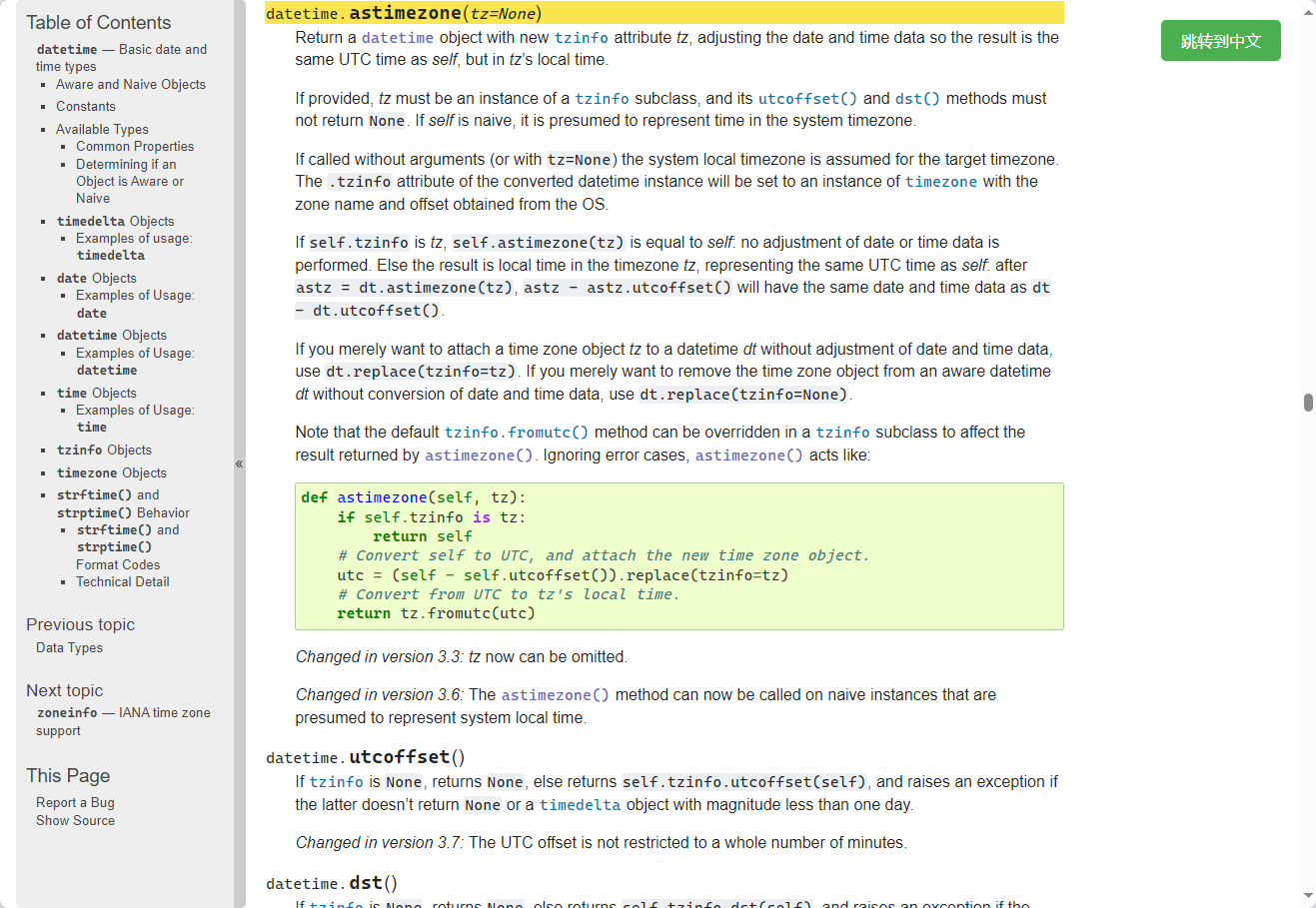
有的文档中文没有英文详细,所以没有做全自动跳转的,要做的话还更简单,现在这样添加一个按钮反而还比较麻烦。
脚本内容分享在下面,这里面用到正则的这个部分我个人还是不太满意,可能还有更好的写法。
另外的话,设置 CSS 的部分我之前也是一窍不通,是问了 AI 这么设置的。感觉这样设置不是很优雅,不过将就能用,就这样吧。
// ==UserScript==
// @name         zh link of pydocs
// @namespace    http://tampermonkey.net/
// @version      2024-09-04
// @description  try to take over the world!
// @author       You
// @match        https://docs.python.org/*/library/*
// @icon         https://www.google.com/s2/favicons?sz=64&domain=python.org
// @grant        none
// ==/UserScript==

(function () {
    'use strict';
    const match = /https?:\/\/docs\.python\.org\/([a-z\-]+\/)?3\.?\d?\/library.+/
    let url = window.location.href
    const matchResult = url.match(match);
    if (!matchResult) return
    if (matchResult[1]==='zh-cn/')return;

    if (matchResult[1]) {
        url = url.replace(matchResult[1], 'zh-cn/') }
    else{
        url = url.replace('.org/', '.org/zh-cn/')
    }

    const button = document.createElement('button');
    button.textContent = '跳转到中文';
    button.id = 'fixedButton';
    button.style.position = 'fixed';
    button.style.top = '20px';
    button.style.right = '20px';
    button.style.padding = '10px 20px';
    button.style.fontSize = '16px';
    button.style.backgroundColor = '#4CAF50';
    button.style.color = 'white';
    button.style.border = 'none';
    button.style.borderRadius = '5px';
    button.style.cursor = 'pointer';
    button.style.zIndex = '1000';
    button.onclick = () => {window.location.href=url};
    document.body.appendChild(button);
})();
posted on 2024-09-04 17:03 HydrogenDeuterium 阅读(26) 评论(0) 收藏 举报

 浙公网安备 33010602011771号