
nuxt之vuex的使用
先来了解一下官网:https://www.nuxtjs.cn/guide/vuex-store
一、首先在 store 文件下新建一个index.js文件
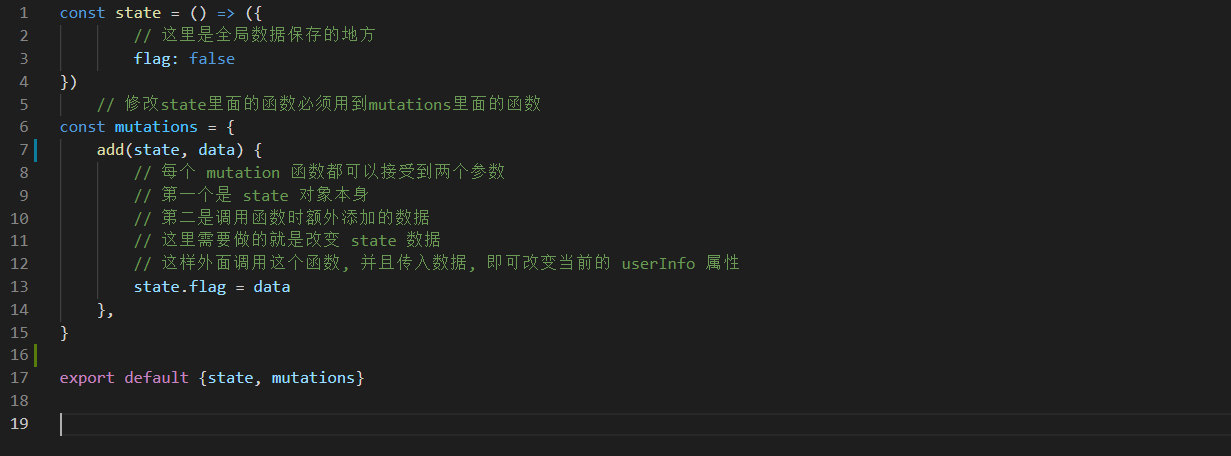
const state = () => ({
    flag: false
})
const mutations = {
    add(state, data) {
        state.flag = data
    },
}
export default {state, mutations}
二、在页面中调用store里的方法
<p class="sea_school font14" @click="go_sc"> 收藏</p>
 go_sc(){
     var token = localStorage.getItem('token')
     if(token){
           this.getSc()
           this.sc = !this.sc
    }else{
       //去登录_________先去登录才能收藏
       this.$message({
           message: "请先登录",
           type: 'error',
       })
    // 本次使用vuex是为了改变登录弹框 flag的值,当点击收藏按钮,未登录时重定向到登录页面
       this.$store.commit('add', true)
   }
},
三、页面中使用 state中的 flag 值
    <!-- 登录弹框 -->
    <div class="mask" v-show="flag">
        //....登录弹框的内容省略
    </div>
_________________________________________________
<script>
import {mapState} from 'vuex
export defauilt {
    computed:{
    ...mapState(['flag'])
  },
}

</script>
好啦,大功告成!!

 浙公网安备 33010602011771号