
vs code
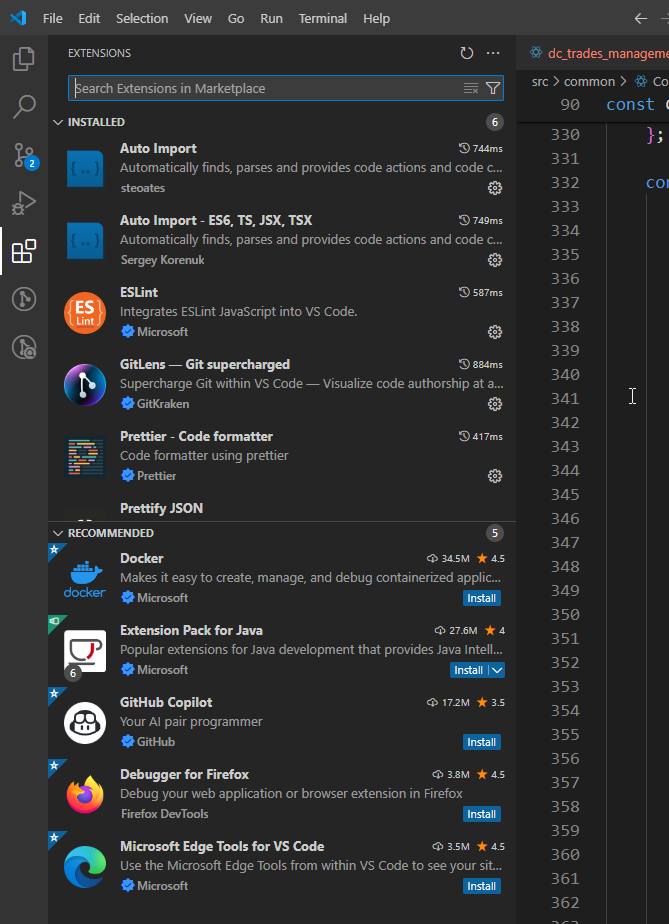
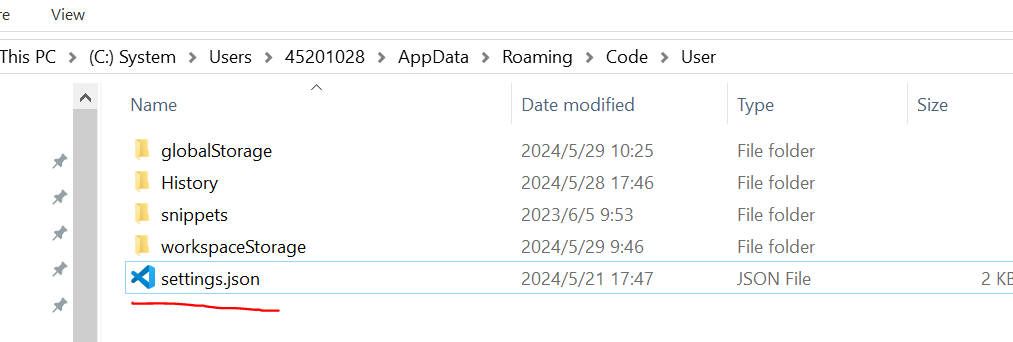
setting.json
实际所需目录为自己本地目录
{
  "javascript.updateImportsOnFileMove.enabled": "always",
  "terminal.integrated.shell.windows": "C:\\Program Files\\Git-2.39.1\\git-cmd.exe",
  "terminal.external.windowsExec": "C:\\Program Files\\Git-2.39.1\\git-cmd.exe",
  "git.path": "C:\\Program Files\\Git-2.39.1\\cmd\\git.exe",
  "git.confirmSync": false,
  "git.autofetch": true,
  "editor.fontSize": 18,
  "editor.tabSize": 2,
  "diffEditor.ignoreTrimWhitespace": false,
  "debug.allowBreakpointsEverywhere": true,
  "eslint.enable": true,
  "eslint.run": "onType",
  "eslint.options": {
    "extensions": [".js", ".vue", ".jsx", ".tsx"]
  },
  "typescript.validate.enable": false,
  "javascript.validate.enable": false,
  "editor.codeActionsOnSave": {
    "source.fixAll.eslint": true
  },
  "editor.fontLigatures": false,
  "diffEditor.wordWrap": "on",
  "editor.formatOnSave": true,
  "[typescriptreact]": {
    "editor.defaultFormatter": "esbenp.prettier-vscode"
  },
  "[typescript]": {
    "editor.defaultFormatter": "esbenp.prettier-vscode"
  },
  "[javascript]": {
    "editor.defaultFormatter": "esbenp.prettier-vscode"
  },
  "typescript.updateImportsOnFileMove.enabled": "always",
  "[html]": {
    "editor.defaultFormatter": "esbenp.prettier-vscode"
  },
  "auto-rename-tag.activationOnLanguage": ["*"],
  "eslint.format.enable": true,
}

 浙公网安备 33010602011771号