

KALI LINUX 工具大全之信息收集 --- hping (高级ping)
类似ping的工具第三方高级版。现在已经不在维护了官网。截图是历史页面
参考链接:https://directory.fsf.org/wiki/Hping3
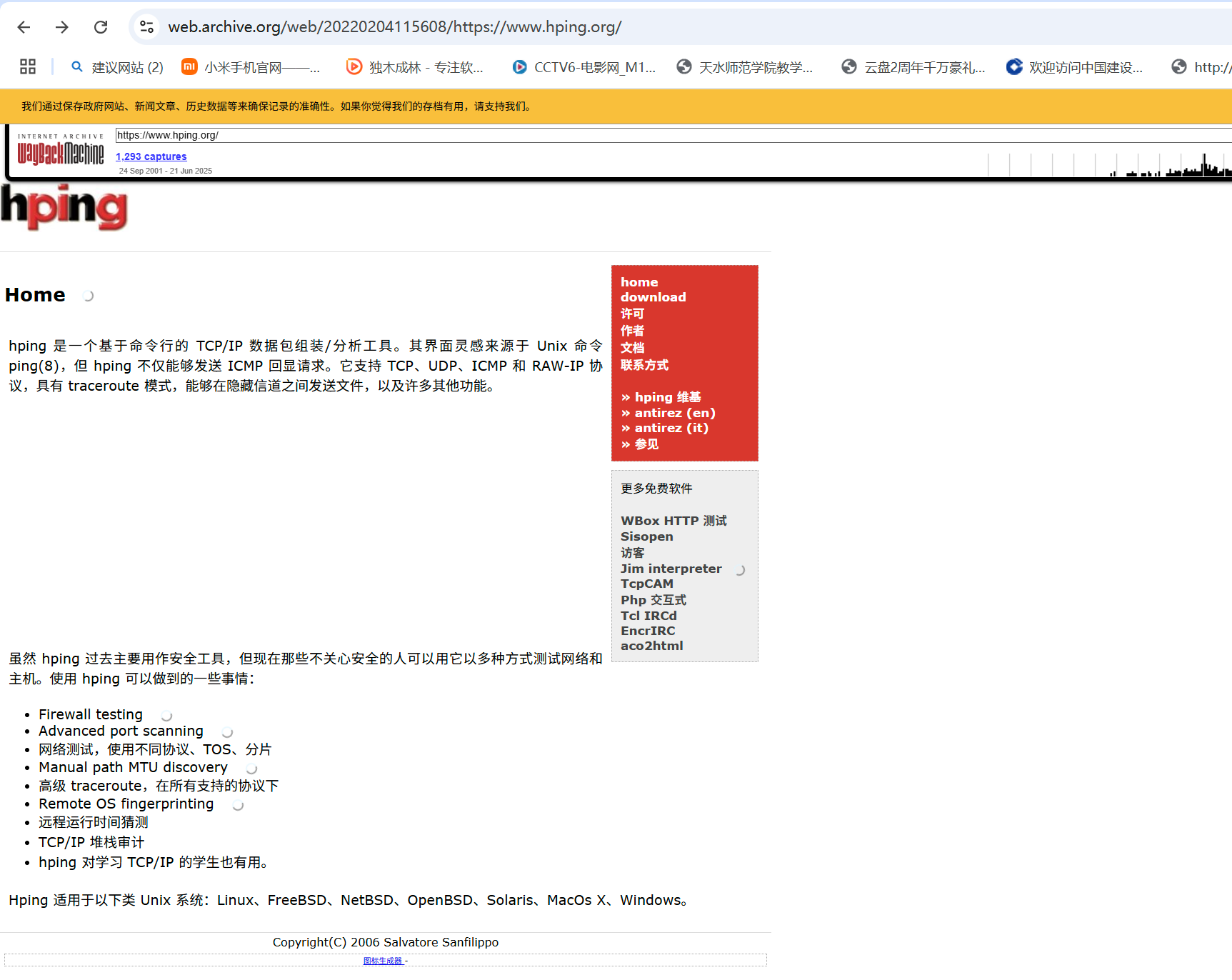
hping是面向命令行的TCP / IP数据包汇编器/分析器。该接口的灵感来自ping(8)unix命令,但是hping不仅能够发送ICMP回显请求。它支持TCP,UDP,ICMP和RAW-IP协议,具有跟踪路由模式,在覆盖通道之间发送文件的功能以及许多其他功能。
尽管过去通常将hping用作安全工具,但不关心安全性以测试网络和主机的人们可以将其以多种方式使用。您可以使用hping进行的部分操作:
- 防火墙测试
- 高级端口扫描
- 网络测试,使用不同的协议,TOS,分段
- 手动路径MTU发现
- 在所有受支持的协议下的高级跟踪路由
- 远程操作系统指纹
- 远程正常运行时间猜测
- TCP / IP堆栈审核
- 对于学习TCP / IP的学生来说,hping也可能很有用。
来源:http://www.hping.org/
hping3首页 | Kali hping3回购
- 作者:Salvatore Sanfilippo
- 许可证:GPLv2
hping3 – Active Network Smashing Tool
usage: hping3 host [options]
-h --help show this help
-v --version show version
-c --count packet count
-i --interval wait (uX for X microseconds, for example -i u1000)
--fast alias for -i u10000 (10 packets for second)
--faster alias for -i u1000 (100 packets for second)
--flood sent packets as fast as possible. Don't show replies.
-n --numeric numeric output
-q --quiet quiet
-I --interface interface name (otherwise default routing interface)
-V --verbose verbose mode
-D --debug debugging info
-z --bind bind ctrl+z to ttl (default to dst port)
-Z --unbind unbind ctrl+z
--beep beep for every matching packet received
Mode
default mode TCP
-0 --rawip RAW IP mode
-1 --icmp ICMP mode
-2 --udp UDP mode
-8 --scan SCAN mode.
Example: hping --scan 1-30,70-90 -S www.target.host
-9 --listen listen mode
IP
-a --spoof spoof source address
--rand-dest random destionation address mode. see the man.
--rand-source random source address mode. see the man.
-t --ttl ttl (default 64)
-N --id id (default random)
-W --winid use win* id byte ordering
-r --rel relativize id field (to estimate host traffic)
-f --frag split packets in more frag. (may pass weak acl)
-x --morefrag set more fragments flag
-y --dontfrag set don't fragment flag
-g --fragoff set the fragment offset
-m --mtu set virtual mtu, implies --frag if packet size > mtu
-o --tos type of service (default 0x00), try --tos help
-G --rroute includes RECORD_ROUTE option and display the route buffer
--lsrr loose source routing and record route
--ssrr strict source routing and record route
-H --ipproto set the IP protocol field, only in RAW IP mode
ICMP
-C --icmptype icmp type (default echo request)
-K --icmpcode icmp code (default 0)
--force-icmp send all icmp types (default send only supported types)
--icmp-gw set gateway address for ICMP redirect (default 0.0.0.0)
--icmp-ts Alias for --icmp --icmptype 13 (ICMP timestamp)
--icmp-addr Alias for --icmp --icmptype 17 (ICMP address subnet mask)
--icmp-help display help for others icmp options
UDP/TCP
-s --baseport base source port (default random)
-p --destport [+][+]<port> destination port(default 0) ctrl+z inc/dec
-k --keep keep still source port
-w --win winsize (default 64)
-O --tcpoff set fake tcp data offset (instead of tcphdrlen / 4)
-Q --seqnum shows only tcp sequence number
-b --badcksum (try to) send packets with a bad IP checksum
many systems will fix the IP checksum sending the packet
so you'll get bad UDP/TCP checksum instead.
-M --setseq set TCP sequence number
-L --setack set TCP ack
-F --fin set FIN flag
-S --syn set SYN flag
-R --rst set RST flag
-P --push set PUSH flag
-A --ack set ACK flag
-U --urg set URG flag
-X --xmas set X unused flag (0x40)
-Y --ymas set Y unused flag (0x80)
--tcpexitcode use last tcp->th_flags as exit code
--tcp-mss enable the TCP MSS option with the given value
--tcp-timestamp enable the TCP timestamp option to guess the HZ/uptime
Common
-d --data data size (default is 0)
-E --file data from file
-e --sign add 'signature'
-j --dump dump packets in hex
-J --print dump printable characters
-B --safe enable 'safe' protocol
-u --end tell you when --file reached EOF and prevent rewind
-T --traceroute traceroute mode (implies --bind and --ttl 1)
--tr-stop Exit when receive the first not ICMP in traceroute mode
--tr-keep-ttl Keep the source TTL fixed, useful to monitor just one hop
--tr-no-rtt Don't calculate/show RTT information in traceroute mode
ARS packet description (new, unstable)
--apd-send Send the packet described with APD (see docs/APD.txt)
hping3 Usage Example
Use traceroute mode (–traceroute), be verbose (-V) in ICMP mode (-1) against the target (www.example.com):
using eth0, addr: 192.168.1.15, MTU: 1500
HPING www.example.com (eth0 93.184.216.119): icmp mode set, 28 headers + 0 data bytes
hop=1 TTL 0 during transit from ip=192.168.1.1 name=UNKNOWN
hop=1 hoprtt=0.3 ms
hop=2 TTL 0 during transit from ip=192.168.0.1 name=UNKNOWN
hop=2 hoprtt=3.3 ms
Executing “sudo hping3 -h”
[sudo] password for kali:
Sorry, try again.
[sudo] password for kali:
Sorry, try again.
[sudo] password for kali:
usage: hping3 host [options]
-h --help show this help
-v --version show version
-c --count packet count
-i --interval wait (uX for X microseconds, for example -i u1000)
--fast alias for -i u10000 (10 packets for second)
--faster alias for -i u1000 (100 packets for second)
--flood sent packets as fast as possible. Don't show replies.
-n --numeric numeric output
-q --quiet quiet
-I --interface interface name (otherwise default routing interface)
-V --verbose verbose mode
-D --debug debugging info
-z --bind bind ctrl+z to ttl (default to dst port)
-Z --unbind unbind ctrl+z
--beep beep for every matching packet received
Mode
default mode TCP
-0 --rawip RAW IP mode
-1 --icmp ICMP mode
-2 --udp UDP mode
-8 --scan SCAN mode.
Example: hping --scan 1-30,70-90 -S www.target.host
-9 --listen listen mode
IP
-a --spoof spoof source address
--rand-dest random destionation address mode. see the man.
--rand-source random source address mode. see the man.
-t --ttl ttl (default 64)
-N --id id (default random)
-W --winid use win* id byte ordering
-r --rel relativize id field (to estimate host traffic)
-f --frag split packets in more frag. (may pass weak acl)
-x --morefrag set more fragments flag
-y --dontfrag set don't fragment flag
-g --fragoff set the fragment offset
-m --mtu set virtual mtu, implies --frag if packet size > mtu
-o --tos type of service (default 0x00), try --tos help
-G --rroute includes RECORD_ROUTE option and display the route buffer
--lsrr loose source routing and record route
--ssrr strict source routing and record route
-H --ipproto set the IP protocol field, only in RAW IP mode
ICMP
-C --icmptype icmp type (default echo request)
-K --icmpcode icmp code (default 0)
--force-icmp send all icmp types (default send only supported types)
--icmp-gw set gateway address for ICMP redirect (default 0.0.0.0)
--icmp-ts Alias for --icmp --icmptype 13 (ICMP timestamp)
--icmp-addr Alias for --icmp --icmptype 17 (ICMP address subnet mask)
--icmp-help display help for others icmp options
UDP/TCP
-s --baseport base source port (default random)
-p --destport [+][+]<port> destination port(default 0) ctrl+z inc/dec
-k --keep keep still source port
-w --win winsize (default 64)
-O --tcpoff set fake tcp data offset (instead of tcphdrlen / 4)
-Q --seqnum shows only tcp sequence number
-b --badcksum (try to) send packets with a bad IP checksum
many systems will fix the IP checksum sending the packet
so you'll get bad UDP/TCP checksum instead.
-M --setseq set TCP sequence number
-L --setack set TCP ack
-F --fin set FIN flag
-S --syn set SYN flag
-R --rst set RST flag
-P --push set PUSH flag
-A --ack set ACK flag
-U --urg set URG flag
-X --xmas set X unused flag (0x40)
-Y --ymas set Y unused flag (0x80)
--tcpexitcode use last tcp->th_flags as exit code
--tcp-mss enable the TCP MSS option with the given value
--tcp-timestamp enable the TCP timestamp option to guess the HZ/uptime
Common
-d --data data size (default is 0)
-E --file data from file
-e --sign add 'signature'
-j --dump dump packets in hex
-J --print dump printable characters
-B --safe enable 'safe' protocol
-u --end tell you when --file reached EOF and prevent rewind
-T --traceroute traceroute mode (implies --bind and --ttl 1)
--tr-stop Exit when receive the first not ICMP in traceroute mode
--tr-keep-ttl Keep the source TTL fixed, useful to monitor just one hop
--tr-no-rtt Don't calculate/show RTT information in traceroute mode
ARS packet description (new, unstable)
--apd-send Send the packet described with APD (see docs/APD.txt)
kali@kali:~$

 浙公网安备 33010602011771号