
1.Spring开发环境搭建——intellj
1.在intellj中新建项目,选择JDK版本(1.8版本)

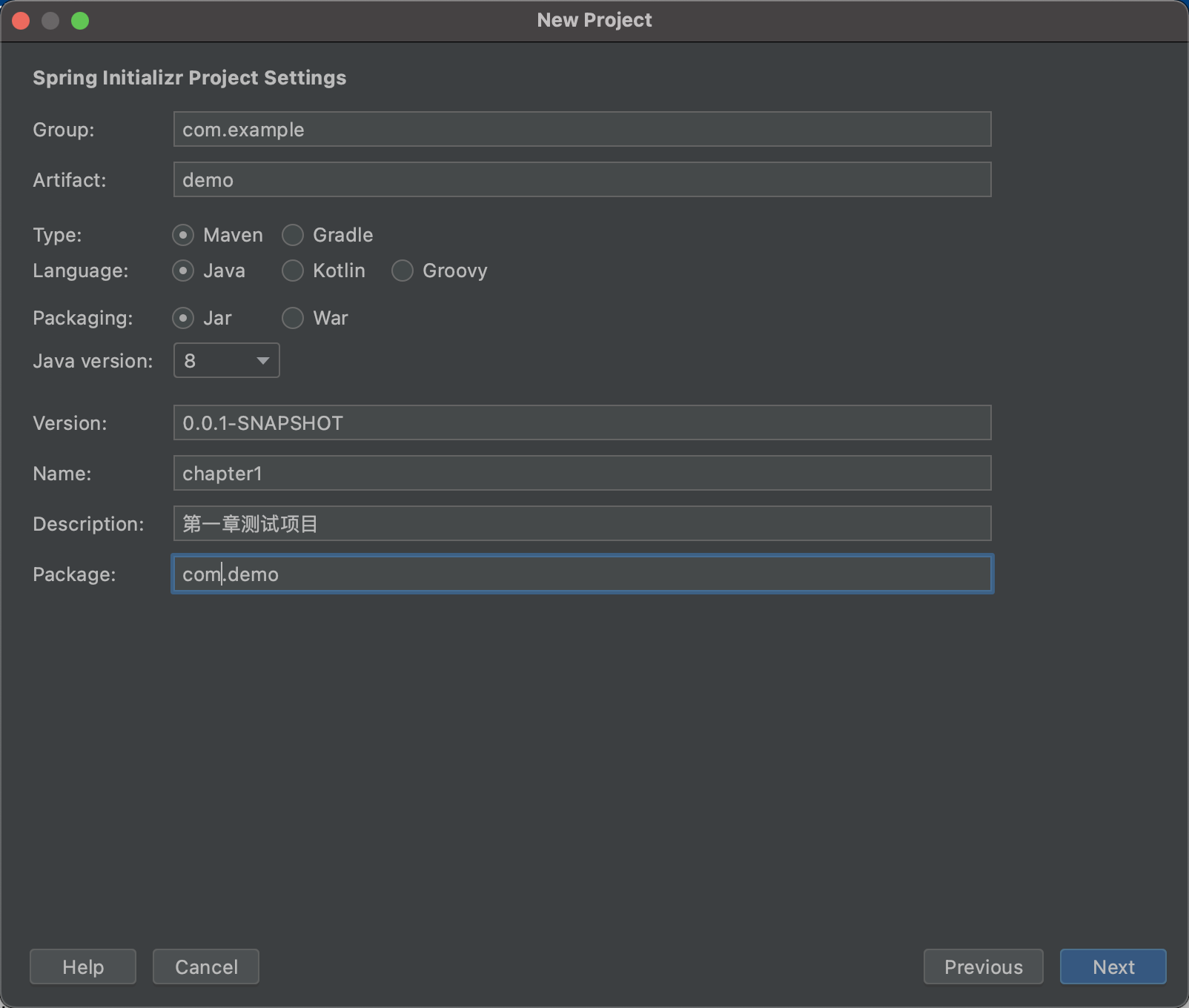
2.选择相关信息填写,注意Java版本要和上面步骤选择的版本一致。
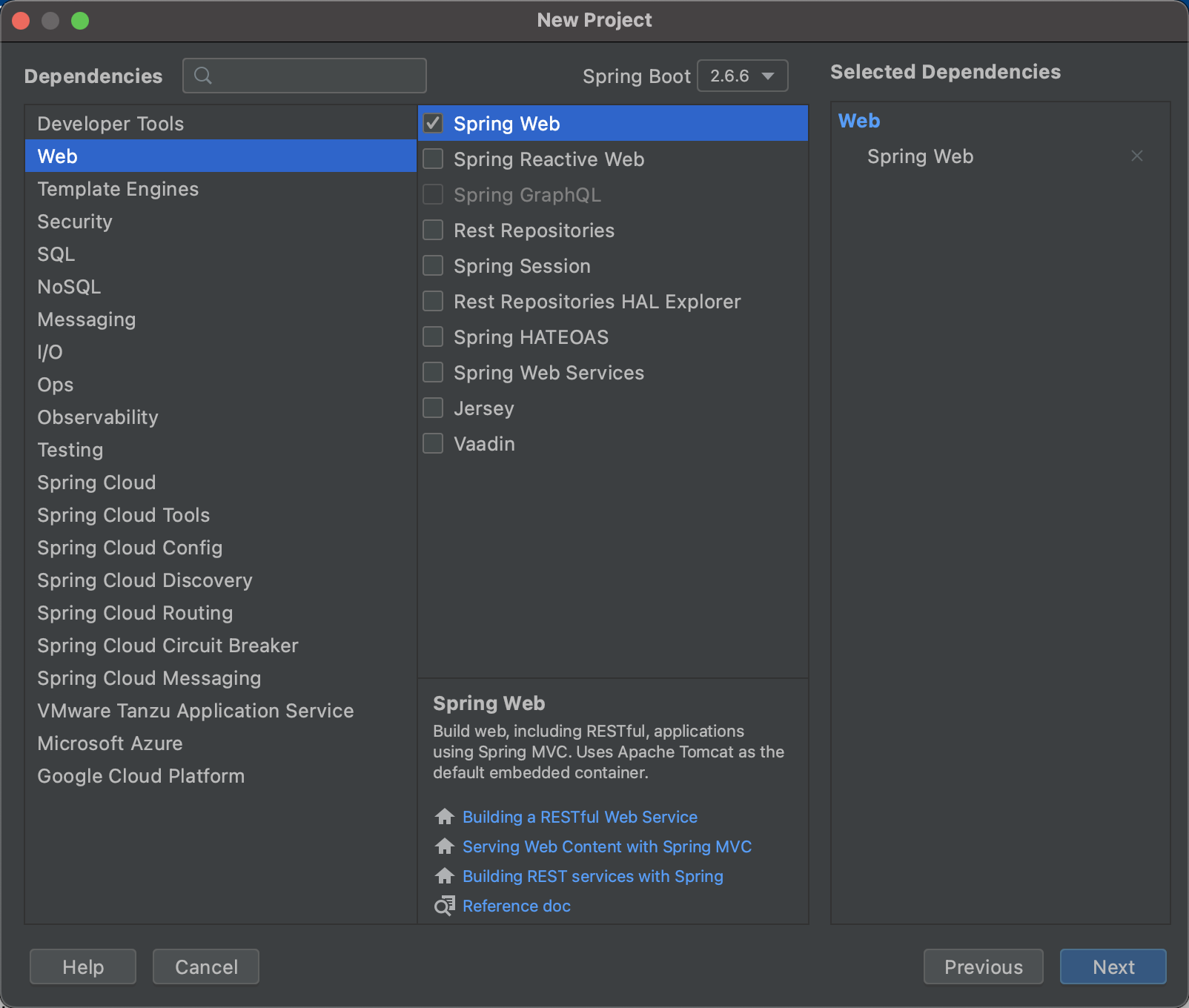
3.选择springBoot版本,勾选Spring Web选项。
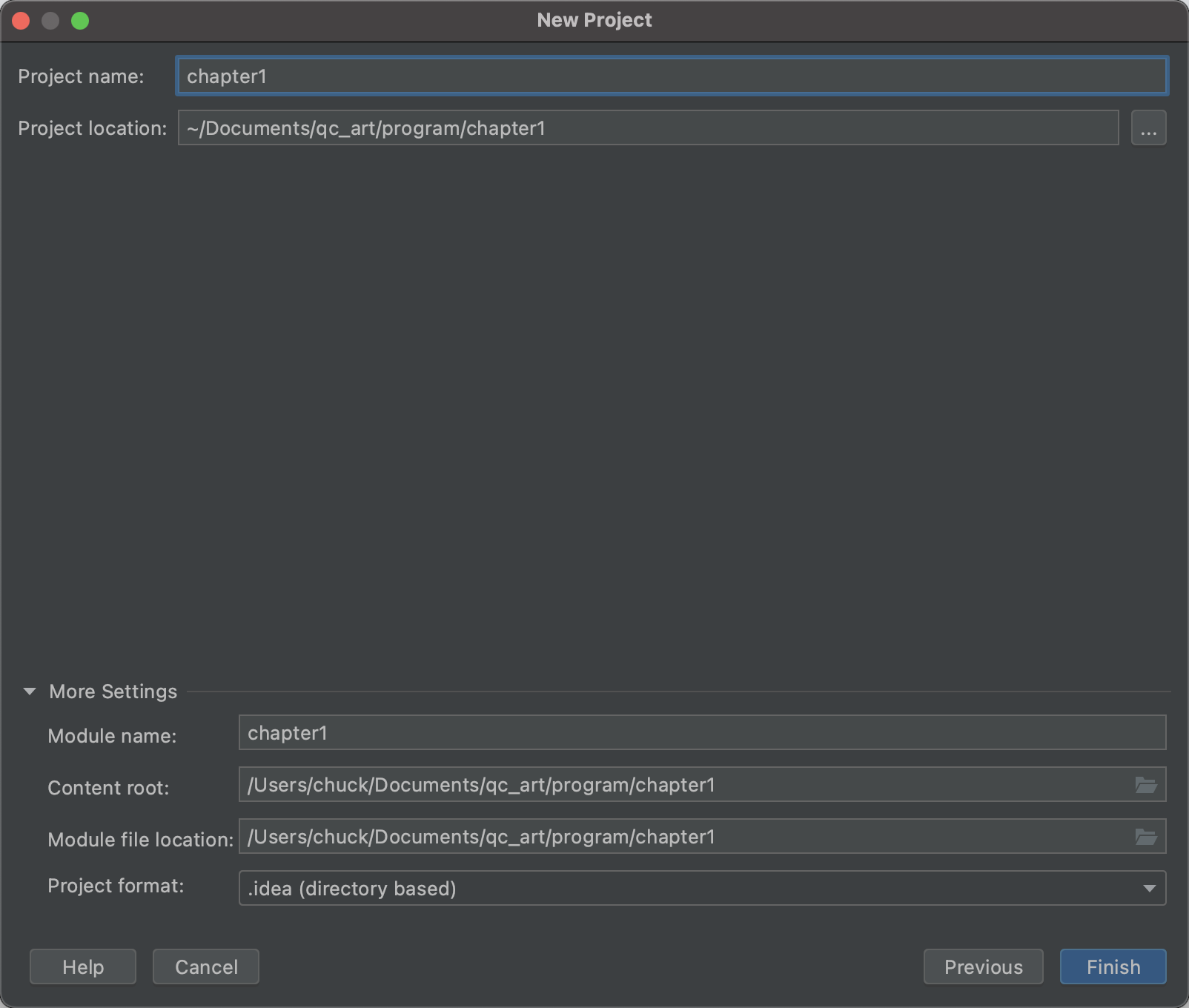
4.填写项目相关信息
5.点击Finish
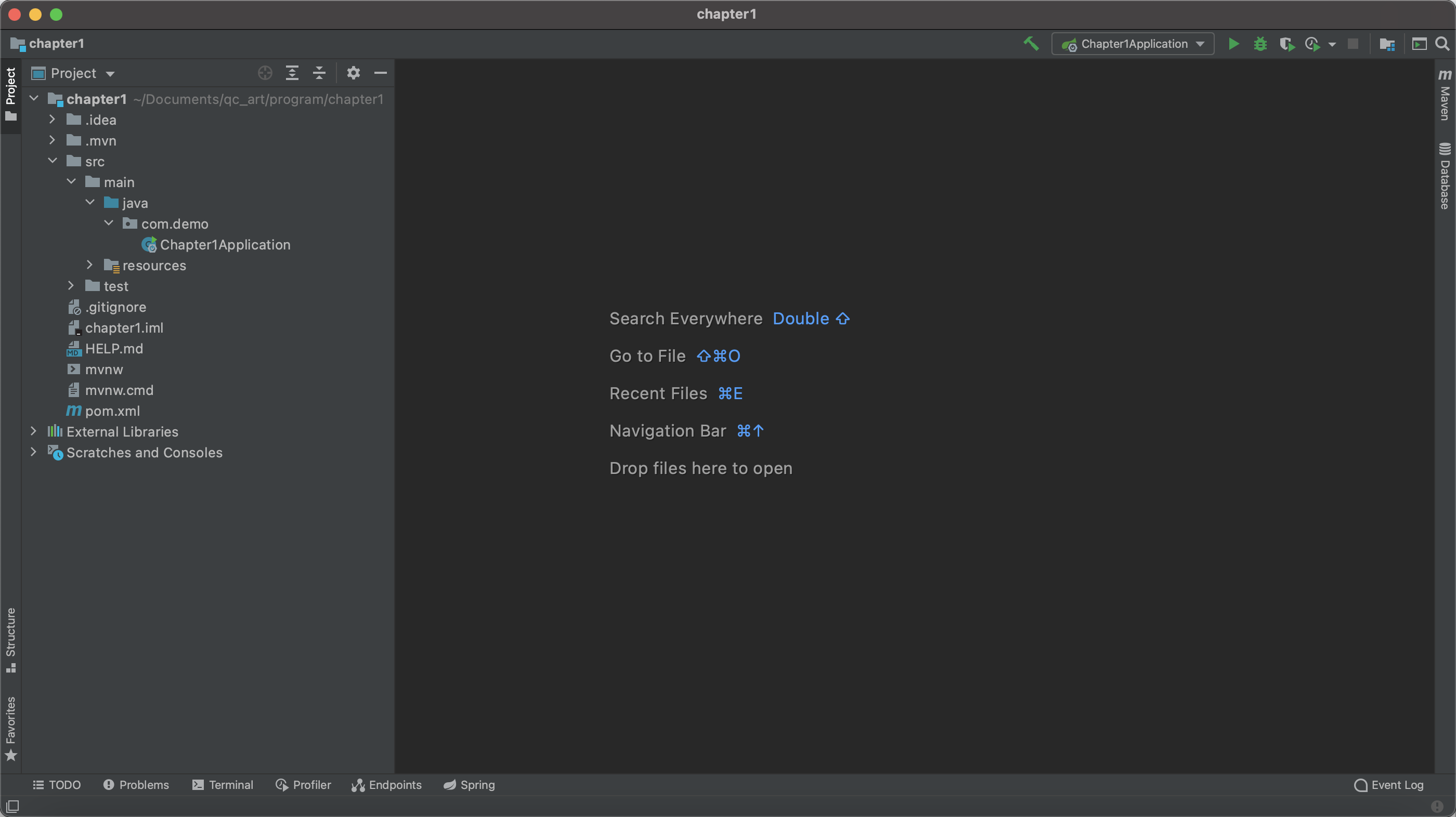
6.增加Contoller
@SpringBootApplication
@RestController
public class Chapter1Application {
    @RequestMapping("/")
    public String hello(){
        return "hello Springboot";
    }

    public static void main(String[] args) {
        SpringApplication.run(Chapter1Application.class, args);
    }

}
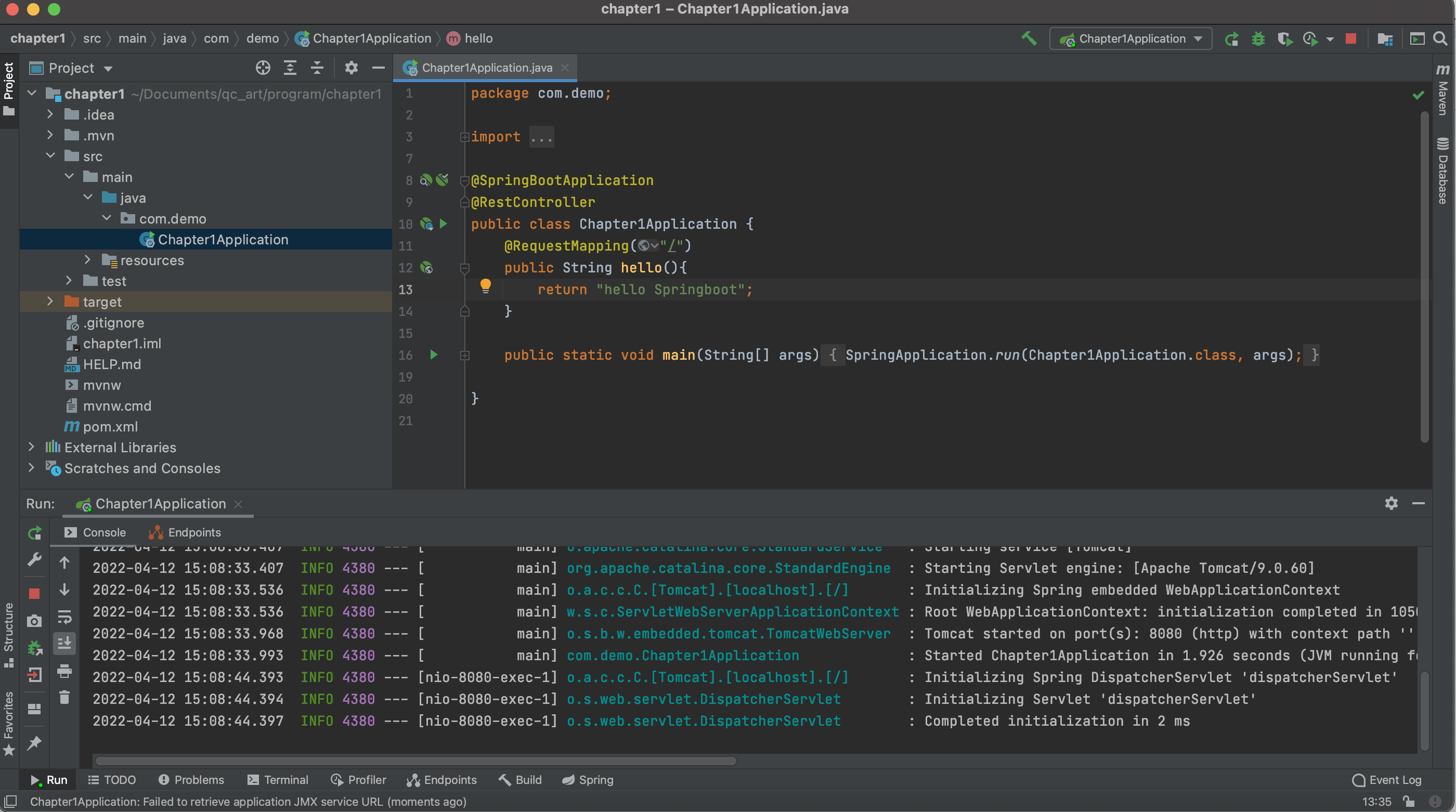
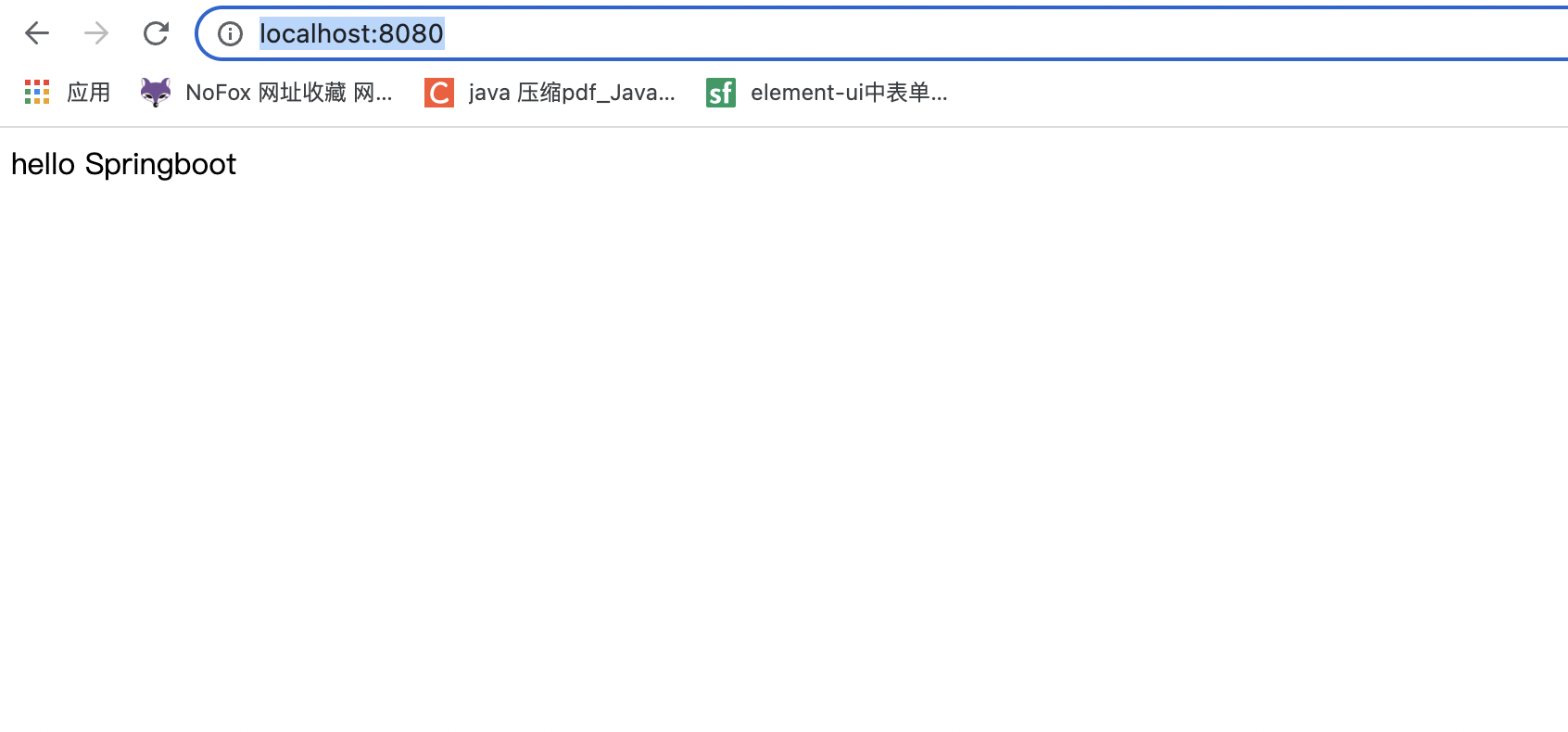
7.运行项目,在浏览器中输入 http://localhost:8080/ 项目运行成功

 浙公网安备 33010602011771号