


微信小程序种子项目之tabBar配置
前言
这里就不啰嗦了,因为微信官方文档给出了很详细的说明,本文为了方便直接贴出代码供快速复制
在项目根目录下的app.json文件中添加tabBar的json配置项,代码如下
{
  "pages": [
    "pages/home/index",
    "pages/video/index"
  ],
  "window": {
    "backgroundTextStyle": "light",
    "navigationBarBackgroundColor": "#fff",
    "navigationBarTitleText": "LYMusc",
    "navigationBarTextStyle": "black"
  },
  "tabBar": {
    "list": [{
      "pagePath": "pages/home/index",
      "text": "首页",
      "iconPath": "/assets/images/tabbar/music_normal.png",
      "selectedIconPath": "/assets/images/tabbar/music_active.png"
    },
    {
      "pagePath": "pages/video/index",
      "text": "视频",
      "iconPath": "/assets/images/tabbar/video_normal.png",
      "selectedIconPath": "/assets/images/tabbar/video_active.png"
    }]
  },
  "style": "v2",
  "sitemapLocation": "sitemap.json",
  "lazyCodeLoading": "requiredComponents"
}
效果产出
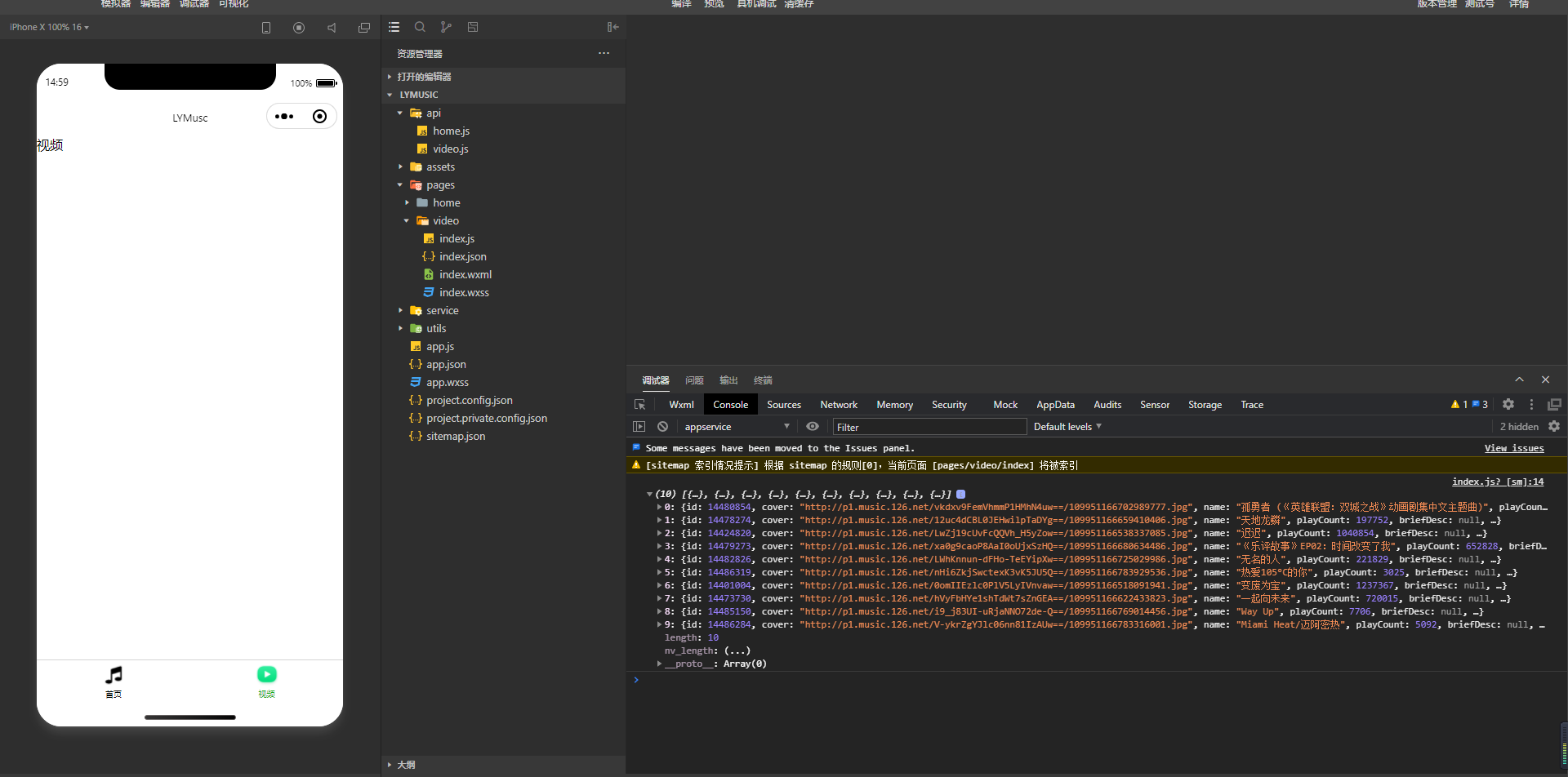
Tip:tabBar是一个对象,对象下有一些对于字体颜色、大小等的基础默认参数,list中是对于每一个tabBarItem项的路径、标题、图标以及选中后的图标的配置,且list至少要有2项,否则小程序回报错。
本文来自博客园,作者:杨凌云的博客,转载请注明原文链接:https://www.cnblogs.com/leacloud/articles/15730584.html

 浙公网安备 33010602011771号