VSCode 配置 QT
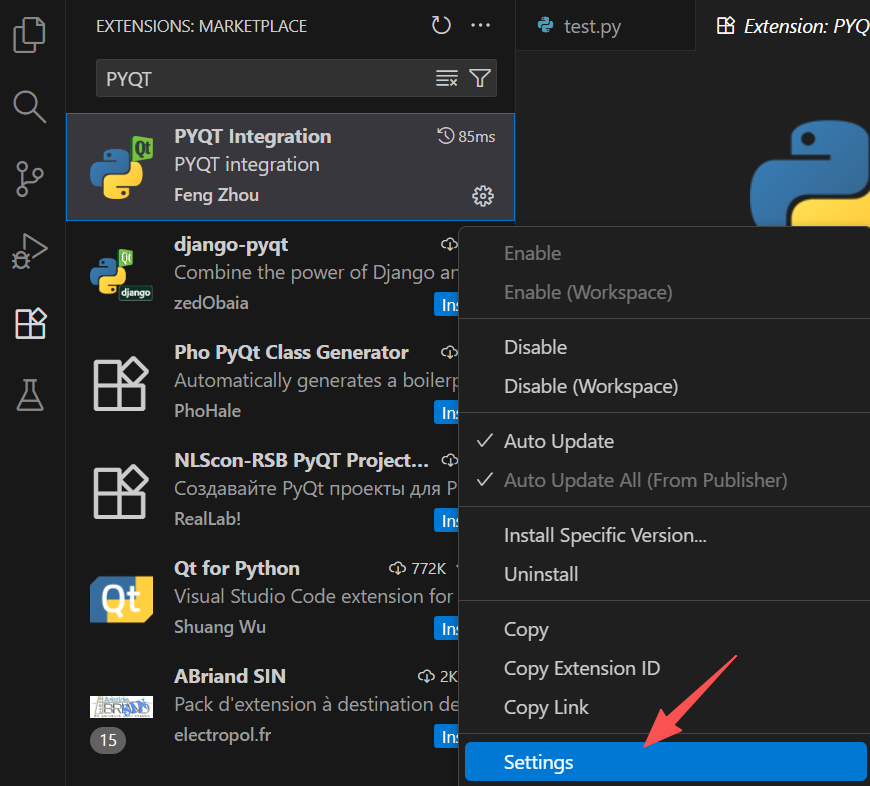
安装插件 PYQT Integration:

配置插件:
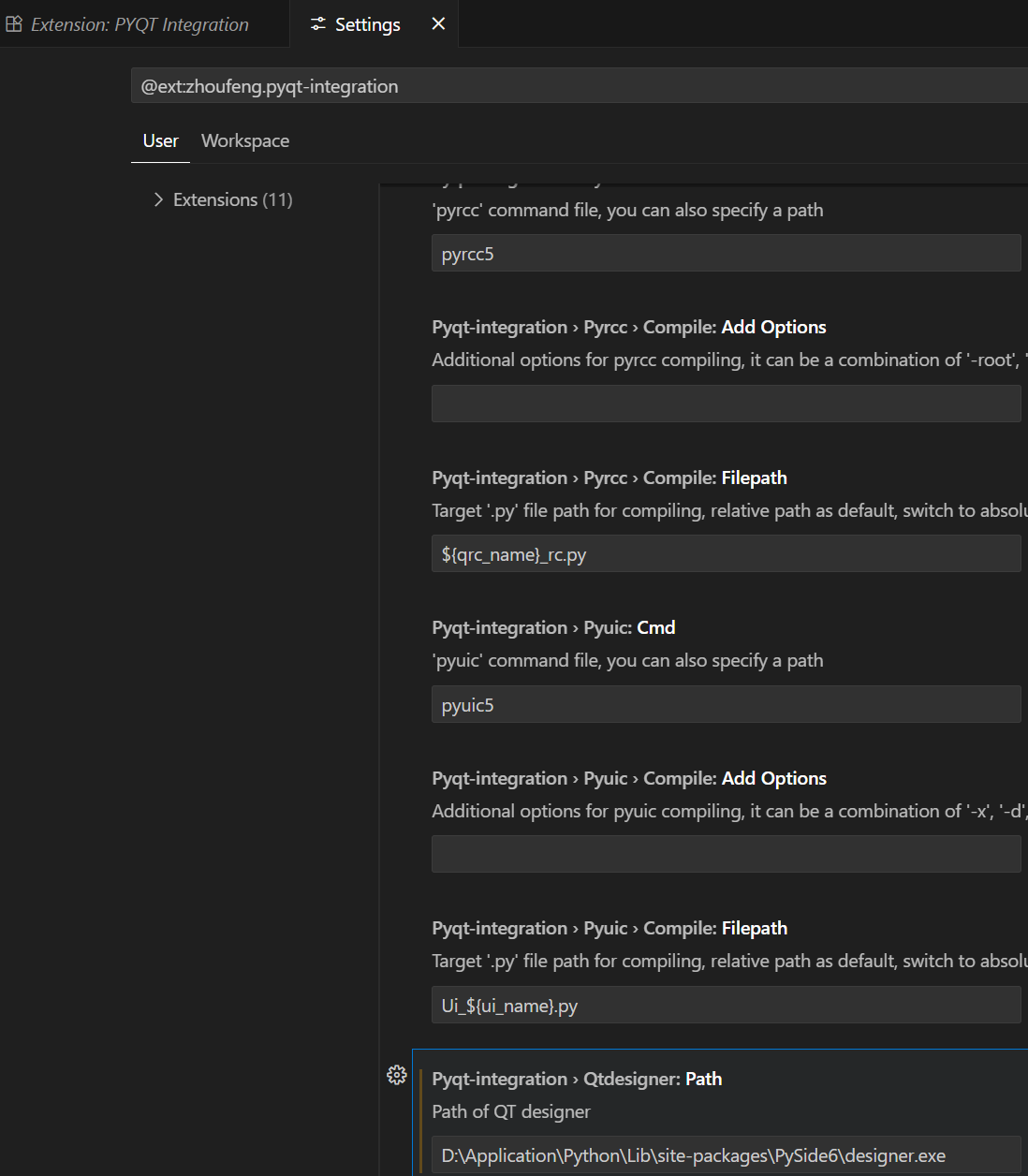
配置 designer.exe 的路径:D:\Application\Python\Lib\site-packages\PySide6\designer.exe
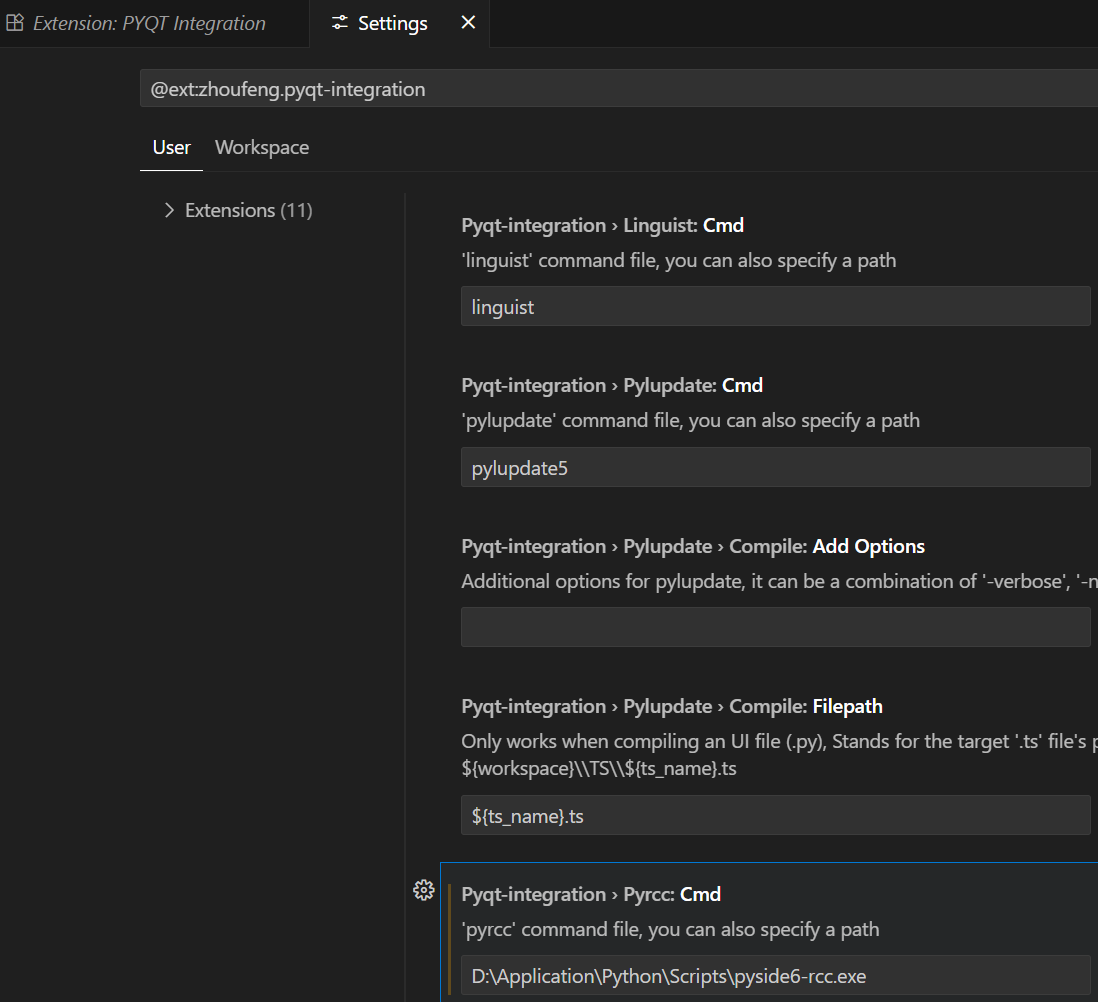
配置 pyside6-rcc.exe 的路径:D:\Application\Python\Scripts\pyside6-rcc.exe
配置 pyside6-uic.exe 的路径:D:\Application\Python\Scripts\pyside6-uic.exe
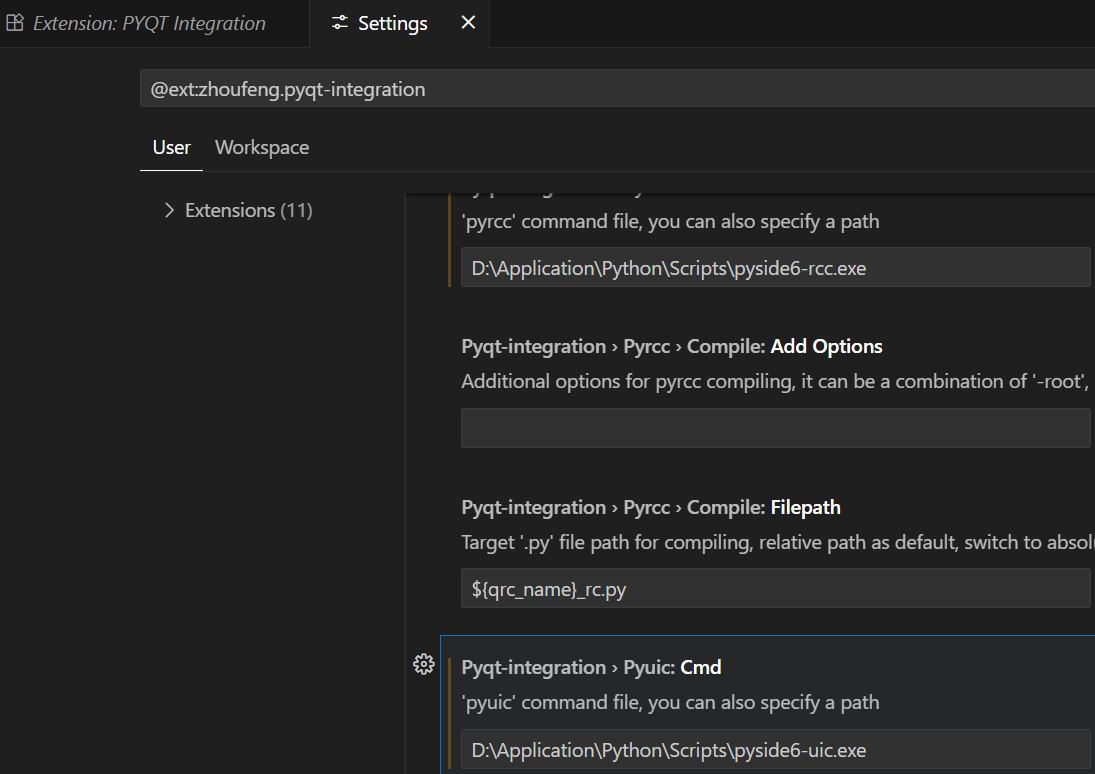
designer 是为了打开 Qt 编辑器的,uic 是为了将 ui 文件转为 python 代码的,也就是将 .ui 文件转换为 .py 文件
检查是否配置成功:
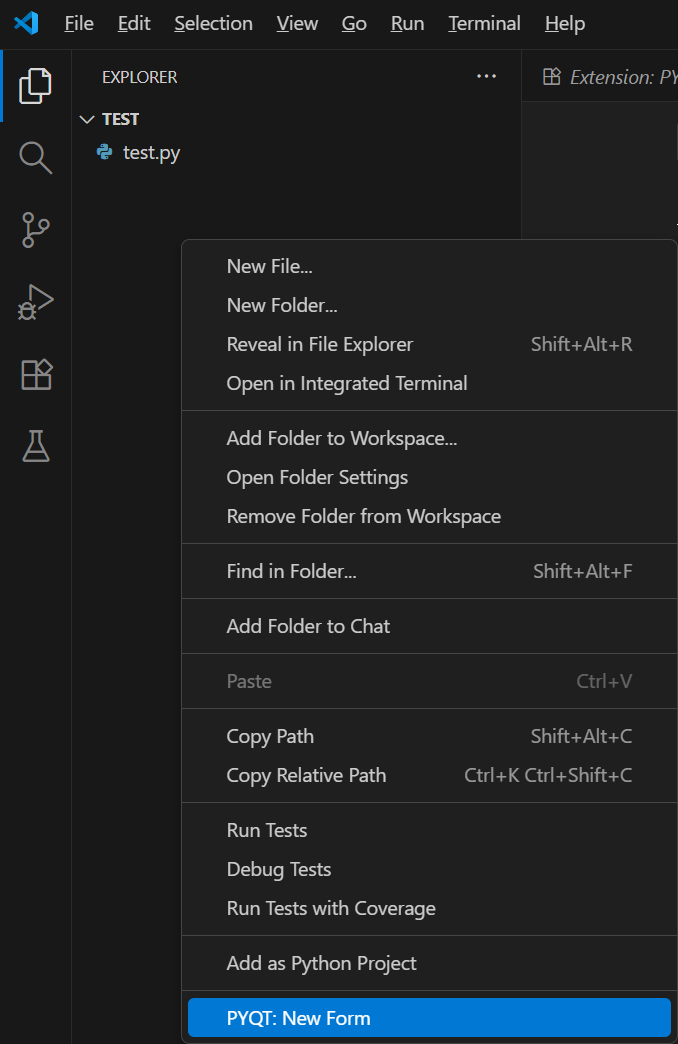
在工程目录下空白处右键,点击 new form:
可以出现 designer 窗口:
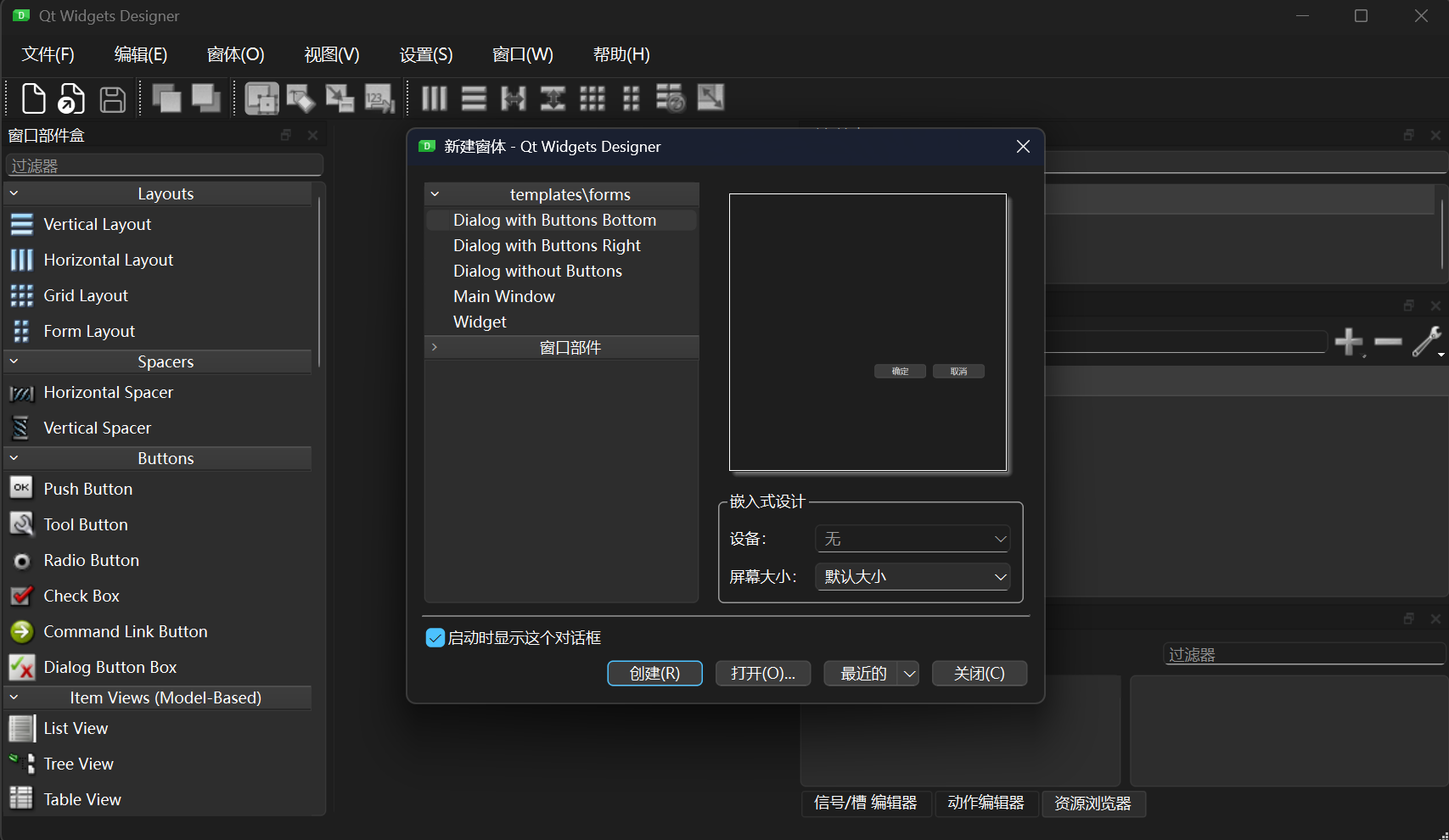
这就说明配置成功了。

 浙公网安备 33010602011771号